
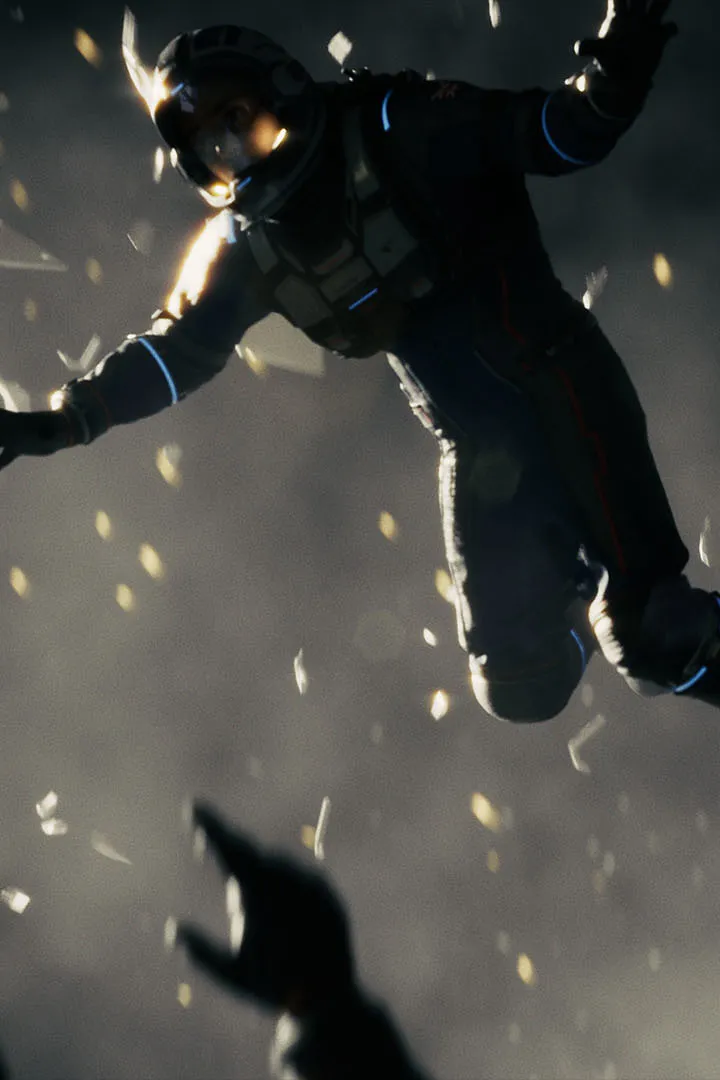
Master the PC keyboard and mouse controls for Directive 8020. Learn essential commands for movement, interaction, and combat to survive the horrors of the Cassiopeia.
Directive 8020 features a range of PC keyboard and mouse controls designed for an immersive survival horror experience. Understanding these controls is crucial for navigating the treacherous environments, interacting with objects, and defending yourself against the alien organism.
| Action | Key |
|---|---|
| Move Forward | W |
| Move Backward | S |
| Move Left | A |
| Move Right | D |
| Jump | Spacebar |
| Crouch | Ctrl |
| Sprint | Shift |
| Interact | E |
| Use Item | Q |
| Primary Attack | Left Mouse Button |
| Secondary Attack / Aim | Right Mouse Button |
| Reload | R |
| Weapon Swap | 1, 2, 3 |
| Inventory | Tab |
| Map | M |
| Journal / Objectives | J |
| Pause Menu | Esc |
These controls are standard for many PC games, allowing for intuitive gameplay. Pay close attention to on-screen prompts for context-sensitive actions, as they may vary depending on the situation.
100% Human-Written. AI Fact-Checked. Community Verified. Learn how AntMag verifies content