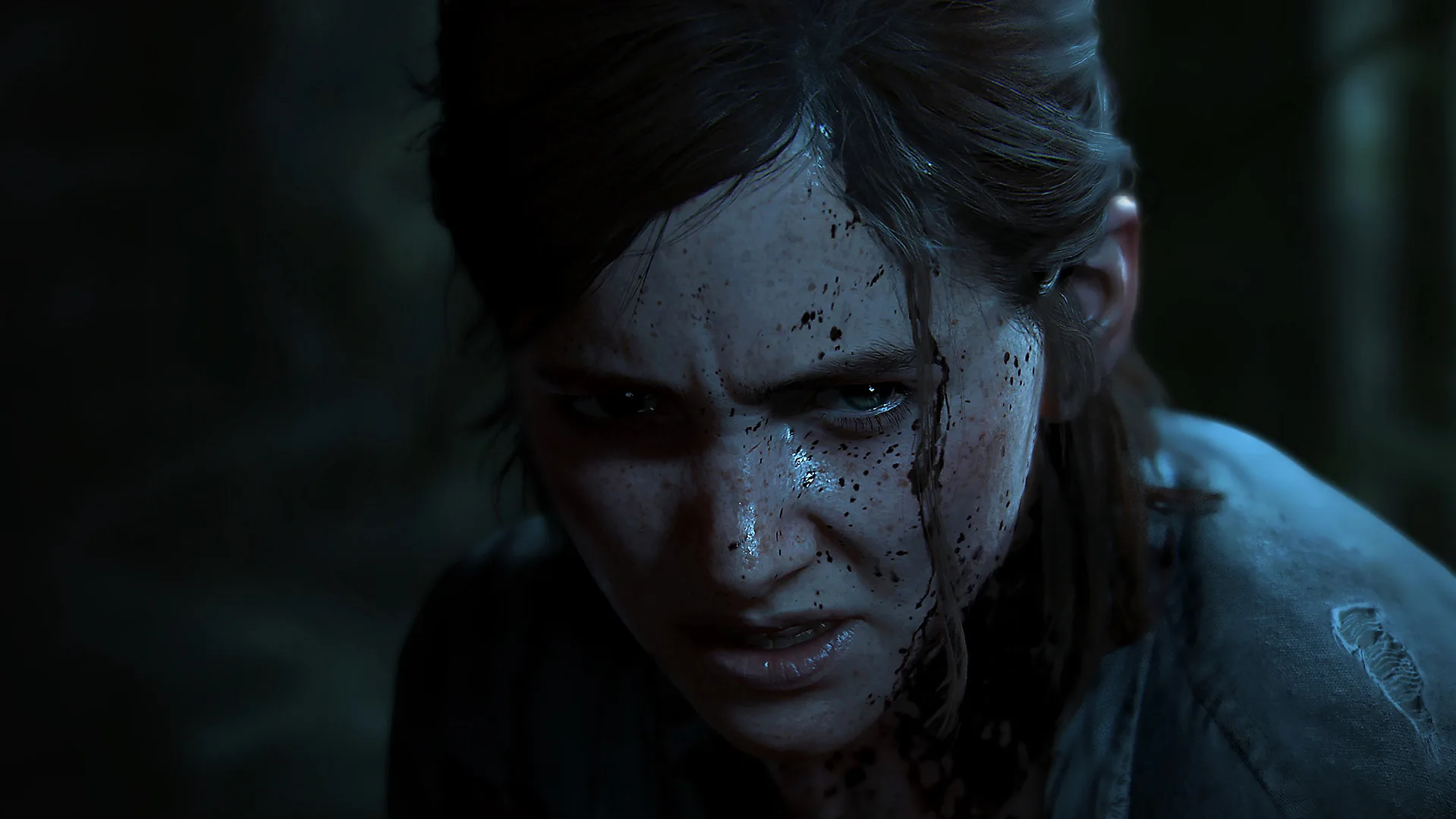

Navigate The Last of Us Part II with confidence! Discover how to best utilize the game's extensive accessibility options to enhance your gameplay experience and overcome any challenge.
Hey there! So, you're diving into The Last of Us Part II and want to make sure you're set up for the best possible experience? That's awesome! This game is incredible, but it can also be pretty intense. Thankfully, Naughty Dog put a ton of work into making it accessible for everyone. This guide isn't going to walk you through every single button press for every option, because honestly, the best way to learn is to play around with them yourself. Instead, I'll give you the lowdown on what's available and why you might want to tweak certain settings.
Think of this as a friendly chat about how to tailor the game to *you*. We'll cover the main categories of options so you can jump into the settings menu feeling prepared.
Visual Aids & Customization
If you're having trouble seeing things clearly, or just want a bit more visual feedback, this is where you'll want to spend some time. You can adjust things like:
- Text Size: Making all the text in the game bigger can be a lifesaver for readability.
- Colorblind Modes: If certain colors in the game are hard for you to distinguish, there are specific modes to help make important elements stand out.
- Aim Assist: This is a big one! You can fine-tune how much the game helps you lock onto targets. Whether you want a little nudge or a strong pull, there's an option for it.
- Visual Cues: Need more help understanding enemy positions or where to go? You can enable visual cues for things like enemy awareness and interactable objects.
Audio & Communication
Sound plays a huge role in this game, both for immersion and for gameplay cues. Here's what you can adjust:
- Subtitles: You can turn them on, of course, and even customize their size and background.
- Dialogue Volume: Want to make sure you catch every word? You can boost dialogue volume.
- Audio Cues: This is super neat! You can enable audio cues for things like enemy proximity, attacks, and even when you're about to be grabbed. It's like a little heads-up system.
Gameplay & Controls
This is where you can really customize the moment-to-moment gameplay to fit your style and abilities:
- Control Remapping: Don't like the default button layout? You can change it to whatever feels most comfortable for you.
- Hold vs. Toggle: For actions like aiming, sprinting, or interacting, you can choose whether you want to hold the button down or just tap it once to toggle the action on and off. This can be a game-changer for stamina.
- Traversal Aids: Things like enhanced climbing visibility or options to simplify certain traversal sequences can make navigating the world a lot smoother.
- Combat Accessibility: You can adjust things like slow-motion aiming (which slows down time when you aim), or even options to simplify certain combat encounters if you're finding them too challenging.
Why This Matters
Look, The Last of Us Part II is a story-driven game, and the developers really want everyone to be able to experience that story and the gameplay mechanics without unnecessary barriers. Messing around with these settings isn't
100% Human-Written. AI Fact-Checked. Community Verified. Learn how AntMag verifies content