
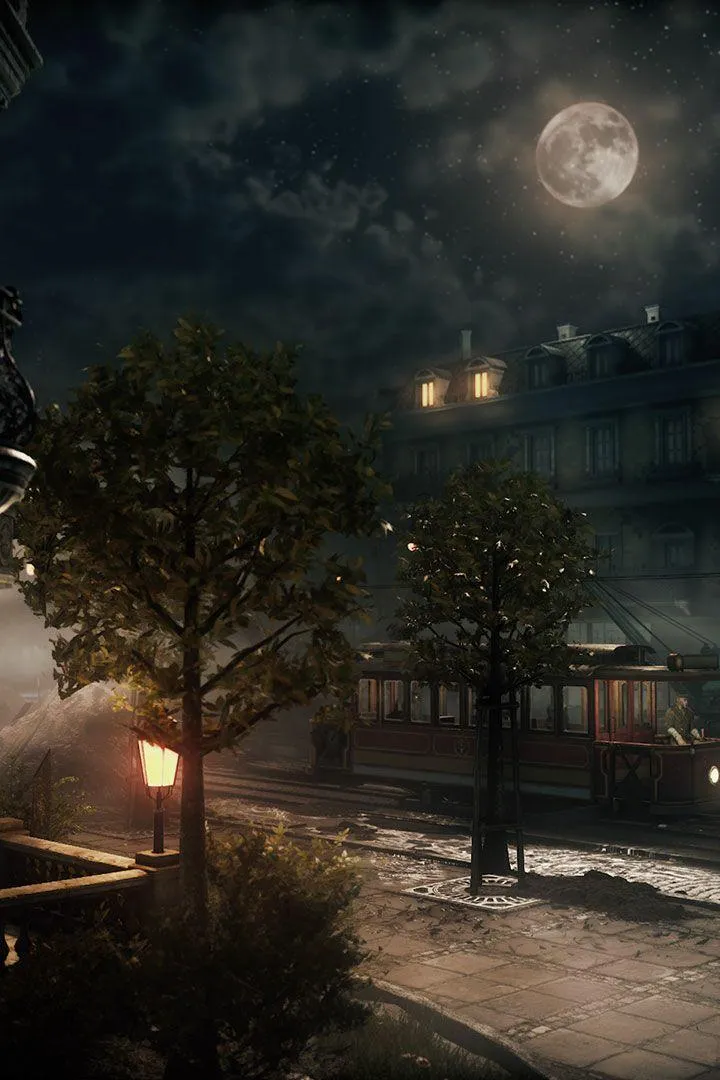
Learn how to save your progress in The Thaumaturge. This guide covers autosave and manual saving, ensuring you don't lose any hard-earned progress in Warsaw.
Hey there! So, you're diving into the mystical world of The Thaumaturge and probably wondering how to keep all your hard work safe. Don't worry, it's pretty straightforward, but it's always good to know the ins and outs!
The game primarily uses an autosave system. This means that as you progress through the story, complete quests, make key decisions, and reach certain milestones, the game will automatically save your progress for you. You'll usually see a small icon appear on the screen to indicate when an autosave is happening.
While there isn't a traditional manual save option like in some older games (where you'd press a button to save at any time), the autosave is quite frequent. It's designed to kick in at critical moments, so you shouldn't lose too much progress if, say, your game crashes or you need to unexpectedly quit.
Pro-Tip: Always keep an eye out for that autosave indicator! If you're about to make a really big decision, especially during a quest like The Last Day of Summer, or if you've just completed a tough encounter, it's a good idea to pause the game and wait for the autosave icon to appear before you do anything else. This gives you peace of mind that your progress is secured.
So, in short: focus on playing, and the game will handle saving for you. Just be mindful of those autosave moments, and you'll be golden!
100% Human-Written. AI Fact-Checked. Community Verified. Learn how AntMag verifies content