
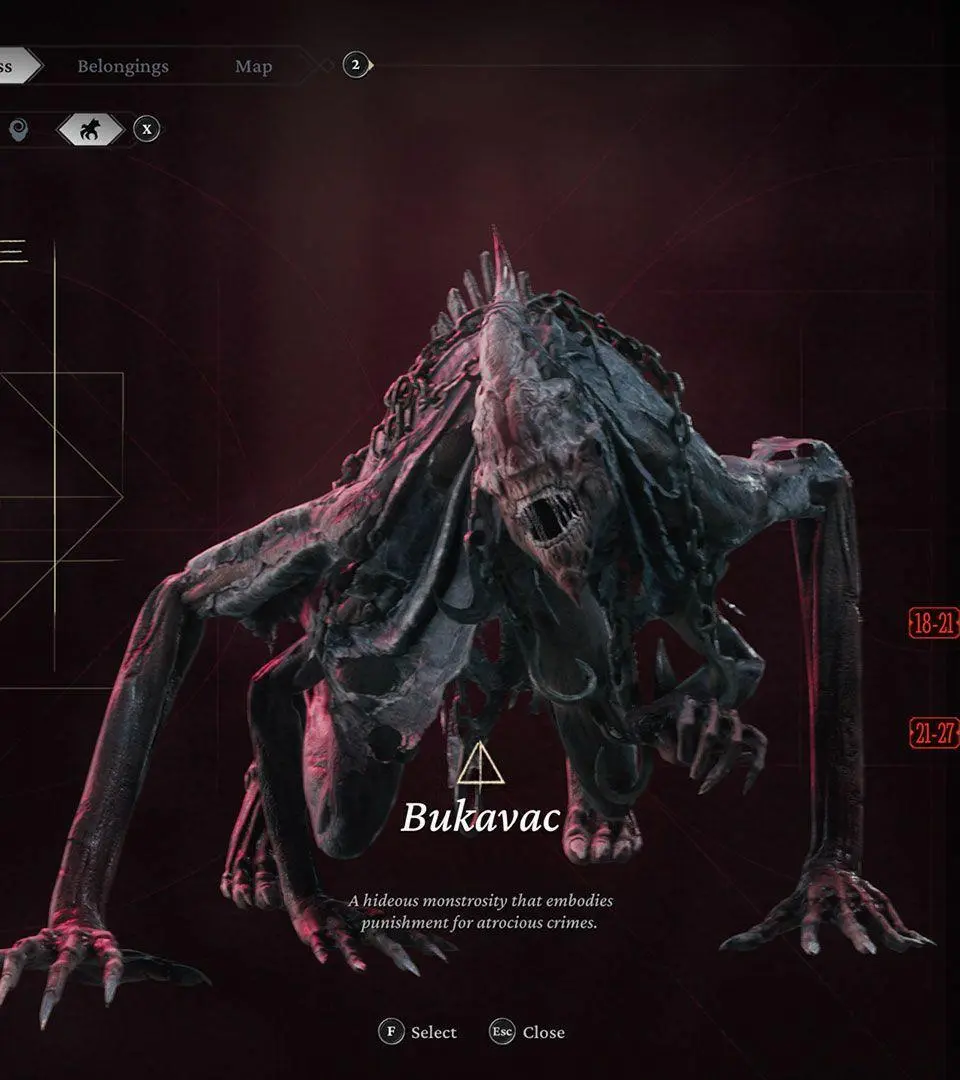
Navigate The Thaumaturge with ease. This guide details all controls for exploration and combat on PlayStation and Xbox, helping you master the game's interface.
This section provides a comprehensive breakdown of the user interface and controls for The Thaumaturge, covering both exploration and combat actions for PlayStation and Xbox controllers.
| Action | Button | FUNCTION (EXPLORATION) | FUNCTION (COMBAT) |
|---|---|---|---|
| Interaction |  / /  | Interaction | Confirm |
| Cancel action |  / /  | Close | Cancel action |
| Open last entry |  / /  | n/a | Open last entry |
| Show enemy state |  / /  | n/a | Show enemy state |
| Previous opponent |  / /  | n/a | Previous opponent |
| Open last entry |  / /  | Open last entry | n/a |
| Switch between yourself and a salutor |  / /  | n/a | Switch between yourself and a salutor |
| Next opponent |  / /  | Track next entry | Next opponent |
| Look at the actions queue |  / /  | Use Perception | Look at the actions queue |
| Help |  / /  | Help | Help |
| Menu |  / /  | Menu | Menu |
| Journal |  / /  | Journal | Journal |
| Thaumaturgy |  | n/a | n/a |
| Entries |  | n/a | n/a |
| Map |  | n/a | n/a |
| Belongings |  | n/a | n/a |
100% Human-Written. AI Fact-Checked. Community Verified. Learn how AntMag verifies content