
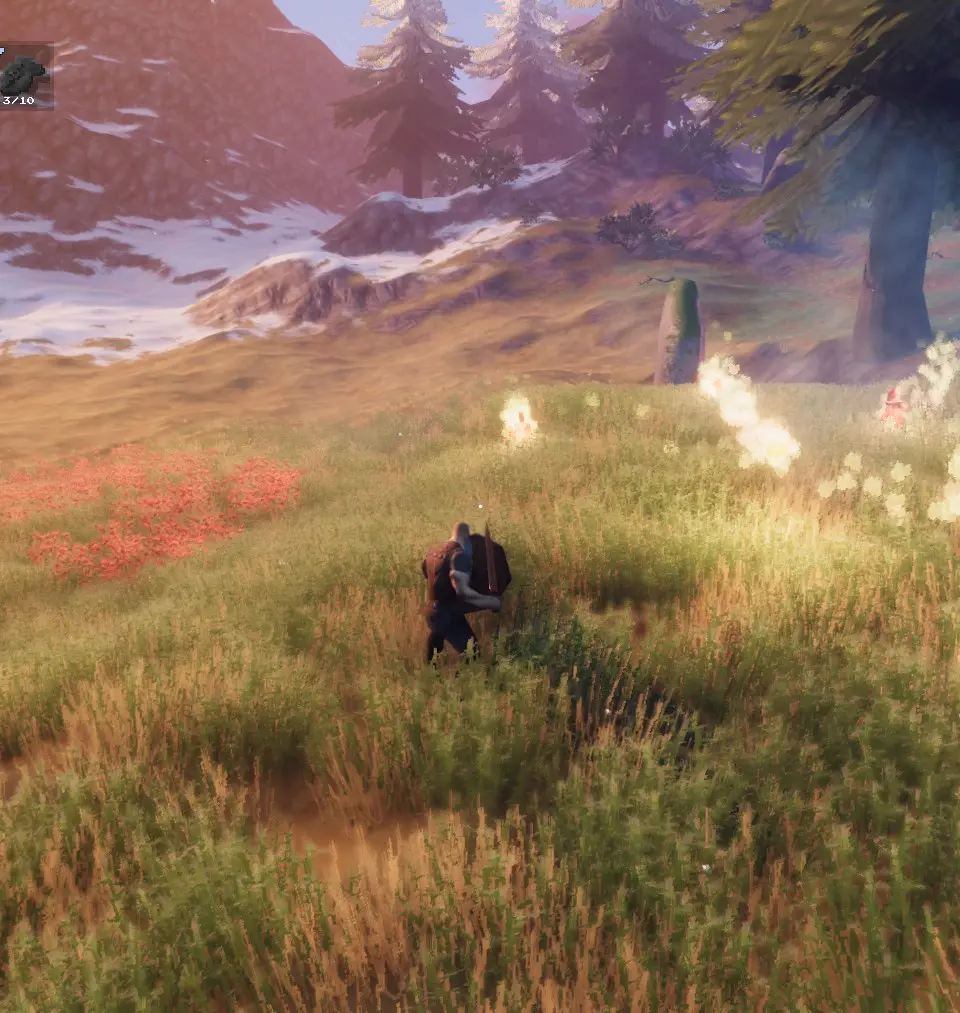
Navigate Valheim's user interface with ease. Learn about crafting, building, inventory management, and combat HUD elements to enhance your survival experience.
This guide will help you understand the User Interface (UI) in Valheim. A clear understanding of the UI is crucial for effective gameplay, from crafting and building to combat and exploration. We'll cover the essential elements you'll encounter as you progress through the game.
Meadows: The Starting Biome
You begin your journey in the Meadows, guided by Hugin. Focus on gathering basic resources like Wood and Stone to craft essential tools such as a Stone Axe and a Hammer. Building a Workbench and a basic shelter is your first priority. Remember to craft a Campfire for warmth and a Bed to sleep. Cooking stations allow you to prepare food from hunted Boars and Deer, providing vital health and stamina bonuses. Pay attention to food types (stamina, balanced, health) to optimize your survival.
Key UI Elements and Mechanics:
- Inventory Management: Use the inventory screen to manage your items, craft new gear, and repair existing equipment.
- Crafting: Access the crafting menu via your Workbench. Ensure your Workbench is
100% Human-Written. AI Fact-Checked. Community Verified. Learn how AntMag verifies content