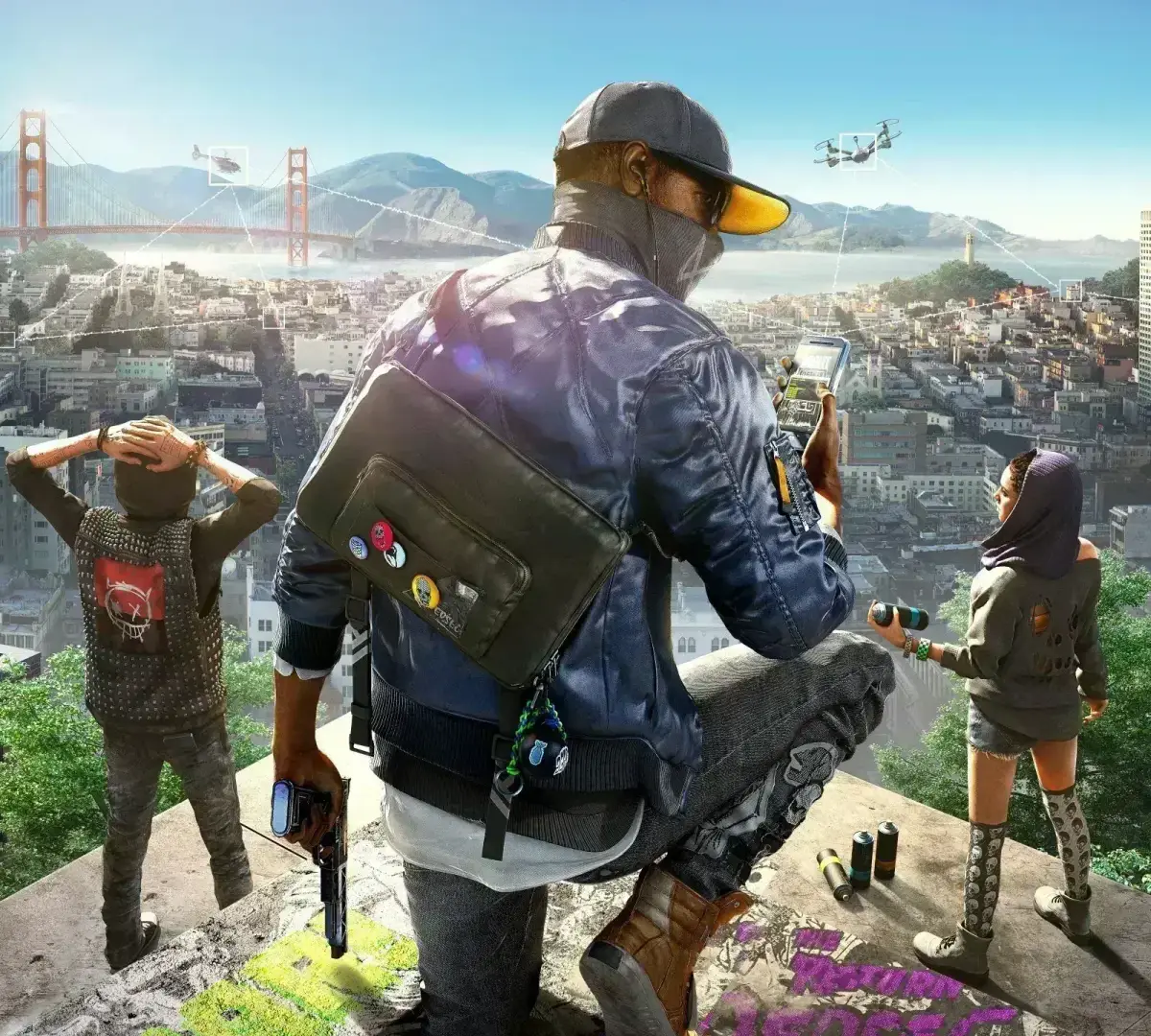
Get a grip on Watch Dogs 2! This guide breaks down every control for on-foot and in-vehicle action, making sure you're ready to hack, drive, and fight like a pro. Learn it all here!
Alright, so you're diving into Watch Dogs 2 and want to get a handle on the controls? No sweat, it's pretty standard for a third-person game, but with some neat tricks for all that hacking goodness. Think of it like this: most of what you already know about moving and shooting applies, but there are a few extra buttons to learn for your awesome hacker skills.
We've broken down the button mappings below, covering both when you're on your feet and when you're behind the wheel. It's all about getting you comfortable so you can focus on the mission, not fumbling with the controller.
| PS3/PS4 | Xbox 360/One | Wii U | Description - On Foot | Description - In Vehicle |
| Character Movement | Steer | |||
| Camera Movement | Camera Movement | |||
/ | Up: Smartphone Apps | Up: Smartphone Apps | ||
| Down: Set Waypoint | Down: Set Waypoint | |||
| Left: Switch Driving Camera | ||||
| Right: Skip Song/Stop Playlist | Right: Skip Song/Stop Playlist | |||
| Enter Cover/Change Cover | Look Behind | |||
| Vault, Climb, Takedown | Handbrake | |||
| Exit Cover | Hide in Car | |||
| Profiler On/Off | Profiler On/Off | |||
| Hack (Hold) | Hack (Hold) | |||
| Use Object | Exit Vehicle | |||
| Enter/Exit Vehicle | ||||
/ | / | Use Tool | Use Tool | |
| Aim Projectile | ||||
/ | / | Weapon Wheel | Weapon Wheel | |
| Draw/Holster Weapon | ||||
/ | / | Sprint (Hold) | Accelerate | |
| Fire Weapon | ||||
/ | / | Aim Weapon | Brake/Reverse | |
| Focus | Focus | |||
| Reload Weapon | Honk | |||
/ | / | Pause | Pause | |
/ | / | Map | Map |
100% Human-Written. AI Fact-Checked. Community Verified. Learn how AntMag verifies content