

Detailed controls for The Wolf Among Us 2, covering movement, interaction, QTEs, and dialogue choices.
Mastering Bigby's movement and interaction is key to exploring Fabletown effectively. The game primarily uses a point-and-click interface for exploration and interaction, combined with direct character control during certain sequences. Here's a breakdown of the standard controls:
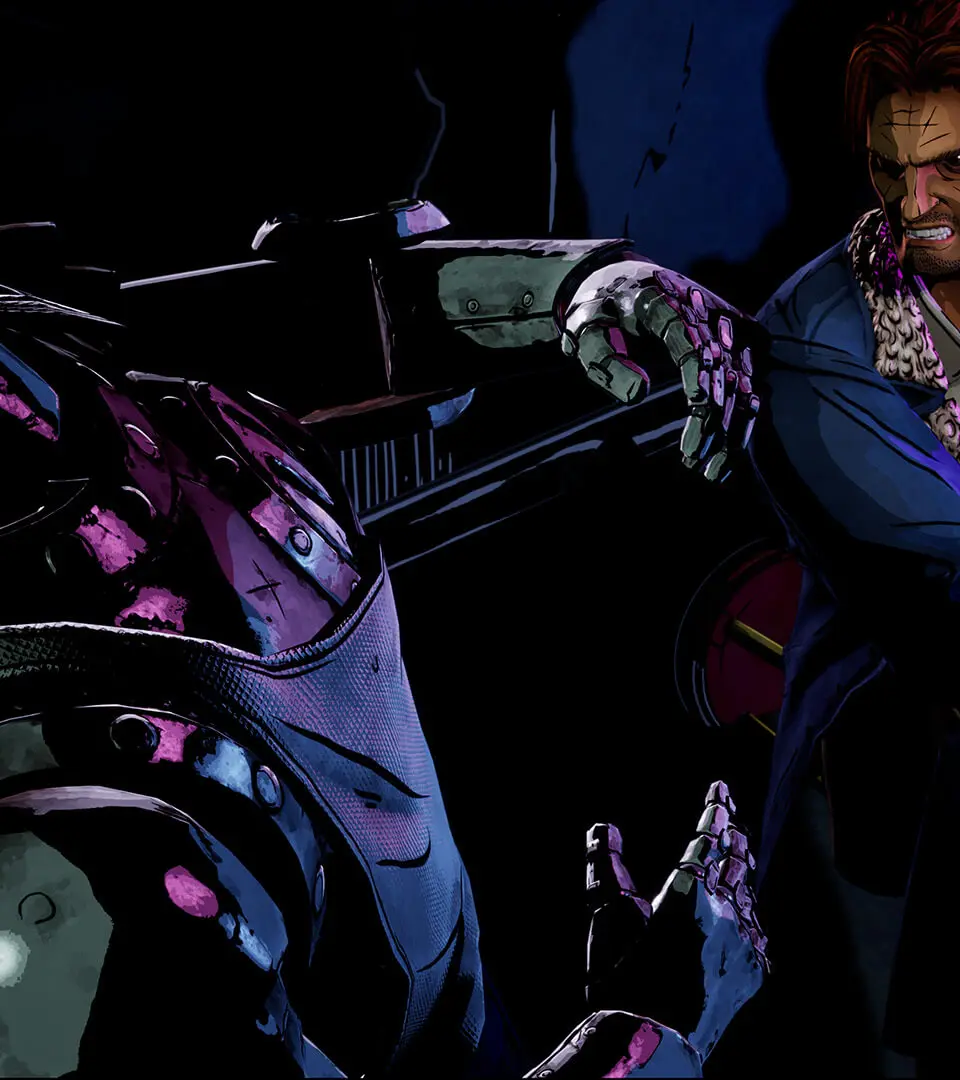
- Movement (Keyboard/Mouse): Use WASD to move Bigby. Click on interactive objects or areas to investigate or move to them.
- Movement (Controller): Use the Left Analog Stick to move Bigby.
- Interact (Keyboard/Mouse): Left-click on highlighted objects or dialogue options.
- Interact (Controller): Press 'A' (Xbox) or 'X' (PlayStation) on highlighted objects or dialogue options.
- Examine (Keyboard/Mouse/Controller): When an object is highlighted, a prompt will appear to examine it further. This often reveals crucial clues.
- Quick-Time Events (QTEs): During action sequences, on-screen prompts will appear. Respond quickly by pressing the indicated button or moving the stick in the specified direction. Failure to do so can lead to different outcomes, sometimes negative.
- Dialogue Choices: During conversations, you'll be presented with multiple dialogue options. These are timed, so choose wisely and quickly. Your choices significantly impact relationships and the story.
Familiarize yourself with these controls in the opening sequence to ensure smooth gameplay throughout your investigation.
100% Human-Written. AI Fact-Checked. Community Verified. Learn how AntMag verifies content