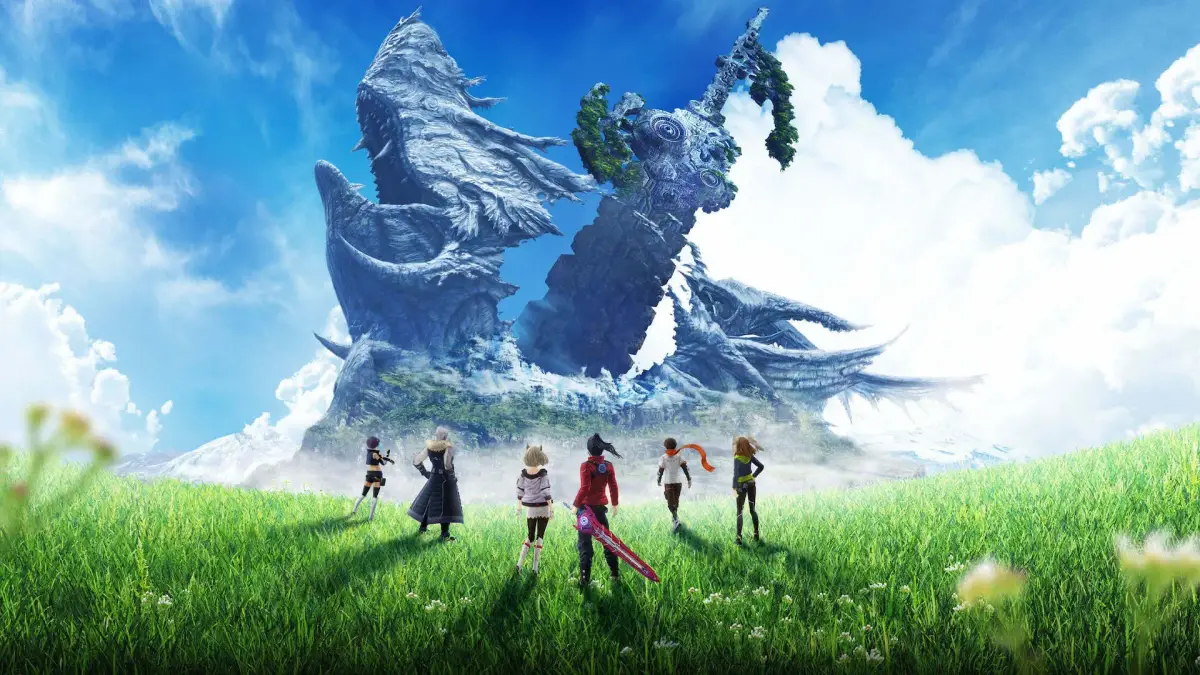
Manage your save system in Xenoblade Chronicles 3. Utilize autosave and manual saves effectively to ensure your journey through Aionios is secure.
Understanding Xenoblade Chronicles 3's save system is crucial for a smooth and enjoyable journey through Aionios. The game offers a robust combination of autosave and manual save features, ensuring your progress is rarely lost. This section will detail how to effectively manage your saves, prevent data loss, and utilize the system to your advantage.
Autosave Functionality
Xenoblade Chronicles 3 features a generous autosave system that frequently records your progress. This is indicated by a small, rotating icon in the bottom-right corner of the screen. While reliable, it's important to understand its triggers and limitations.
- Automatic Triggers: The game typically autosaves after significant events, such as:
- Completing a Main Story Quest or Hero Quest.
- Discovering a new Landmark or Rest Spot.
- Entering a new major area or region (e.g., from Aetia Region to Fornis Region).
- After certain cutscenes or dialogue sequences.
- Upon using a Rest Spot to cook, craft Gems, or discuss information.
- Limitations: The autosave does NOT trigger during combat, within menus (except for specific Rest Spot actions), or immediately after picking up items. Relying solely on autosave can lead to lost progress if the game crashes or you exit prematurely during an un-autosaved segment.
- Visual Indicator: Always keep an eye out for the spinning save icon. If you haven't seen it in a while after a major accomplishment, consider manually saving.
Manual Saving
Manual saving is your most reliable method for securing progress and is highly recommended, especially before challenging encounters or exploring dangerous new areas. You have access to multiple save slots, allowing for strategic saving.
- Accessing the Save Menu:
- Press the X Button to open the Main Menu.
- Navigate down to the "System" option.
- Select "Save".
- Save Slots: Xenoblade Chronicles 3 provides 10 distinct save slots. This is a significant advantage, allowing you to:
- Create backup saves before difficult boss fights (e.g., the Consul K fight in Chapter 2).
- Experiment with different character builds or quest choices without fear of permanent consequences.
- Save at the beginning of a new chapter to easily revisit story segments.
- Maintain a "safe" save before attempting a high-level Unique Monster like "Dreadful Bakun" in the Aetia Region.
- Overwriting Saves: Be mindful when overwriting existing save files. The game will prompt you for confirmation, but always double-check the save slot and timestamp to ensure you're not accidentally deleting valuable progress.
- Recommended Practice:
- Save Frequently: Make it a habit to manually save every 30-60 minutes, or after any significant progress.
- Utilize Multiple Slots: Don't just rely on one slot. Rotate through 2-3 slots, especially before major story beats or entering new regions. For instance, save in Slot 1 before entering the Fornis Region, then save in Slot 2 after clearing the first few quests there.
- Before Bosses/Challenges: Always perform a manual save right before engaging a challenging boss or attempting a difficult puzzle. This prevents having to replay long sections if you fail.
Loading Your Game
To load a previously saved game:
- From the Title Screen, select "Load Game".
- From the Main Menu (X Button), navigate to "System" and select "Load Game".
You will be presented with a list of your save files, showing the playtime, location, and date/time of each save. Choose the desired file to resume your adventure.
Important Considerations
- Power Loss: In the event of a power outage or console crash, any progress made since the last autosave or manual save will be lost. This is why frequent manual saving is paramount.
- Corrupted Saves: While rare, corrupted save data can occur. Utilizing multiple save slots significantly mitigates the risk of losing all your progress if one file becomes unreadable.
- Nintendo Switch Online Cloud Saves: If you have a Nintendo Switch Online subscription, your save data for Xenoblade Chronicles 3 is automatically backed up to the cloud. This provides an additional layer of security, allowing you to recover your saves even if your Switch console is lost or damaged. Ensure this feature is enabled in your Switch system settings.
100% Human-Written. AI Fact-Checked. Community Verified. Learn how AntMag verifies content