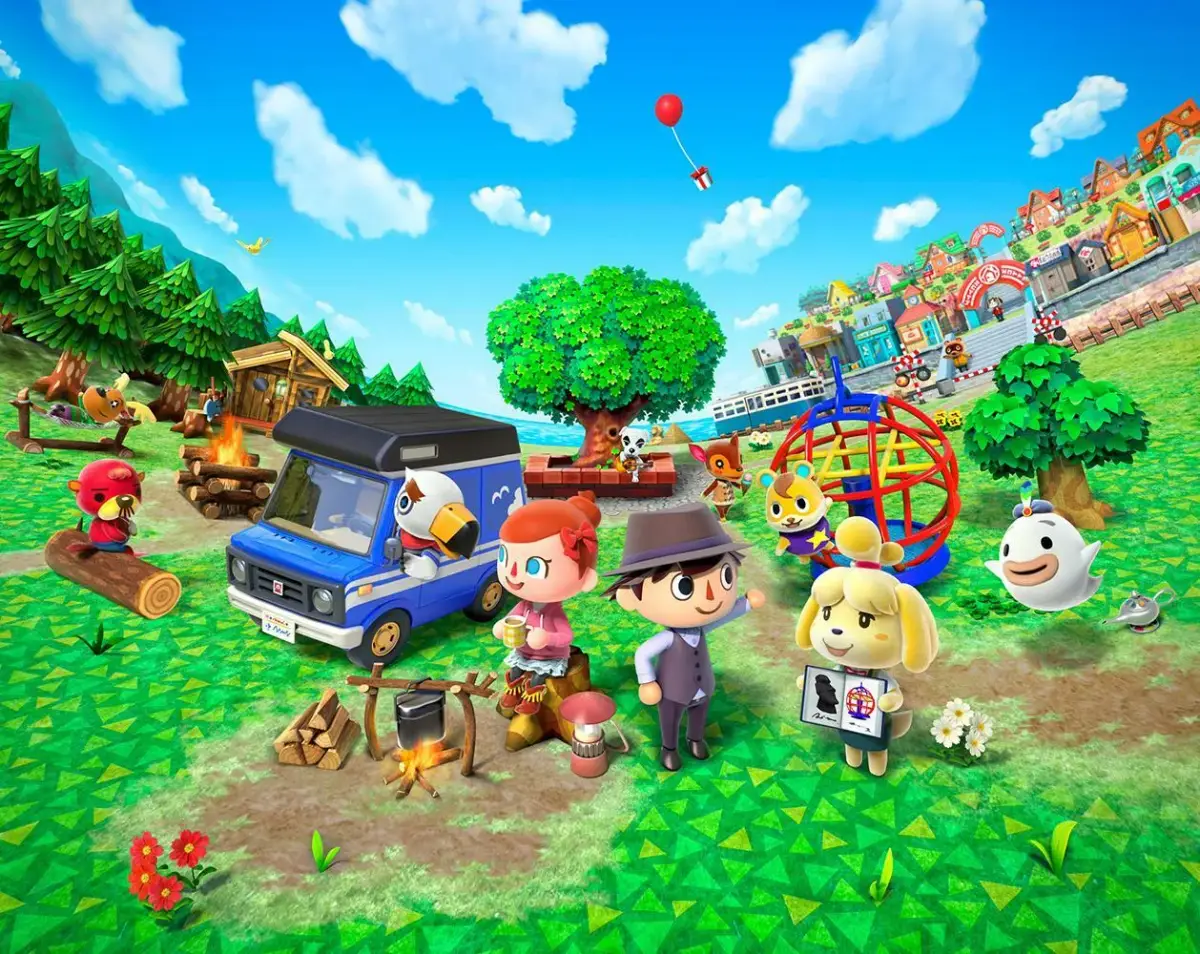
Learn how to use the photo booth in Animal Crossing: New Leaf to take pictures for your Town ID Card. Discover how to use special effects and emotions.
Walkthrough
- 1Access the photo booth to take a picture for your Town ID Card.
- 2Note that the photo booth cannot be used while your town’s gates are open.
Tips
- Photos cost 500 bells each.
- Press the L button to make your photo monochrome.
- Press the R button to make your photo sepia.
- You can use emotions learned from Dr. Shrunk. Tap the emotion icons on the touch screen when the timer counts down before taking a picture.
- You can retake the picture as many times as you like.
100% Human-Written. AI Fact-Checked. Community Verified. Learn how AntMag verifies content