
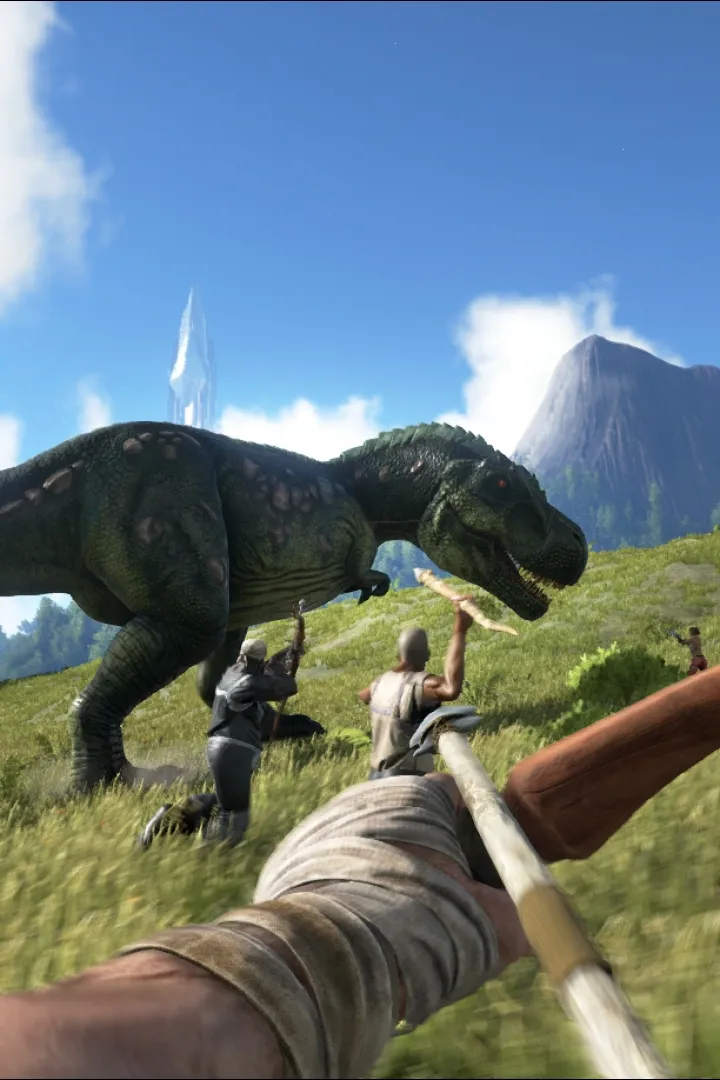
Learn how to install Ark: Survival Evolved and check the minimum system requirements for optimal gameplay on PC, PlayStation, and Xbox.
ARK: Survival Evolved is a widely available title, accessible on multiple platforms including PC (via Steam and the Epic Games Store), PlayStation consoles (PS4 and PS5), Xbox consoles (Xbox One and Xbox Series X/S), and even mobile devices. To ensure a smooth and enjoyable gameplay experience on PC, it is essential to verify that your system meets the game's minimum and recommended requirements. For PC, a dedicated graphics card is a must; a minimum of a GTX 670 or an AMD R9 280X is recommended, with more powerful cards offering significantly better performance and visual fidelity. A minimum of 8GB of RAM is required, though 16GB is highly recommended for optimal performance, especially when running with mods or on higher graphical settings. A processor equivalent to an Intel Core i5 is generally considered the minimum, with newer and more powerful CPUs providing a smoother experience.
The installation process for ARK: Survival Evolved is straightforward on all platforms. On PC, after purchasing the game through Steam or the Epic Games Store, you can initiate the download and installation directly through their respective launchers. The game is quite large, so ensure you have ample free storage space on your hard drive; typically, the game requires over 100GB of space, and this can increase with DLCs and updates. For console players, the game can be downloaded from the PlayStation Store or the Xbox Store. Once downloaded, the game will install automatically, and you can launch it from your console's main menu.
It is also important to keep your graphics drivers updated, especially on PC, as driver updates often include optimizations for new game releases and can significantly improve performance and stability. For console players, ensuring your console's system software is up-to-date is also recommended. The game frequently receives patches and updates that address bugs, introduce new content, and improve overall performance, so maintaining an updated game client is crucial for the best possible experience. also be aware that ARK can be quite demanding on system resources, and adjusting in-game graphical settings may be necessary to achieve a desired balance between visual quality and performance on less powerful hardware.
100% Human-Written. AI Fact-Checked. Community Verified. Learn how AntMag verifies content