
Astroneer is an open-world space survival game where you explore a vast, procedurally generated galaxy. You'll land on strange new planets, gather resources, craft tools and modules, and build sprawling bases. It’s a game about discovery, engineering, and cooperative exploration, perfect for anyone who loves to build, experiment, and see what’s over the next horizon.
This guide will help you navigate the game's many missions, from the early Wanderer and Jet Powered quests to the more complex Xenobiology and Glitchwalkers missions across systems like Sylva and Aeoluz. We'll cover how to unlock new schematics, manage your power systems, and conquer the challenges that await you as you build your interstellar empire.
Base Modules and Structures
Learn to build and manage essential base modules and structures in Astroneer. This guide covers everything from the Mission Log to advanced platforms, helping you establish a thriving base.
This guide covers the essential base modules and structures in Astroneer, focusing on how they function within the game's mission system and player progression. Understanding these elements is key to establishing and expanding your presence on alien worlds.
Mission Log
The Mission Log is your central hub for tracking progress and claiming rewards. It's accessible via the Landing Pad, Logistics Depots, or directly through the action wheel and backpack interface. The log features several sections:
- Rewards: Missions with unclaimed rewards.
- Tracked: Missions you are actively monitoring.
- Active: All currently available missions.
- Reclaimable: Items that can be recalled to a landing pad.
- Complete: Missions already finished and rewards claimed.
Missions Overview
Missions serve as a guided progression system, offering rewards like Bytes, Schematics, and unique items such as the QT-RTG and EXO Chip. Completing one mission unlocks the next in sequence.
Starting Missions on Sylva
- Planetfall: Arrive on Sylva. Reward: Oxygenator, Small Printer.
- Astroneering Bas(e)ics: Unpack and install the Oxygenator on the Shelter, connect Printer power. Reward: Tethers, 500 Bytes.
- Breathing Space: Print a Tether Bundle and connect a Tether to the Oxygenator. Reward: Small Canister, 500 Bytes.
- Resourcing: Gather 4 Compound and 4 Resin. Reward: Medium Storage, 2 Medium Platform As, Oxygenator Schematic.
- Landfilling: Attach a Small Canister to your Terrain Tool or Backpack and fill it with Soil. Reward: 500 Bytes.
- Re-Tooling: Unlock, print, and attach a Boost Mod and a Drill Mod 1 to your Terrain Tool. Reward: Soil Centrifuge, Soil Centrifuge Schematic.
Getting Started
Welcome to Astroneer! This guide will walk you through the initial steps of survival, resource gathering, and crafting to get your interstellar journey off the ground.
Getting Started
Welcome to Astroneer! This guide will walk you through the initial steps of survival, resource gathering, and crafting to get your interstellar journey off the ground.
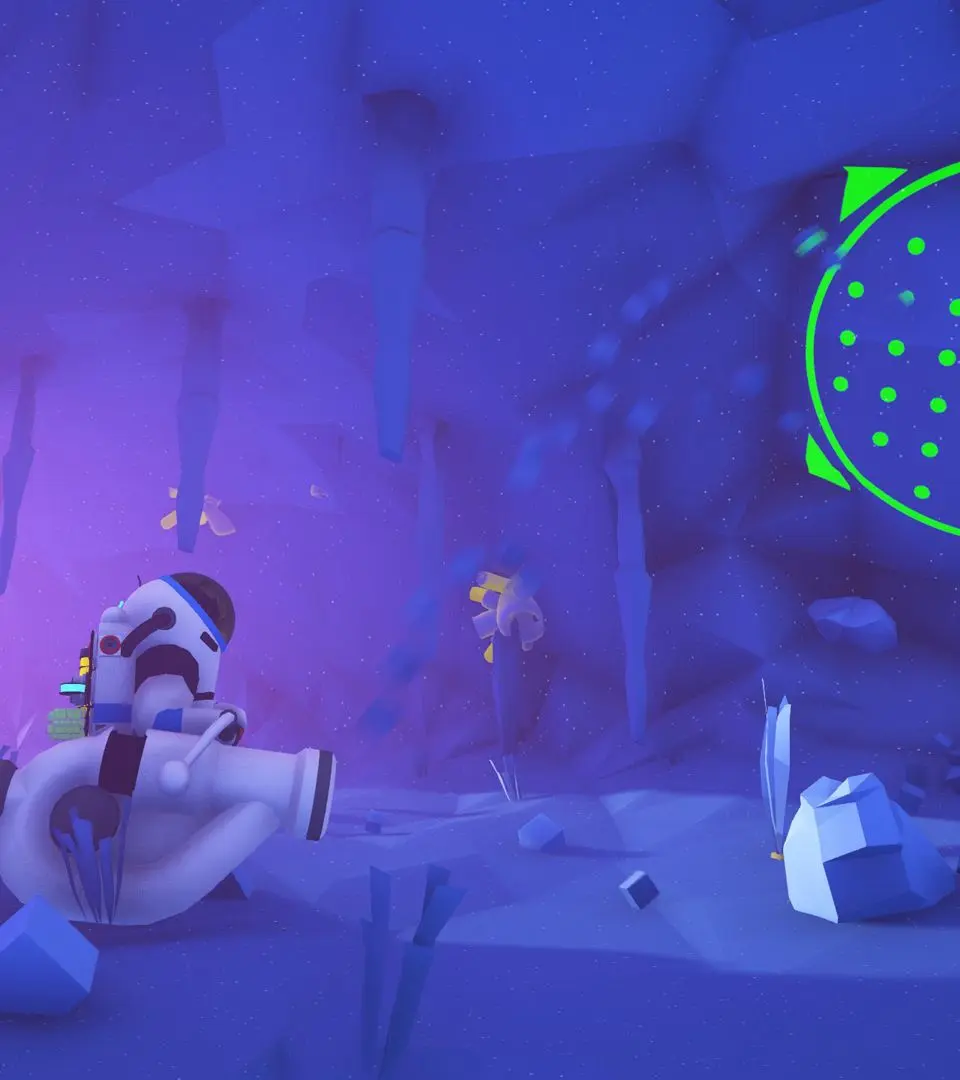
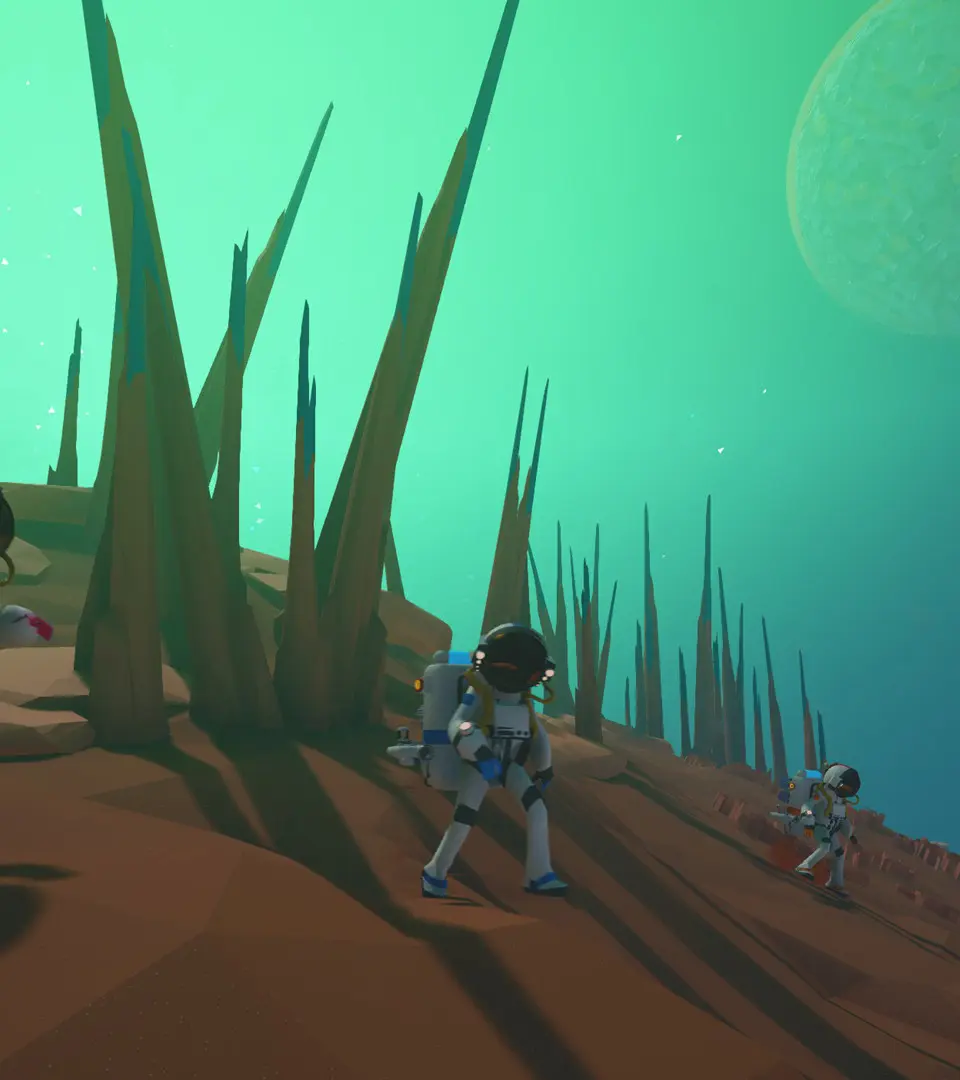

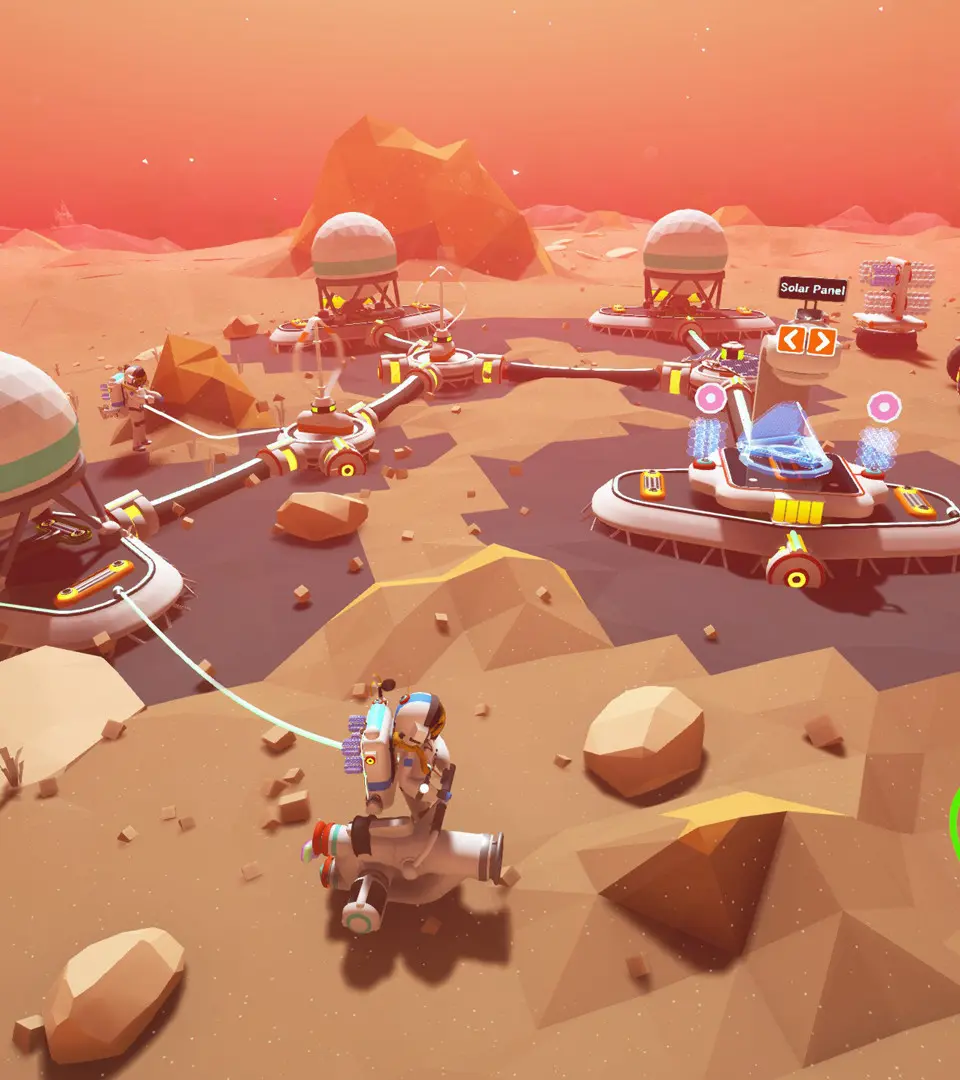
First Steps: Landing and Initial Survival
Learn the essential first steps for survival in Astroneer. This guide covers landing, resource gathering, crafting, and basic survival mechanics to get you started on any planet.
- 1Planetfall: Arrive on Sylva and survive the landing.
- 2Astroneering Bas(e)ics: Unpack and install the Oxygenator on your Shelter, and connect your Printer's power to the Shelter. Retrieve starting gear from the Landing Pad.
- 3Breathing Space: Print a Tether Bundle from your Backpack and connect a Tether to the Oxygenator. Tethers extend oxygen access.
- 4Resourcing: Gather 4 Compound and 4 Resin using the Terrain Tool.
- 5Landfilling: Attach a Small Canister to your Terrain Tool or Backpack and fill it with Soil.
- 6Re-Tooling: Unlock, print, and attach a Boost Mod and a Drill Mod 1 to your Terrain Tool for improved digging.
- Completing missions unlocks new ones and provides rewards like Bytes, Schematics, and Items.
- The Mission Log can be accessed via the Landing Pad, Logistics Depots, the action wheel (PC: Hold R, Xbox: Hold D-Pad Right, PS4: Hold D-Pad Right, Switch: Hold Right), or by clicking the right side of your Backpack.
- The Mission Log has sections for Rewards, Tracked, Active, Reclaimable, and Complete missions.
- Item rewards cannot be collected via the Mission Log remotely; only Byte rewards can.
- Tethers are crucial for extending your oxygen supply in the field.
- Gathering resources like Compound and Resin is essential for crafting.
- Upgrading your Terrain Tool with mods significantly improves efficiency.
Understanding the UI and Controls — Astroneer Guide
Confused by Astroneer's interface? This guide breaks down all the essential controls and UI elements, helping you navigate and play the game like a pro. Learn the basics and beyond!
Hey there, fellow explorer! So, you've just landed on a new planet in Astroneer and you're probably looking around, wondering what all these buttons do and how to even move around. Don't worry, we've all been there! This guide is here to walk you through the ins and outs of the game's interface and controls, so you can start focusing on the fun stuff – like building awesome bases and discovering alien secrets.
Think of this as your friendly co-pilot, helping you get a handle on everything you see on your screen and how to interact with this amazing world. We'll cover the basics you need to get started and point you towards more detailed info if you want to dive deeper.
General Guides
Categorizing Guides: Learn how the wiki organizes its guides.
Controls: This is what we're diving into right now! Understanding how to move and interact is key.
Experimental Build: Info on testing new features.
How To Play Guide For Astroneer: A more comprehensive beginner's guide.
Multiplayer: How to team up with friends.
Tips & Tricks: Handy advice to make your journey smoother.
Mechanics
Attachment Slot: Where you'll connect modules and tools.
Game Mechanics: The core systems that make Astroneer tick.
Research (Mechanic): How you unlock new technologies.
Oxygen: Your lifeline! Keep an eye on your O2 levels.
Power: Essential for most of your equipment.
Tiers: Understanding the progression of technology.
Crafting
Guide:Nanocarbon Alloy Automation: A specific guide on automating a complex crafting process.
Traveling
Single Flight Homesteading: Learn how to establish a base on a new planet in one go.
Wiki Guides
Astroneer Wiki:Style guide: Guidelines for contributing to the wiki.
Here's a quick rundown of some key areas in Astroneer:
| hideAstroneer | |
| Mechanics | Crafting • Research • Power • Tiers • Attachment Slot • Hazards • Creative Mode • Automation • Compass |
| Items | Resources • Modules • Widgets • Augments • Tools • Platforms • Vehicles • Collectibles • Discoveries • Consumables |
| Player | Backpack • Terrain Tool • Customization • Oxygen • Death |
| Limited Time Events | Project CHEER Recovery Mission • EXO Salvage Initiative (2020, 2022) • EXO Automated Mass Production Protocol (2020, 2021, 2022) • EXO Biofuel Obtainment Operation • Project CHEER Delivery Event • EXO Cares Initiative • EXO F.A.R.M. (2021, 2022) |
| Other | Planets • Controls • Multiplayer • Guides • Patch Notes • Achievements • Upcoming Features • Removed Features |
Don't get overwhelmed! The most important thing is to get comfortable with your Terrain Tool and your backpack. You'll be using those constantly. As you play, you'll naturally learn what everything does. Happy exploring!
Similar guides you might like






100% Human-Written. AI Fact-Checked. Community Verified. Learn how AntMag verifies content