
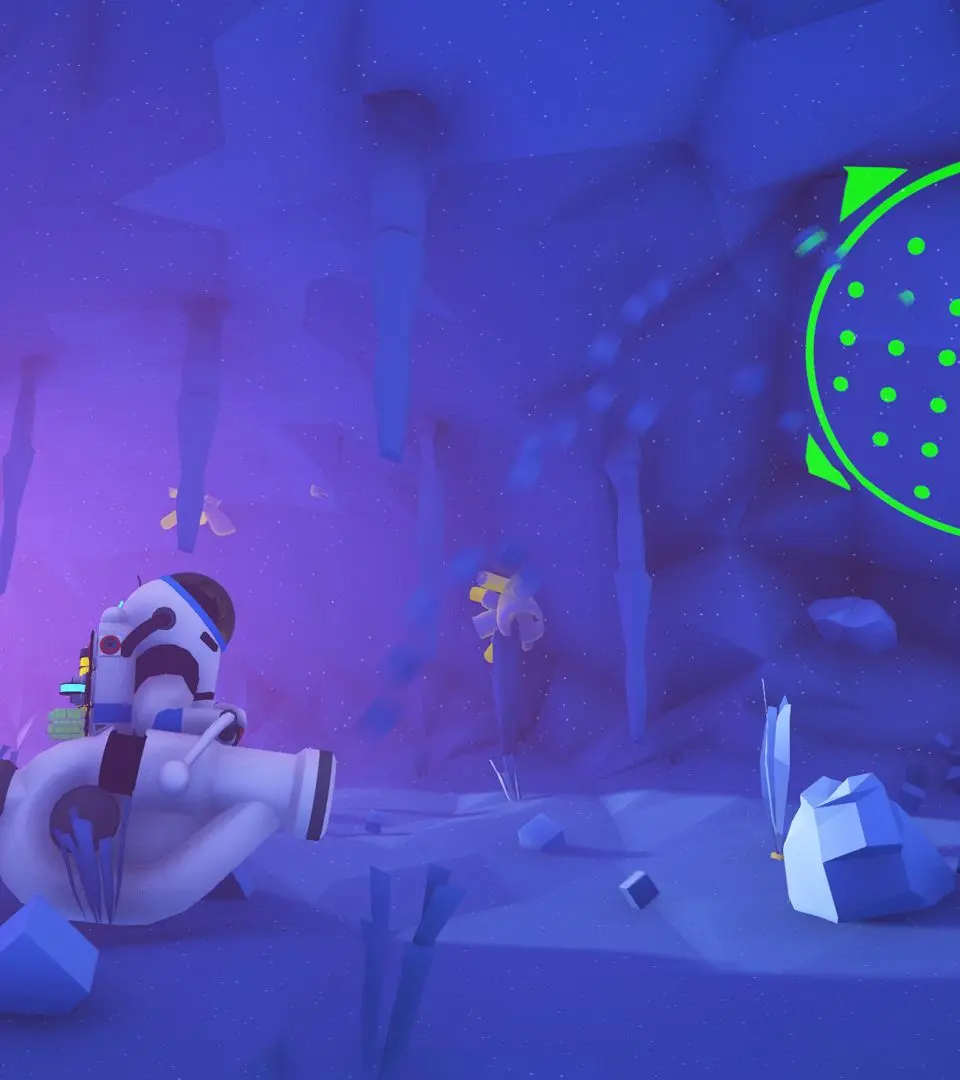
Learn how to automate resource gathering and management in Astroneer with our comprehensive guide. Discover efficient strategies for the Mission Log, resource collection, and crafting.
Walkthrough
- 1Mission Log: Access the Mission Log via a Landing Pad, Logistics Depot, or the action wheel (PC: Hold R, Xbox: Hold D-Pad Right, PS4: Hold D-Pad Right, Switch: Hold Right) then selecting missions. The backpack's right side also provides access. The log has five sections: Rewards, Tracked, Active, Reclaimable, and Complete.
- 2Starting Missions: Begin with the 'Planetfall' mission on Sylva, which rewards an Oxygenator and Small Printer. Progress to 'Astroneering Bas(e)ics' to unpack and install the Oxygenator, and 'Breathing Space' to learn about Tethers.
- 3Resource Gathering: The 'Resourcing' mission teaches you to gather Compound and Resin using the Terrain Tool. 'Landfilling' introduces the Small Canister for soil collection and terrain manipulation.
- 4Tool Upgrades: 'Re-Tooling' guides you to print and attach a Boost Mod and Drill Mod 1 to your Terrain Tool for enhanced digging.
- 5Crafting Automation: The 'Soil Centrifuge' mission unlocks and rewards the Soil Centrifuge, a key component for automating resource processing.
Tips
- Utilize the 'Tracked' section of the Mission Log to easily manage active missions.
- Item rewards can only be collected at a landing pad; Bytes can be claimed anywhere.
- Upgrade your Terrain Tool early with Boost and Drill Mods to significantly speed up resource gathering.
- The Soil Centrifuge is crucial for automating the conversion of soil into usable resources.
100% Human-Written. AI Fact-Checked. Community Verified. Learn how AntMag verifies content