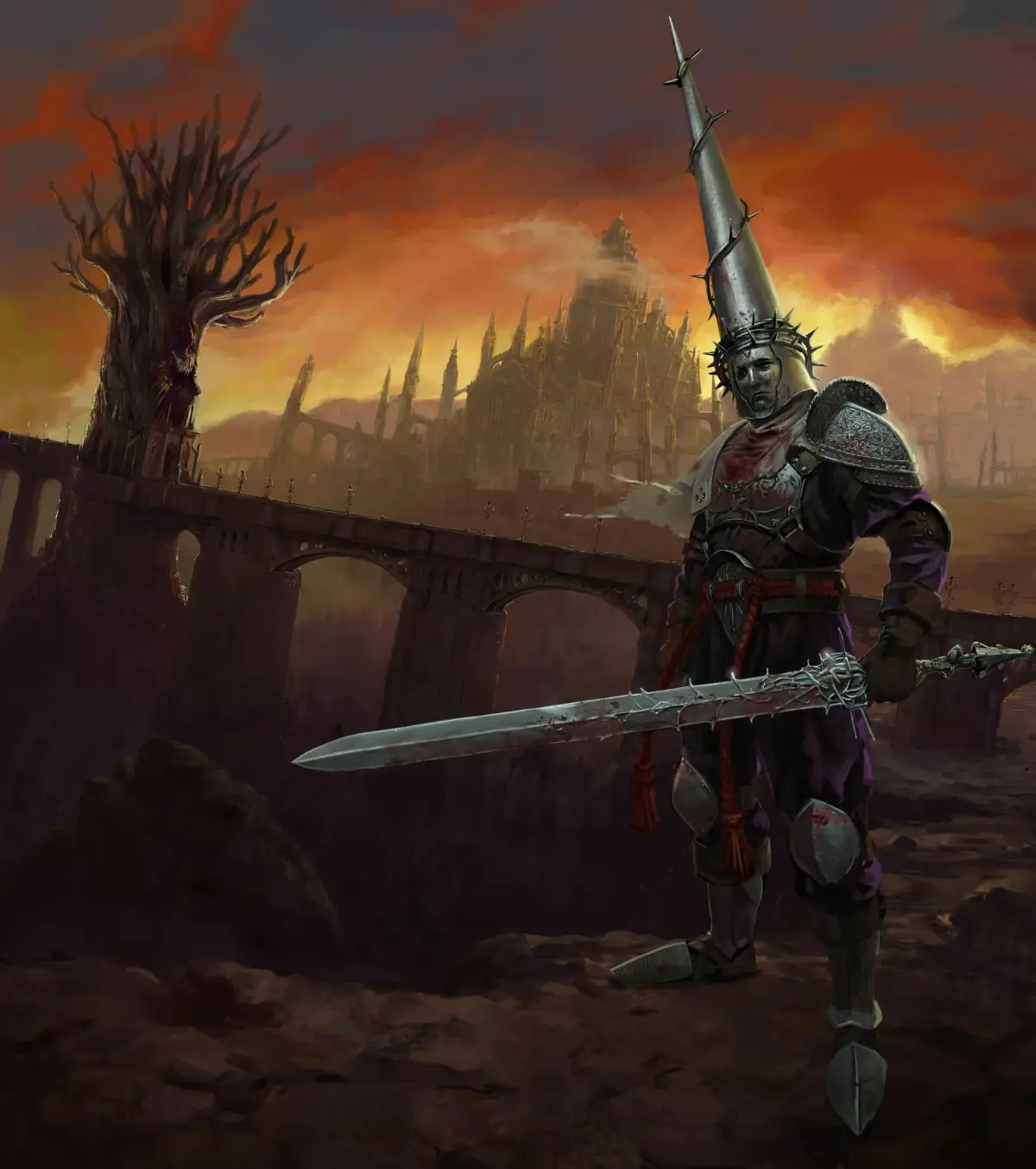
Learn Blasphemous controls: Move with D-Pad/Left Stick, Attack with Square, Dash with R2, and more.
Controls:
- D-Pad: Move your character.
- Left Analog Stick: Move your character.
- Right Analog Stick: Move the camera.
- Touch Pad: Open the map.
- Options Button: Open your inventory.
- Triangle Button: Interact with objects and NPCs (non-player characters).
- Square Button: Perform a standard attack.
- Circle Button: Perform a ranged attack or hold to use a Blood Penitence (a special ability).
- X Button: Interact with objects and NPCs.
- L1 Button: Use a Biliary Flask (a healing item).
- R1 Button: Perform a parry to deflect enemy attacks.
- L2 Trigger: Use a Prayer (a magical ability).
- R2 Trigger: Perform a dash maneuver to evade attacks or cross gaps.
The Basics:
This section covers fundamental gameplay mechanics necessary for survival in Cvstodia. Understanding these basics will help you navigate the environment, engage in combat, and utilize your abilities.
Tips
- Experiment with different button combinations to discover various combat and movement techniques.
- Pay attention to enemy attack patterns to time your parries and dashes effectively.
- Utilize your Biliary Flasks strategically, especially during challenging encounters.
100% Human-Written. AI Fact-Checked. Community Verified. Learn how AntMag verifies content