
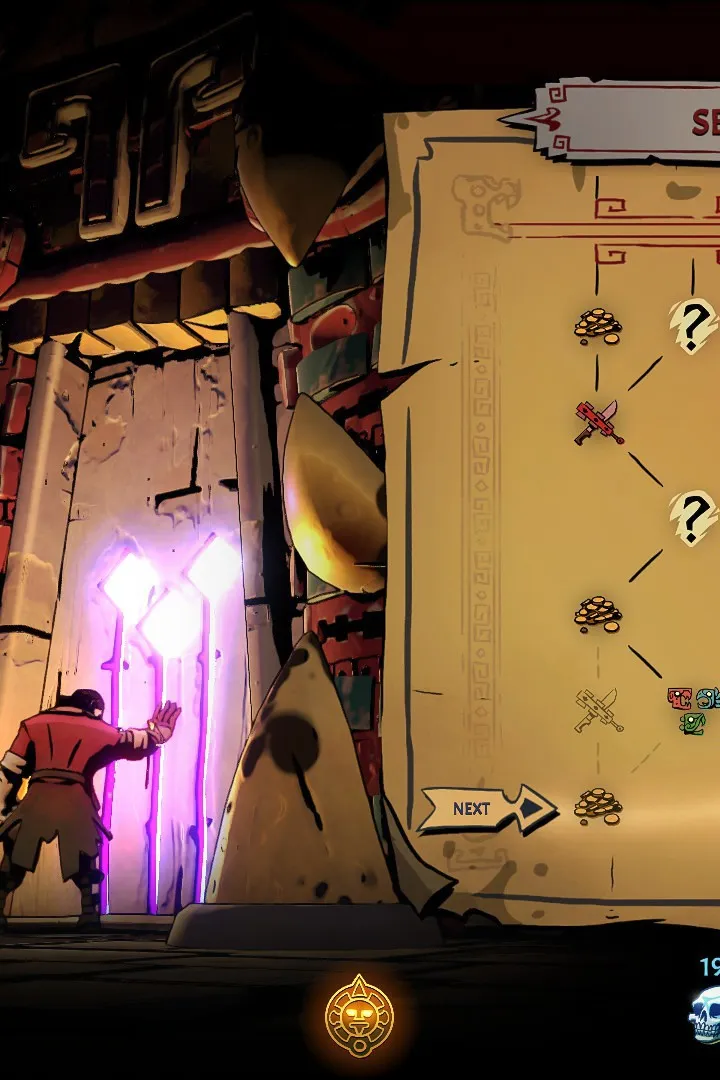
Customize keybindings for Curse of the Dead Gods. Optimize controls for attacking, dodging, and parrying to conquer the Jaguar Temple and beyond.
Navigating the perilous halls of the cursed temple requires precise control over Caradog McCallister's every move. Understanding and customizing your keybindings is paramount to survival, especially when facing the relentless onslaught of enemies and the insidious effects of Xbeltz'aloc's corruption. The game offers a degree of flexibility in remapping actions to suit your preferred playstyle, whether you're wielding a heavy two-handed weapon or a swift dual-wielding setup. Familiarize yourself with the default controls for actions such as attacking, dodging, parrying, and interacting with the environment. Mastering the timing of your dodges is crucial for evading attacks from creatures like the agile Jaguar cultists and the lumbering Hollow Soldiers. Similarly, a well-timed parry can open up enemies for devastating counter-attacks, a key mechanic for conserving health and resources. Experiment with different key assignments to find a layout that feels intuitive and allows for rapid execution of these vital maneuvers. For instance, some players find it beneficial to map the dodge ability to a mouse button for quicker access, while others prefer it on a readily accessible keyboard key. The goal is to minimize the mental load of executing commands, allowing you to focus on the tactical decisions required in combat and exploration.
Beyond combat, keybindings also influence your interaction with the temple's many secrets and dangers. The ability to quickly switch weapons or use consumables can be a lifesaver when a room is unexpectedly filled with aggressive foes. Pay attention to the keys assigned for opening chests, activating altars, and picking up dropped items. In the heat of battle, fumbling for the correct key to grab a health-restoring offering can mean the difference between victory and succumbing to the curse. Furthermore, the game's progression system often unlocks new abilities or passive bonuses that may require dedicated keybinds. Ensure that these new mechanics are integrated seamlessly into your control scheme. Consider the flow of combat and how you typically chain actions together. If you find yourself frequently performing a specific sequence of attacks and dodges, ensure the keys for these actions are positioned for comfortable and rapid input. Customization is not just about comfort; it's about optimizing your reaction time and efficiency in a game where every millisecond counts. Take the time to explore the options menu and tailor the controls to your unique needs, ensuring Caradog McCallister is as responsive as possible to your commands as you delve deeper into the Jaguar, Eagle, and Serpent Temples.
Combat Controls
- Primary Attack: The main offensive action, varying based on equipped weapon.
- Secondary Attack: Often a special move or a different attack pattern for the equipped weapon.
- Dodge: A quick evasive maneuver to avoid incoming damage. Essential for survival.
- Parry: A defensive action that, if timed correctly, can deflect enemy attacks and create an opening for a counter-attack.
- Weapon Swap: Allows Caradog McCallister to switch between his currently equipped weapons.
Exploration and Interaction Controls
- Interact: Used to pick up items, open chests, activate shrines, and interact with environmental elements.
- Use Consumable: Quickly access and use a selected healing or buffing item.
- Map: Opens the in-game map to help navigate the temple layout.
Customization Options
The game allows for remapping of most actions. You can adjust sensitivity settings for mouse and controller input. It is recommended to experiment with different layouts to find what best suits your playstyle and reflexes. For example, assigning the dodge to a mouse button can allow for more fluid movement while attacking with the primary and secondary attack buttons.
100% Human-Written. AI Fact-Checked. Community Verified. Learn how AntMag verifies content