
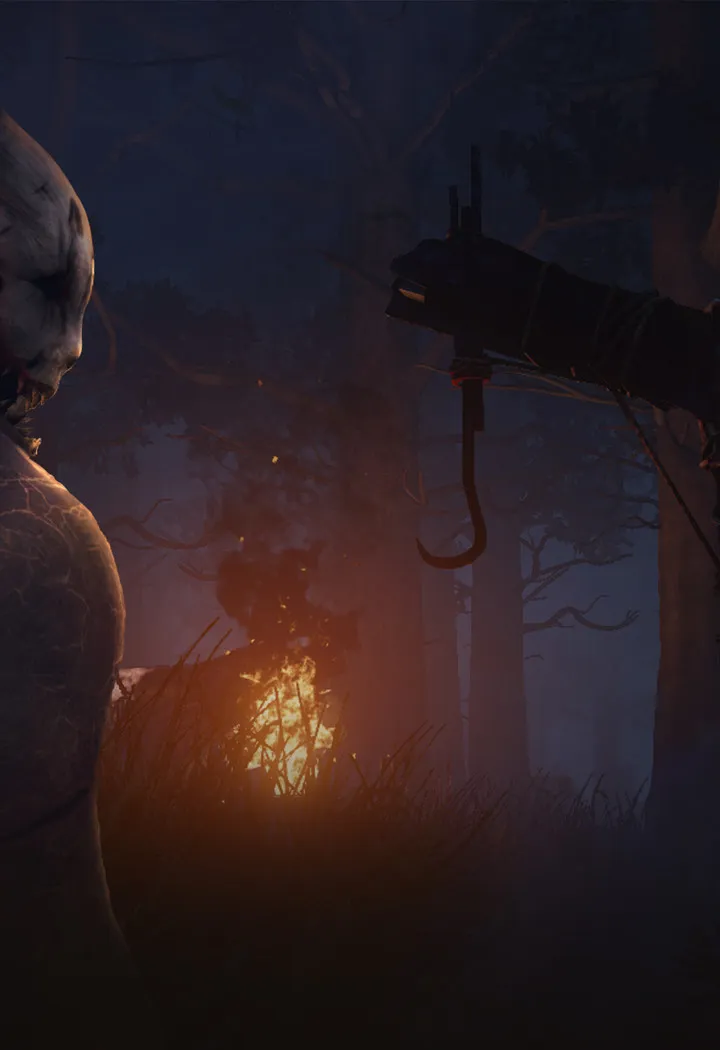
Fix Dead by Daylight performance issues. Learn troubleshooting steps for lag, stuttering, crashes, and optimization tips for smoother gameplay on PC & console.
Category
Troubleshooting & Optimization
Fix Dead by Daylight performance issues. Learn troubleshooting steps for lag, stuttering, crashes, and optimization tips for smoother gameplay on PC & console.
Sections in this chapter (5)

Common Technical Issues
Troubleshoot Dead by Daylight technical issues: connection errors, lag, low FPS, and graphical glitches. Get back to playing smoothly.
Performance Optimization Tips
Boost Dead by Daylight performance. Optimize in-game settings, update drivers, close background apps, and tweak system settings for higher FPS.
Network & Connectivity Issues
Fix Dead by Daylight lag and disconnects. Learn troubleshooting steps for network issues, including wired connections, router restarts, and port forwarding.
Reporting Bugs & Cheaters
Learn how to effectively report bugs and cheaters in Dead by Daylight to help maintain a fair and enjoyable gameplay experience for everyone. Follow our guide for the best practices.
Accessibility Options
Access Dead by Daylight accessibility options. Find colorblind modes, subtitle adjustments, and other settings to improve your experience in the Fog.
100% Human-Written. AI Fact-Checked. Community Verified. Learn how AntMag verifies content