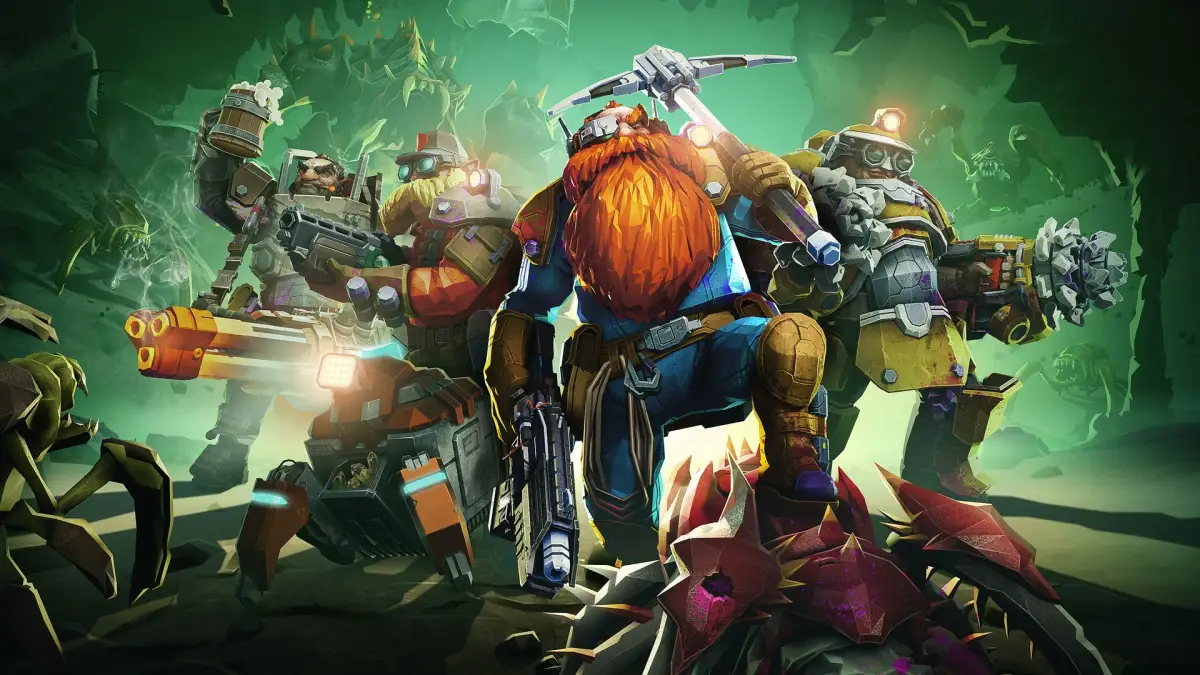
Welcome to the treacherous caves of Hoxxes IV, miner! Deep Rock Galactic is a sci-fi co-op FPS where you and up to three friends play as dwarven space miners. Your job is to delve into procedurally generated cave systems, complete objectives for the titular Deep Rock Galactic corporation, and extract valuable resources – all while fending off swarms of hostile alien creatures. Each dwarf class brings unique tools and abilities to the table, making teamwork essential for survival and success.
This guide is your go-to resource for mastering the depths. We'll cover everything from understanding mission types and interpreting the UI to optimizing your dwarf's loadout and tackling the most challenging boss encounters. Whether you're aiming for that coveted Gold Medal on every mission or just trying to survive the relentless alien hordes, we've got the expert strategies and advanced techniques to help you conquer the hazardous depths of Hoxxes IV.
Understanding the UI — Deep Rock Galactic Guide
Learn the essential controls and understand the UI in Deep Rock Galactic. This guide covers movement, shooting, class abilities, and mission progression to help new miners succeed.
This guide provides basic gameplay advice for new players of Deep Rock Galactic. For more in-depth help, consult the in-game Miner's Manual, the official Deep Rock Galactic Discord server, and the Tips, tricks and strategies page.
How To Play
Use W, A, S, D keys (or left stick on controller) to move and left-click (or right trigger on controller) to shoot. The goal is to shoot bugs until they are dead. It's a simple game.
The game begins with an optional tutorial that can be exited or revisited anytime via the Miner's Manual. The tutorial focuses on the Gunner class.
After the tutorial, you'll arrive at the Space Rig, your hub for relaxing between missions, upgrading equipment, purchasing vanity items, starting or aborting assignments, and visiting the Abyss Bar.
New players must complete a 10-mission assignment called "Conquer Hoxxes IV" to unlock access to the various planetary regions of Hoxxes IV.
Assignment missions are marked with a white diamond icon. Completing them grants Crafting Resources and Credits, used for upgrades and purchases.
Once "Conquer Hoxxes IV" is done, you can explore planetary regions for resources, take on more assignments to unlock weapons and terminals, buy cosmetic items, or tackle challenging mutators for Experience and Credit rewards.
HOW TO PLAY FOR REAL
Utilize grenades and traversal tools frequently. For example, an Engineer can place a platform for a Scout to grapple onto minerals safely.
Press 'V' to yell "ROCK AND STONE!" This is a good luck charm and a morale booster. Always say it.
This wiki is an invaluable resource for accurate and helpful information. Use it often.
Always say "GG" after each game.
Starting A Mission
Dwarven employees are deployed from the Space Rig onto Hoxxes IV for various missions. Use the Mission Terminal to select a planetary region, mission type, and game mode. Entering the Drop Pod initiates a launch countdown, after which you'll be transported to the cave system.
Driller Specific Instructions:
- Exit the drop pod.
- Press '4' (or D-Pad Right on controller).
- Look down and press Left-click (or Right Trigger on controller).
- Repeat until you cannot anymore.
Drillers have an item that can buff their health and that of nearby Dwarves. Use it to support your team.
Planetary Regions
Hoxxes IV has ten distinct areas, each with unique visuals and challenges. A subset is available at any time, rotating every thirty minutes. Upgrading equipment requires mining crafting resources from these regions. The current regions include:
- Azure Weald - Abundant Croppa, Scarce Umanite. A beautiful, chilly, and hostile environment.
Main Walkthrough
Learn the basics of Deep Rock Galactic, from starting your first mission and understanding your role to ranking up and unlocking new gear. Master the art of mining and combat on Hoxxes IV.
Main Walkthrough
Learn the basics of Deep Rock Galactic, from starting your first mission and understanding your role to ranking up and unlocking new gear. Master the art of mining and combat on Hoxxes IV.
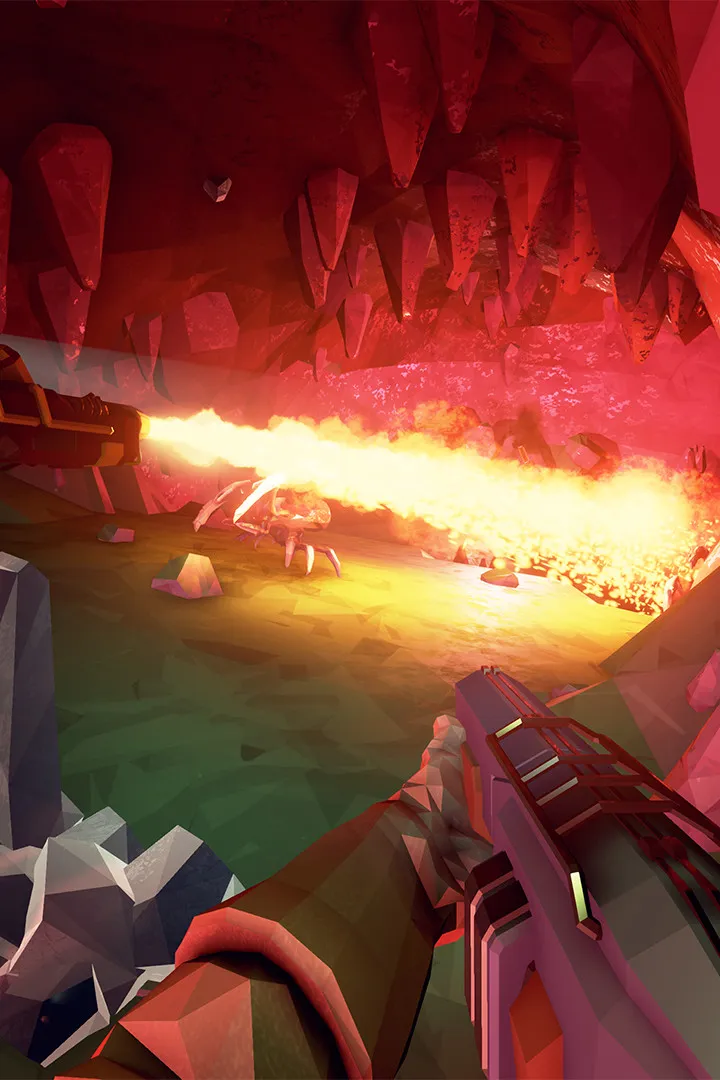
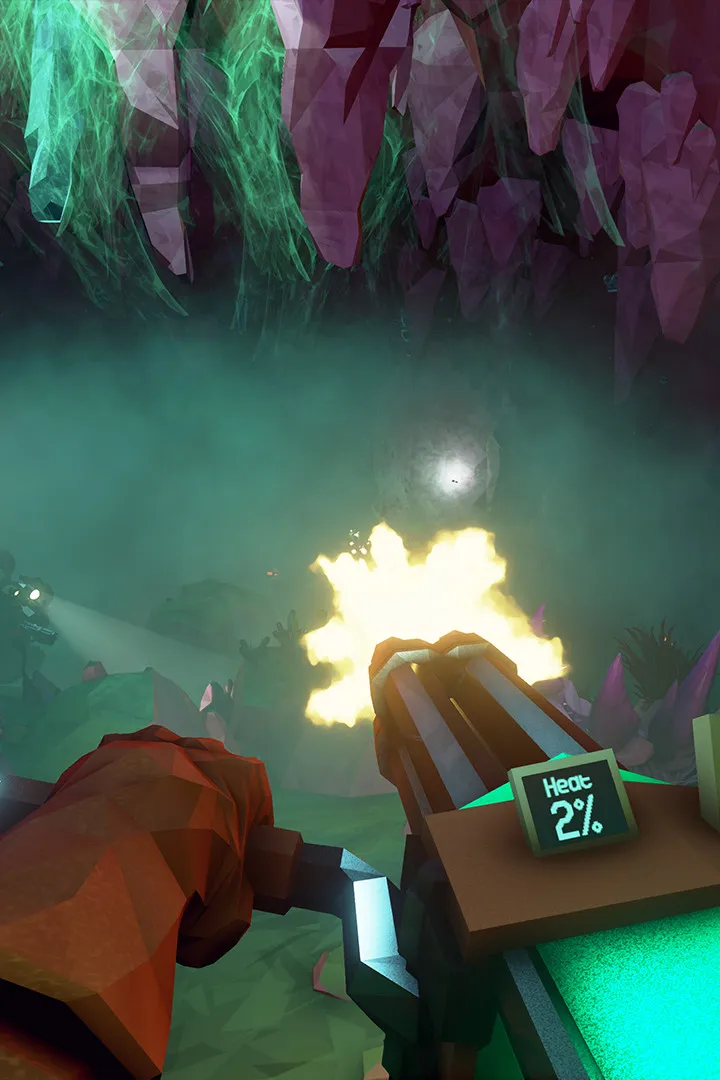
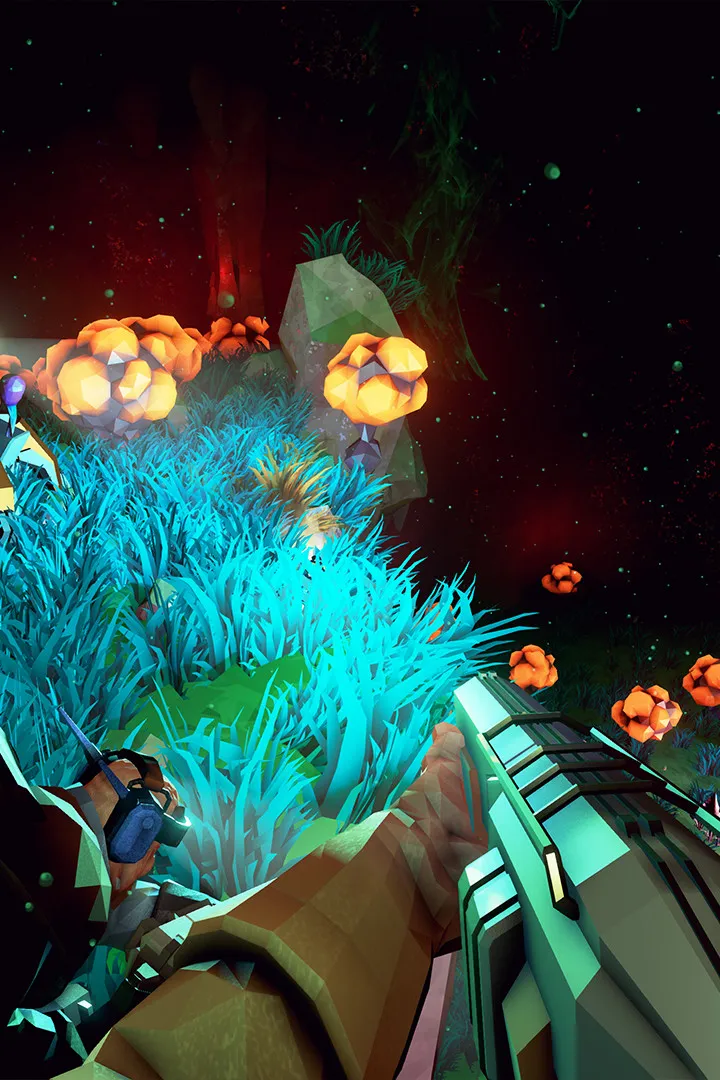
Egg Hunt: The First Hunt
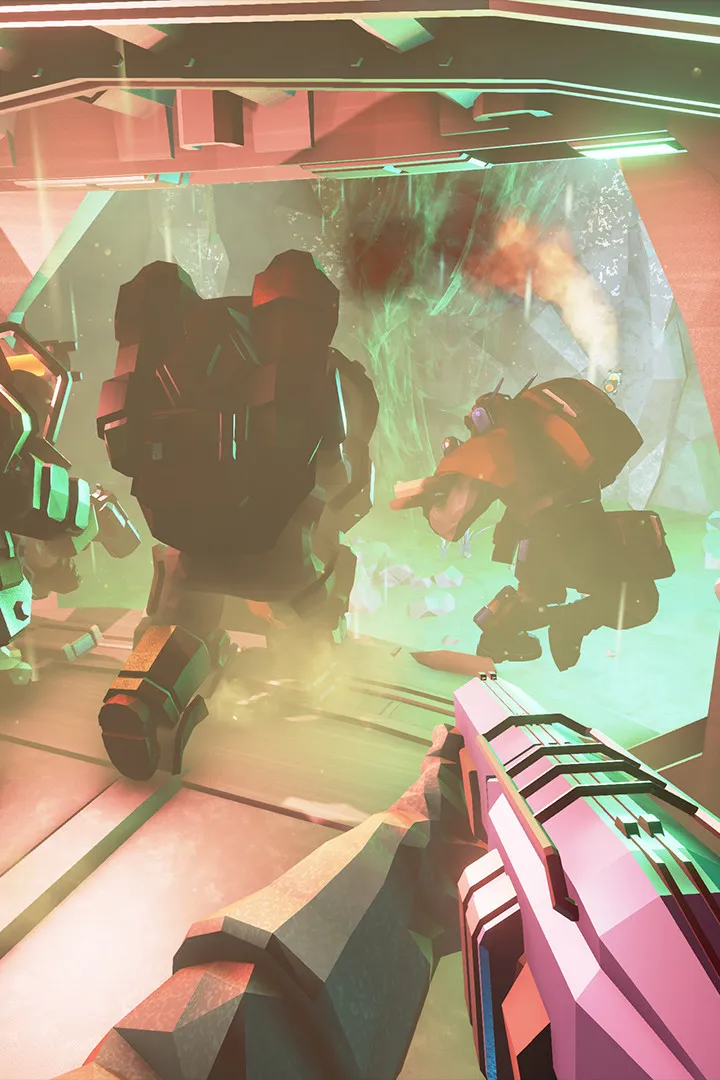
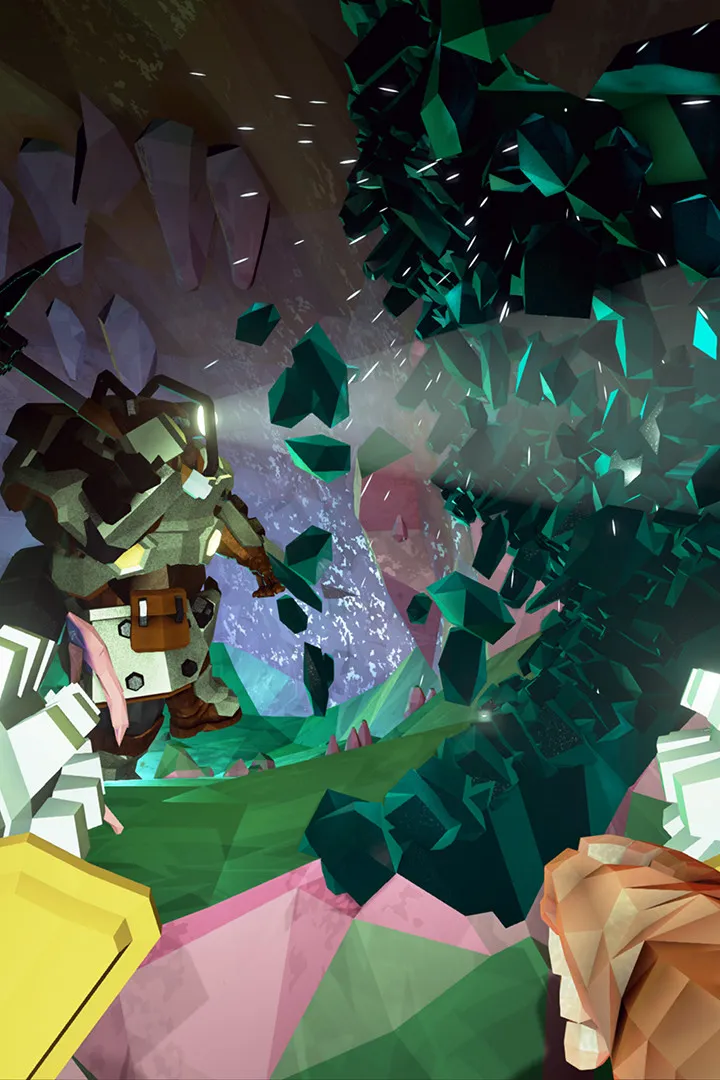
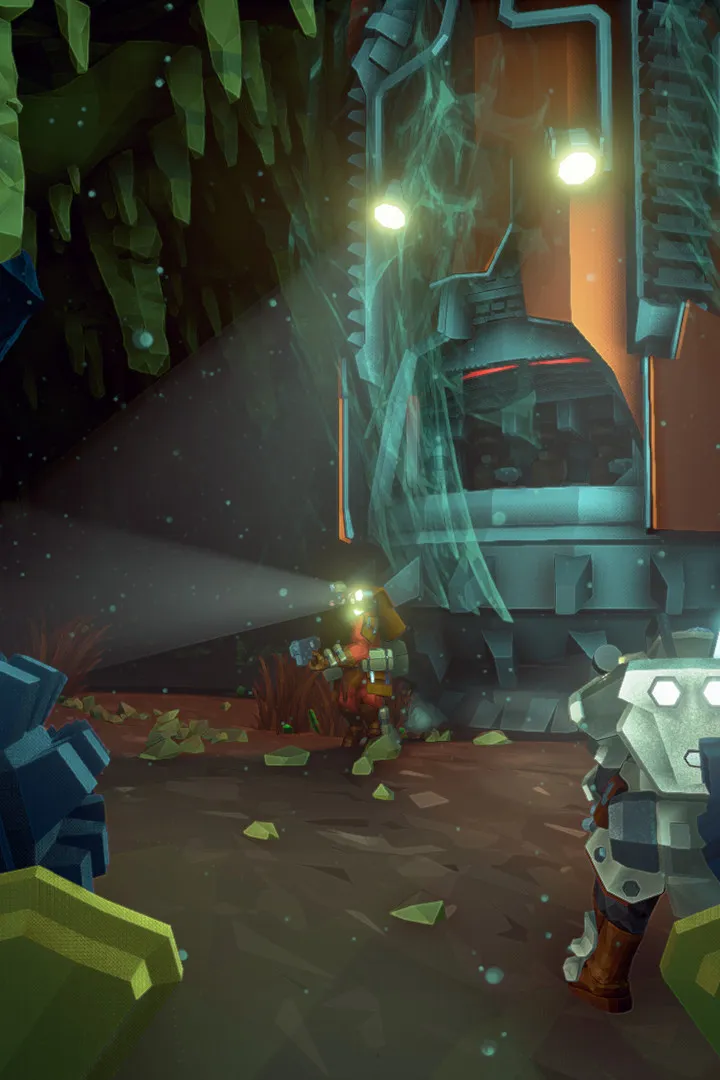
Learn how to complete the Egg Hunt mission type in Deep Rock Galactic. This guide covers objectives, strategies, and tips for successfully collecting alien eggs.
Egg Hunt: The First Hunt
Learn how to complete the Egg Hunt mission type in Deep Rock Galactic. This guide covers objectives, strategies, and tips for successfully collecting alien eggs.

Locating Alien Eggs
Learn the best strategies and tips for locating elusive Alien Eggs in Deep Rock Galactic. Master the art of discovery and secure your mission objectives with this comprehensive guide.
- 1Identify Biomes: Alien Eggs are most commonly found in the Dense Biozone and Fungal Bogs biomes. Keep an eye out for these environments when selecting missions.
- 2Scan and Listen: Use your terrain scanner (default 'M' key) frequently. Alien Eggs will appear as a distinct, rare resource icon. Listen for their faint, unique humming sound, which can help pinpoint their location.
- 3Visual Cues: Alien Eggs are housed in glowing, pulsating pods. They are often found in hard-to-reach places such as high ledges, small crevices, or behind destructible terrain.
- 4Utilize Tools: The Scout's Flare Gun can illuminate dark areas, revealing hidden eggs. The Engineer's platforms can help reach elevated eggs, while the Driller can create new paths to them.
- 5Teamwork: Communicate with your team when you spot an egg. Designate a player to collect them while others defend against incoming threats.
- Prioritize collecting Alien Eggs when they are part of a mission objective, as they are often scarce.
- Be aware of your surroundings; swarms can spawn near egg locations, so be prepared for a fight.
- If playing as the Scout, use your grappling hook to quickly reach and collect eggs.
- Use the 'Ping' system to mark egg locations for your teammates.
Similar guides you might like





100% Human-Written. AI Fact-Checked. Community Verified. Learn how AntMag verifies content