
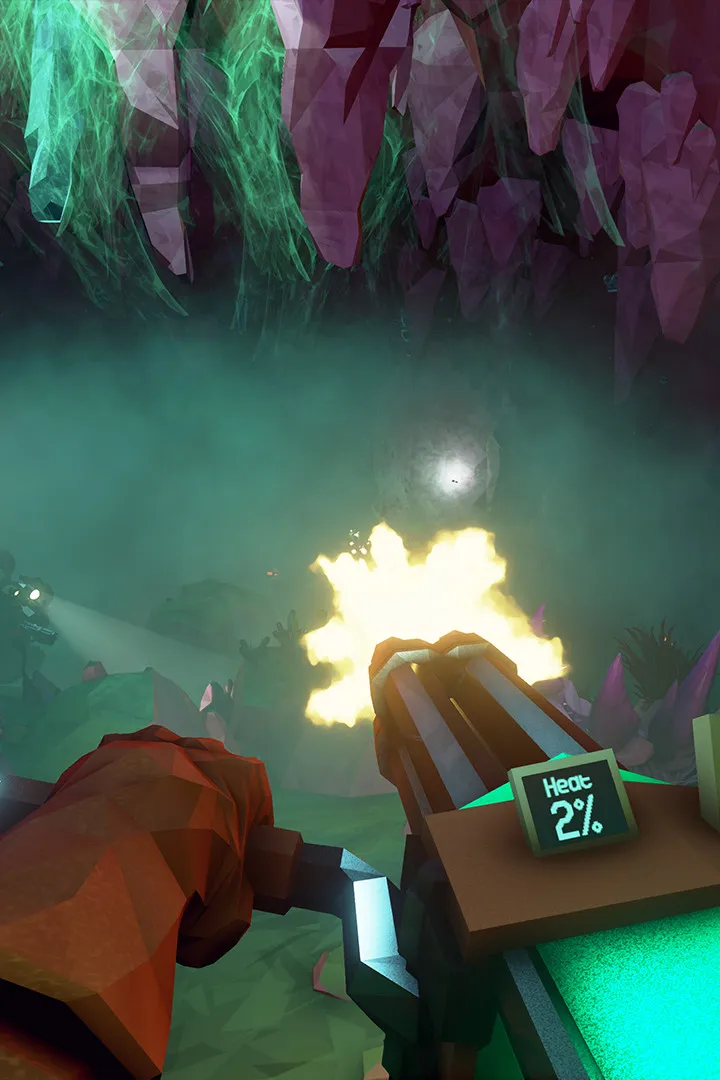
Learn how to locate and recover valuable Lost Packs scattered throughout the caves of Deep Rock Galactic. Essential for upgrades and resources.
Walkthrough
- 1Listen for the distinct chime: Lost Packs emit a unique, high-pitched ringing sound when you are close. This is your primary audio cue for locating them.
- 2Scan your surroundings: Use your scanner (default key 'Q' on PC) to get a general direction of the sound. The scanner will highlight interactive objects, and the Lost Pack will appear as a distinct icon.
- 3Explore thoroughly: Lost Packs can be hidden in various locations: tucked away in small alcoves, behind destructible terrain, or even in hard-to-reach areas requiring traversal tools.
- 4Use traversal tools: The Engineer's platforms, the Driller's drills, the Scout's grapple hook, and the Gunner's ziplines can all be instrumental in reaching difficult-to-access Lost Packs.
- 5Defeat the Swarm: Once you locate a Lost Pack, you will often need to clear out a swarm of enemies that are guarding it before you can interact with it.
- 6Interact to collect: Approach the Lost Pack and press the interact button (default 'E' on PC) to open it and claim its contents.
Tips
- The sound cue is directional, so pay close attention to where it's loudest.
- Lost Packs are more likely to spawn in deeper cave sections or areas with more complex terrain.
- Don't ignore them! The rewards, especially weapon frameworks and Overclocks, are very valuable.
- If playing with a team, communicate when you hear or find a Lost Pack.
100% Human-Written. AI Fact-Checked. Community Verified. Learn how AntMag verifies content