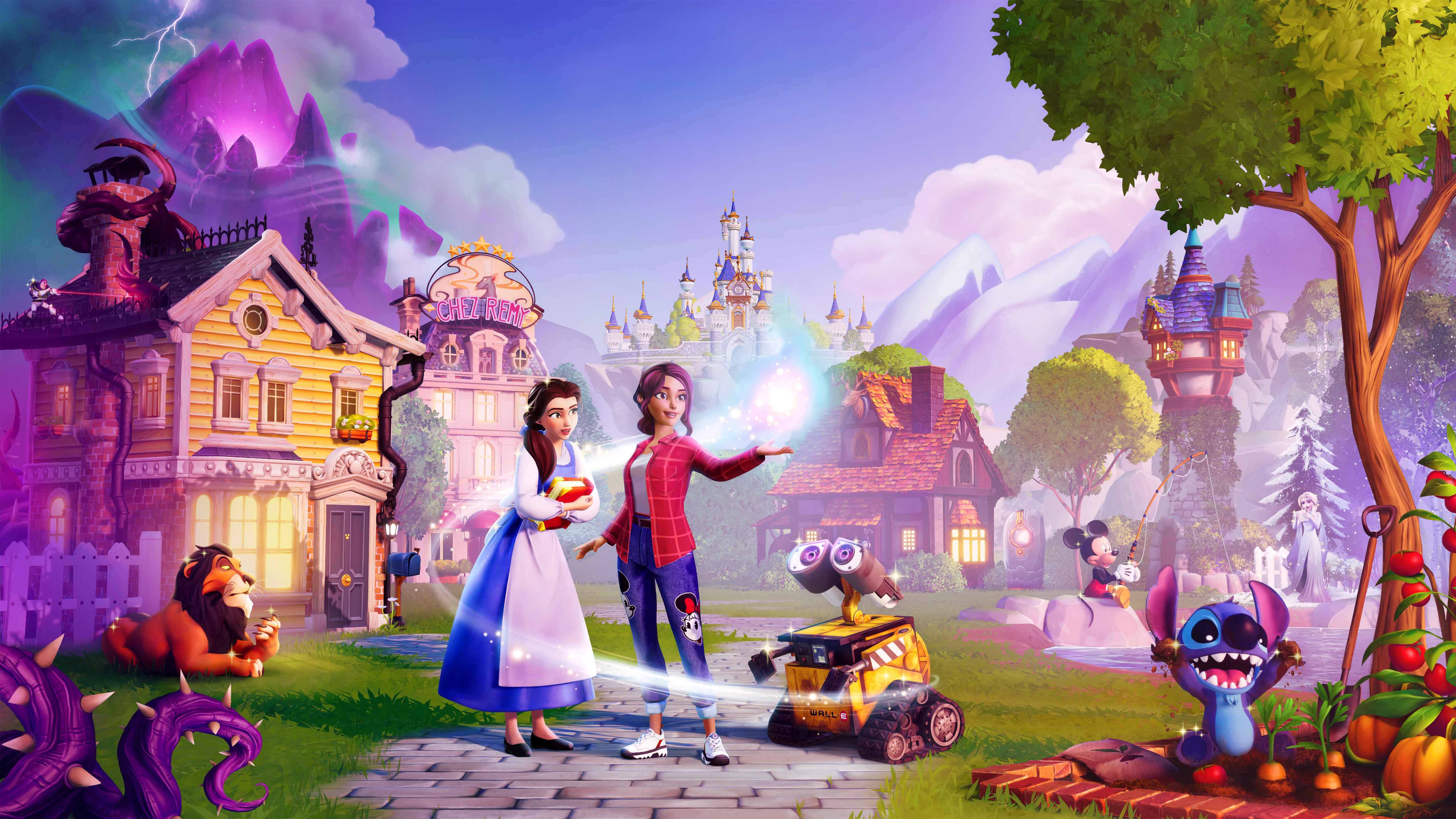
Unlock the full potential of the Touch of Magic feature in Disney Dreamlight Valley: 2026 Expansion. Learn how to customize your items and world with this comprehensive guide.
The Touch of Magic feature in Disney Dreamlight Valley: 2026 Expansion allows players to deeply customize various items, from clothing to furniture, using a unique in-game tool. This guide will walk you through its capabilities.
- 1Accessing Touch of Magic: The Touch of Magic tool is unlocked early in the game through a questline. Once unlocked, it can be accessed from your inventory or through specific crafting stations.
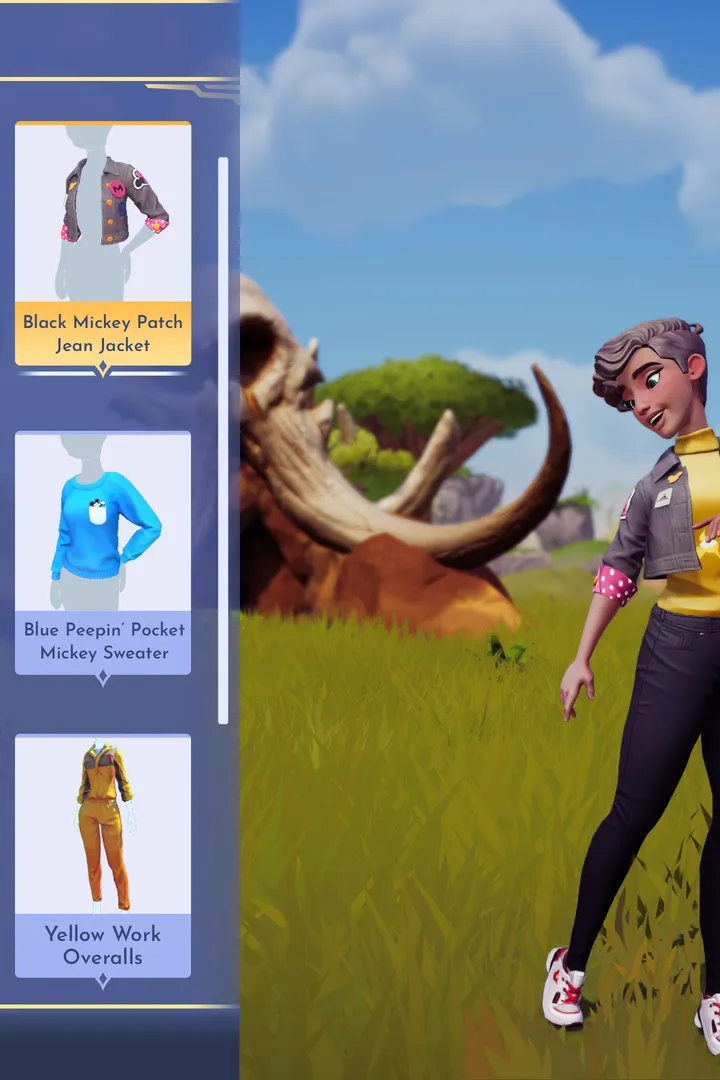
- 2Customizing Clothing: Select the 'Clothing' option within the Touch of Magic interface. You can then choose to design a new piece of clothing from scratch or customize existing items. This involves selecting patterns, colors, and motifs.
- 3Designing Motifs: Motifs are special designs that can be applied to clothing and furniture. You can create your own motifs by drawing them or by using pre-set shapes and icons available in the game.
- 4Applying Motifs: Once a motif is created or selected, you can apply it to your clothing or furniture. You can resize, rotate, and reposition motifs for the perfect look.
- 5Saving Designs: Your custom clothing and furniture designs can be saved to your collection. These saved designs can then be crafted at a Crafting Station or worn/placed in your Valley.
- 6Sharing Designs: (If applicable) Some versions of the game may allow players to share their custom designs with others online. Check the game's community features for details.
- 7Customizing Furniture: Similar to clothing, furniture can also be customized. Select the 'Furniture' option, choose an item, and then use the Touch of Magic tools to change colors, add patterns, and apply motifs.
- Experiment with different color palettes and motif combinations to create unique looks.
- Pay attention to the grid when designing motifs to ensure symmetry and balance.
- Consider the theme of your Valley or your character's outfit when designing custom items.
- The 'My Wardrobe' and 'My Style' sections of the menu are essential for managing your custom clothing.
- Look for special event-themed motifs or patterns that might become available.
The primary reward for mastering the Touch of Magic feature is the ability to express your creativity and personalize your gameplay experience in Disney Dreamlight Valley: 2026 Expansion. This includes creating unique outfits for yourself and your villagers, as well as custom furniture to decorate your home and the Valley.
100% Human-Written. AI Fact-Checked. Community Verified. Learn how AntMag verifies content