
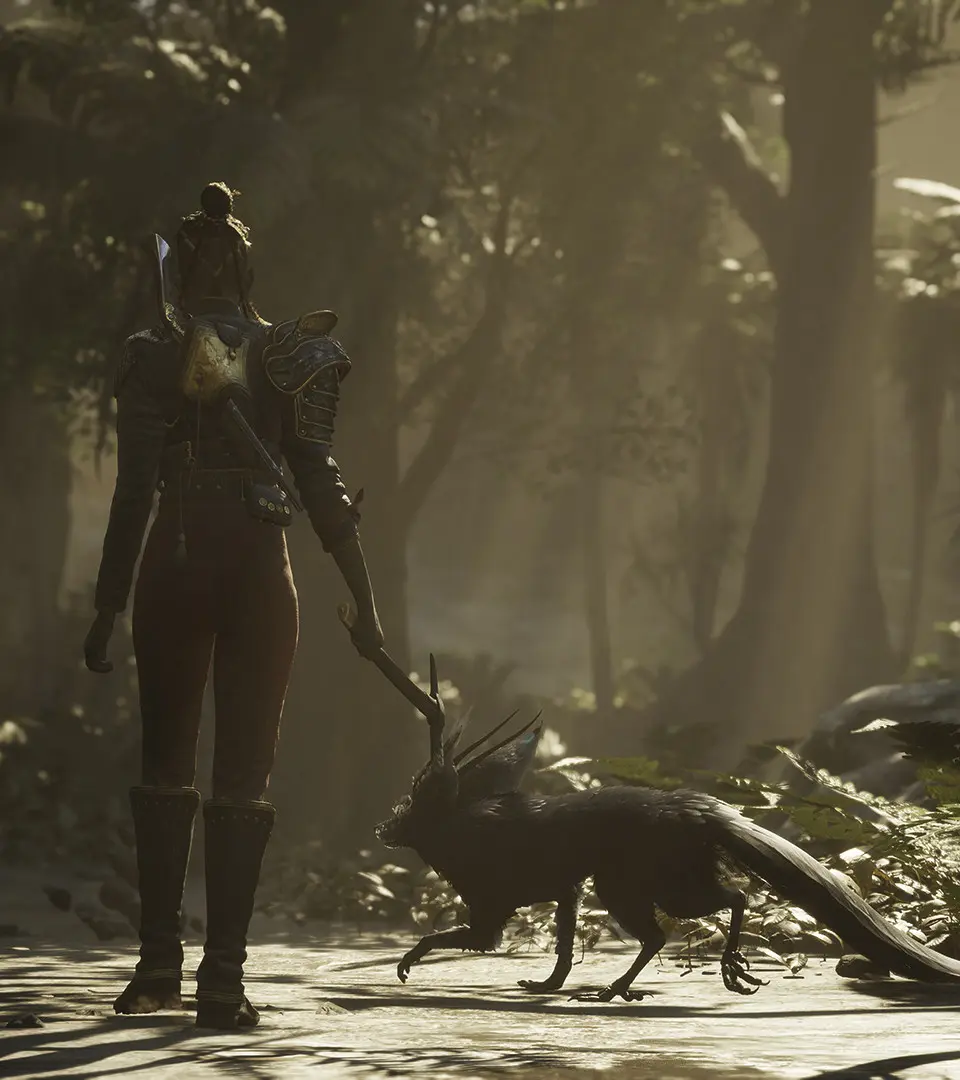
Master the user interface of Flintlock: The Siege of Dawn. Learn about controls, HUD elements, and menus to enhance your gameplay experience and understand the world of Enantios.
This guide will help you understand the various elements of the user interface in Flintlock: The Siege of Dawn. Familiarize yourself with the HUD, menus, and controls to better navigate the world of Enantios and its challenges.
| Action | Description |
|---|---|
| Health Bar | Displays the player character's current health. |
| Stamina Bar | Indicates the player's available stamina for actions like dodging and attacking. |
| Ammo Count | Shows the current ammunition for equipped firearms. |
| Companion Ability | Indicates the readiness and type of companion abilities available. |
| Quest Log | Tracks active and completed quests, providing objectives and lore. |
| Inventory | Allows players to manage collected items, weapons, and equipment. |
| Skill Tree | Visualizes available upgrades and abilities for character progression. |
| Map | Displays the current location, points of interest, and overall world map. |
| Dialogue Options | Presents choices during conversations with NPCs. |
| Combat Prompts | On-screen indicators for parries, interrupts, and special attacks. |
100% Human-Written. AI Fact-Checked. Community Verified. Learn how AntMag verifies content