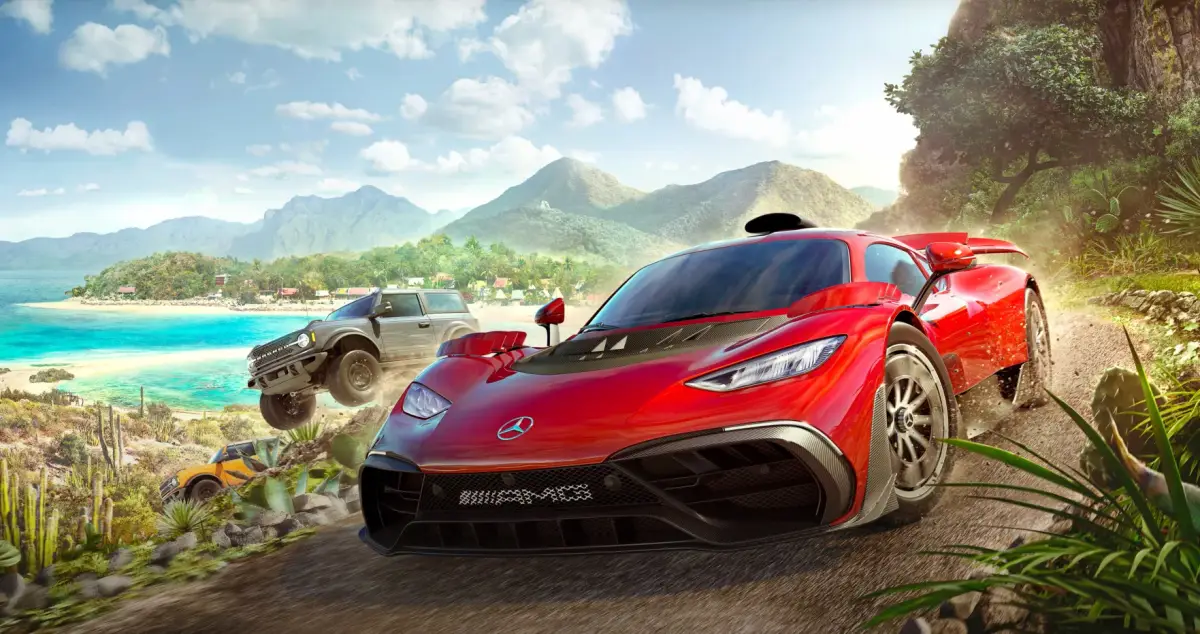
Learn how to adjust Drivatar difficulty in Forza Horizon 5 to match your skill level. Find the best settings for a challenging yet fun racing experience.
The Drivatar difficulty setting in Forza Horizon 5 determines how challenging the AI-controlled opponents will be. Adjusting this setting can significantly impact your racing experience, making races easier or more difficult.
Walkthrough
- 1Access the game's settings menu.
- 2Navigate to the 'Gameplay' or 'Difficulty' section.
- 3Locate the 'Drivatar Difficulty' slider or option.
- 4Adjust the slider to your preferred level:
- Beginner: Easiest AI, suitable for new players.
- 5Novice: Slightly more challenging than Beginner.
- 6Average: A balanced difficulty for most players.
- 7Above Average: For experienced players seeking a good challenge.
- 8Pro: Very difficult AI, for highly skilled drivers.
- 9Unbeatable: The highest difficulty, reserved for the best players.
- 10Confirm your changes. The new Drivatar difficulty will apply to future races.
Tips
- Start with a lower difficulty and gradually increase it as you become more comfortable with the game's mechanics and tracks.
- Experiment with different difficulty levels to find what provides the most enjoyable experience for you.
- Pay attention to how the Drivatars perform at each level; they can be aggressive, make mistakes, or drive perfectly depending on the setting.
- Consider using assists like traction control or stability management in conjunction with Drivatar difficulty to fine-tune the challenge.
100% Human-Written. AI Fact-Checked. Community Verified. Learn how AntMag verifies content