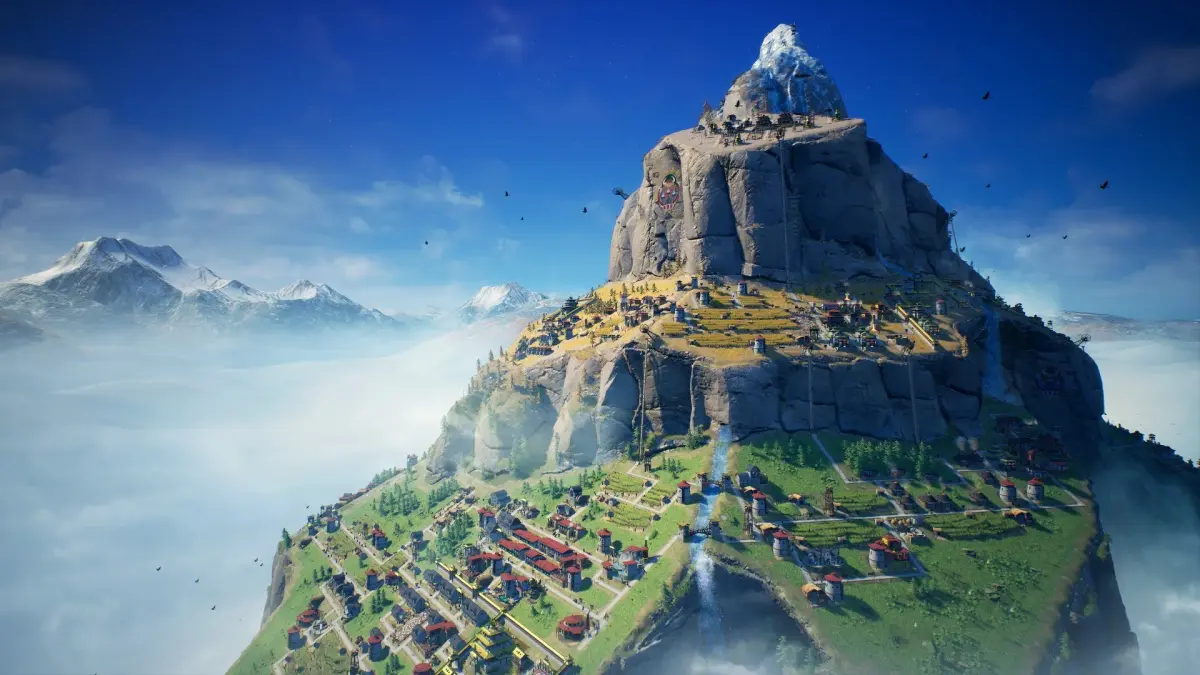
Learn how to effectively control your camera and navigate the mountainous terrain of Laysara: Summit Kingdom. Master your view for optimal city building and resource management.
This guide covers the essential camera controls and navigation techniques for Laysara: Summit Kingdom. Understanding these controls is crucial for efficient gameplay, allowing you to survey your growing mountain city, manage resources, and react to environmental challenges.
| Action | Button/Control |
|---|---|
| Pan Camera (Up, Down, Left, Right) | Arrow Keys or WASD |
| Zoom In/Out | Mouse Wheel Scroll or '+' and '-' keys |
| Rotate Camera | Hold Middle Mouse Button and Drag, or 'Q' and 'E' keys |
| Tilt Camera | Hold Middle Mouse Button + Shift and Drag, or 'Z' and 'X' keys |
| Center Camera on Selected Unit/Building | Double-click on unit/building or press 'F' |
| Toggle Free Camera Mode | 'V' key |
| Switch to Overhead View | 'Spacebar' |
Mastering these controls will significantly enhance your ability to manage your settlement and respond to the unique challenges presented by the mountain environment in Laysara: Summit Kingdom.
100% Human-Written. AI Fact-Checked. Community Verified. Learn how AntMag verifies content