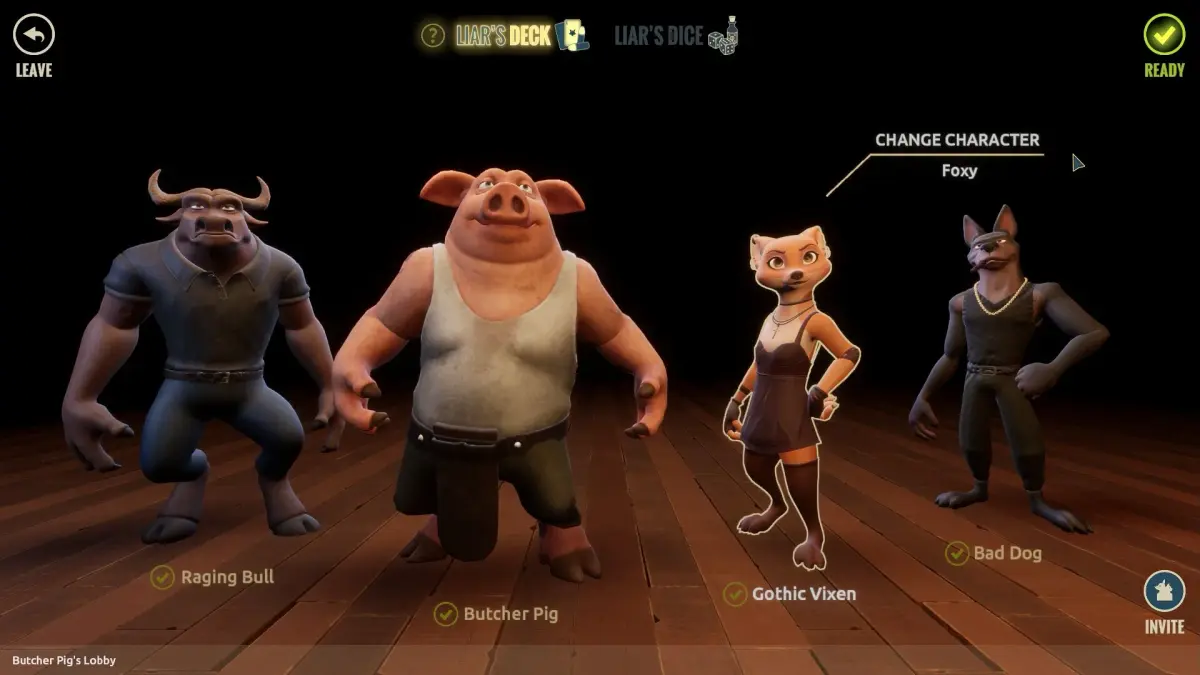
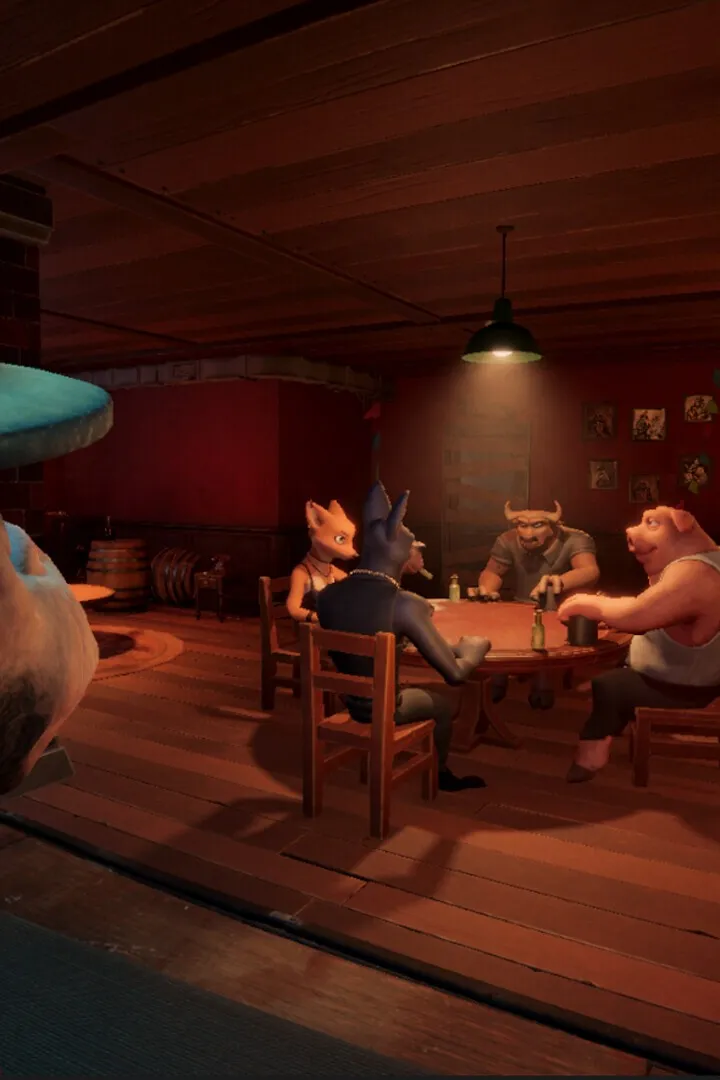
Navigate Liar's Bar Steam Support Contact issues with this expert guide. Learn how to get help and resolve problems quickly to keep your game running smoothly.
Hey there! So, you're running into some trouble with Liar's Bar and need to get in touch with Steam Support? It can be a bit of a maze sometimes, but don't worry, I've got your back. This isn't about in-game stuff, but about getting help from the platform itself when things go sideways.
What's the Deal with Steam Support?
Basically, Steam Support is your go-to if you've got issues with your account, purchases, or anything directly related to the Steam platform itself. Think of it as the customer service for Valve's storefront. If Liar's Bar itself is buggy, that's usually something the game devs fix, but if you can't launch it, or had a payment issue, Steam Support is who you'll need to talk to.
How to Actually Contact Them
Valve keeps things pretty streamlined, which is good! You won't find a phone number or a direct email address. Instead, you'll be using their online support portal. Here's the general idea:
- Head to the Steam Support Page: You can usually find this by searching 'Steam Support' or by navigating through the Steam client itself (look for 'Help' or 'Support' menus).
- Find the Right Category: This is key! You'll see a bunch of options like 'My game is not running,' 'Account issues,' 'Purchases,' etc. Pick the one that best fits your problem with Liar's Bar. Be as specific as you can.
- Follow the Prompts: Steam will guide you through a series of questions and potential solutions. Read these carefully! Often, the answer to your problem is already there, like a troubleshooting guide or a common fix.
- Submit a Ticket (If Needed): If none of the automated solutions work, you'll eventually get the option to submit a support ticket. This is where you'll write out your problem in detail.
What to Include in Your Ticket
When you're writing your ticket, be super clear and provide as much info as possible. Think of it like explaining the problem to me in person:
- What's Happening: Describe the exact issue you're facing with Liar's Bar. Error messages? Game crashing? Can't launch?
- When Did It Start: Did this happen after an update? Did you just buy the game?
- What You've Tried: List any troubleshooting steps you've already taken (restarting Steam, verifying game files, etc.). This saves everyone time.
- Your Account Info (Carefully!): They might ask for details, but NEVER share your password. Stick to what they specifically request through the official portal.
A Few Pro Tips
- Patience is Key: Steam Support can get swamped, especially after a big game launch. It might take a day or two (or sometimes longer) to get a response. Don't panic if you don't hear back immediately.
- Be Polite: Seriously, being nice goes a long way. Support agents are people too, and a polite request is more likely to get a helpful response.
- Check the Forums: Sometimes, other players have already run into your issue and posted a solution on the Liar's Bar Steam Community forums. It's worth a look!
So, that's the lowdown on tackling Steam Support. It's all about navigating their system effectively. Good luck, and I hope you get your Liar's Bar issues sorted out soon!
100% Human-Written. AI Fact-Checked. Community Verified. Learn how AntMag verifies content