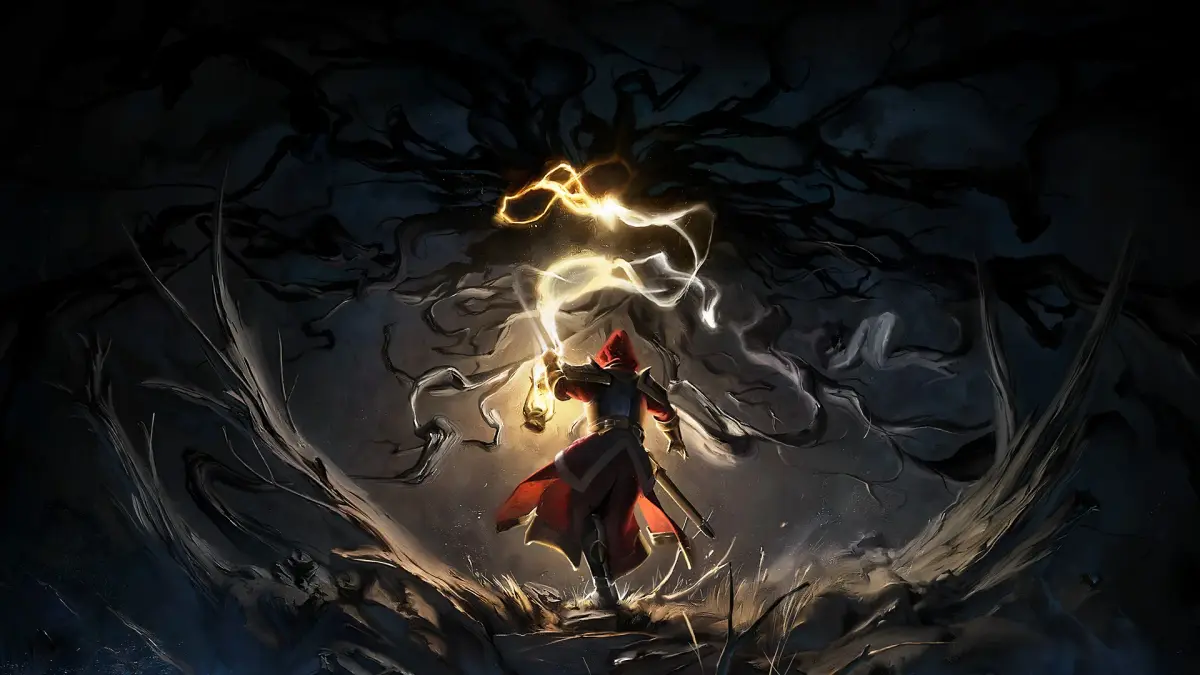
Welcome to Oakhaven, adventurer! Mandragora: Whispers of the Witch Tree is a single-player, story-rich RPG where you'll explore a haunting world, master its attribute system, and battle corrupted forces. As you delve into this atmospheric indie adventure, you'll need to uncover secrets, manage your survival, and perhaps even find the legendary Lost Relics.
This guide is your companion to mastering the challenges that await. We'll help you navigate Oakhaven's intricate systems, from understanding the attribute system to conquering tough combat encounters. Get ready to secure your survival and fully explore everything this RPG has to offer.
Getting Started
Welcome to the Mandragora: Whispers of the Witch Tree Wiki! Learn about gameplay features like combat, talent trees, and caravan NPCs to begin your adventure in Faelduum.
Getting Started
Welcome to the Mandragora: Whispers of the Witch Tree Wiki! Learn about gameplay features like combat, talent trees, and caravan NPCs to begin your adventure in Faelduum.
Controls & UI — Mandragora: Whispers of the Witch Tree Guide
Master Mandragora's UI & controls. Learn hotkeys, customize your hotbar, and understand vital elements for efficient gameplay and combat.
Mastering the Controls and UI in Mandragora: Whispers of the Witch Tree
Navigate the mystical world of Mandragora with ease by understanding its intuitive controls and comprehensive user interface. This guide will break down every button and icon, ensuring you can seamlessly interact with the environment, manage your inventory, and unleash your character's full potential. From combat maneuvers to quest tracking, a firm grasp of the UI is your first step to survival and triumph.
The user interface in Mandragora: Whispers of the Witch Tree is designed to provide all necessary information at a glance without overwhelming the player. At the top of the screen, you'll typically find your character's health and mana bars, along with any active buffs or debuffs. The mini-map, usually located in a corner, helps you orient yourself within the game world, showing nearby points of interest, quest markers, and enemy locations. Your hotbar, situated at the bottom, is where you'll ass your most frequently used skills, potions, and items for quick access during combat and exploration.
Key UI Elements and Their Functions:
- Health and Mana Bars: Monitor your character's vital resources. Red typically sifies health, while blue or purple represents mana or energy.
- Buffs and Debuffs: Icons above or near your health bar indicate positive effects (buffs) and negative effects (debuffs) currently affecting your character. Hovering over them usually reveals their duration and effects.
- Mini-Map: Essential for navigation. It displays your immediate surroundings, objectives, and potential threats. Zooming and rotating the map can be done via dedicated buttons or hotkeys.
- Hotbar: Customizable slots for skills, items, and consumables. Ass abilities by dragging them from your spellbook or inventory.
- Quest Log: Accessible through a dedicated button or hotkey, this displays your active quests, their objectives, and relevant lore.
- Inventory: Manage your collected items, equipment, and crafting materials. Sorting and filtering options are usually available.
- Character Sheet: View your character's stats, skills, equipment, and progression.
Combat Controls:
Combat in Mandragora is dynamic and requires precise input. Movement is typically handled by the WASD keys. Mouse clicks are used for targeting enemies and executing basic attacks. Number keys (1-9) and potentially other modifier keys (like Shift or Ctrl) are bound to your hotbar for activating special abilities and spells. Dodge rolls or evasive maneuvers are often mapped to a dedicated key, such as Spacebar or a mouse button, allowing you to avoid incoming damage.
Interaction and Exploration:
Interacting with objects, NPCs, and the environment is usually context-sensitive. When you are near an interactable element, a prompt will appear on screen, indicating the key to press (often 'E' or 'F'). This could be for talking to a merchant, opening a chest, or picking up a quest item. Exploration is encouraged, and the UI provides tools to aid your journey, such as detailed world maps that can be unlocked as you discover new areas.
Tips for UI Mastery:
- Customize your Hotbar: Arrange your most used abilities and items in a way that feels comfortable and efficient for your playstyle.
- Learn Hotkeys: Memorizing keybinds for frequently used actions will significantly speed up your gameplay.
- Utilize Tooltips: Always hover over icons and abilities to understand their effects and cooldowns.
- Adjust UI Scale: If certain elements are too small or too large, explore the game's settings for UI scaling options.
Installation & First Launch
Install Mandragora: Whispers of the Witch Tree with its 40GB requirement. Adjust graphics, audio, and keybindings before beginning your journey.
Upon purchasing Mandragora: Whispers of the Witch Tree, ensure you have sufficient disk space for the installation. The game requires approximately 40GB. Once installed, launch the game. You'll be greeted by the Mandragora title screen. We recommend checking the 'Options' menu before starting a new game to adjust graphics settings, audio levels, and keybindings to your preference. For optimal performance, ensure your graphics drivers are up to date. The game supports various resolutions and refresh rates, so tailor it to your monitor's capabilities for the best visual experience. A stable internet connection is recommended for potential future updates and online features, though the main campaign is playable offline.
Character Creation
Learn how to create and customize your character in Mandragora: Whispers of the Witch Tree. Explore classes, talent trees, and more to shape your unique playstyle.
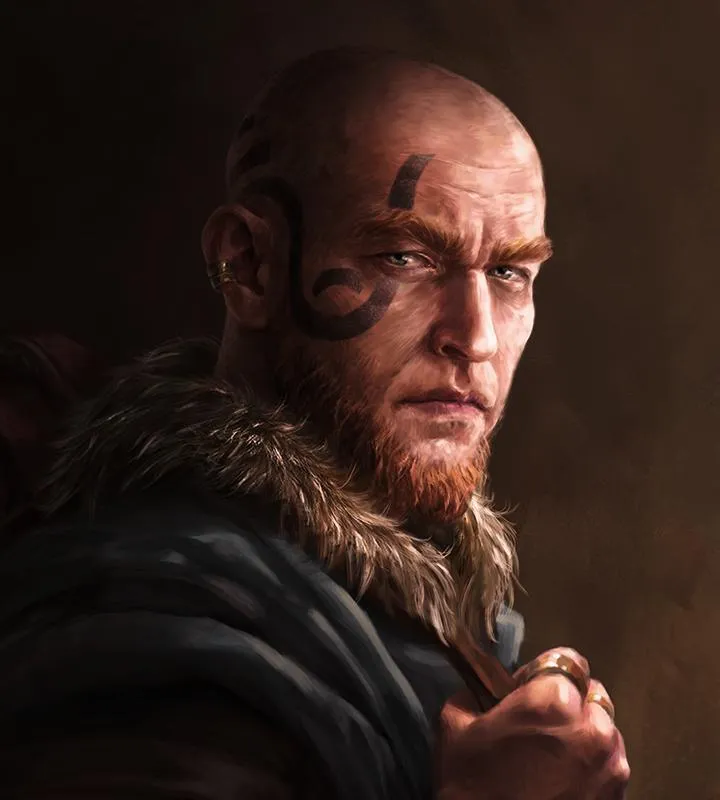
Hey there! So you're diving into Mandragora: Whispers of the Witch Tree and want to make sure your character is just right? That's awesome! While this wiki doesn't have a step-by-step guide for character creation itself, it does give us some super important clues about how you'll be shaping your hero. Think of this as getting the lay of the land before you even hit the character creator.
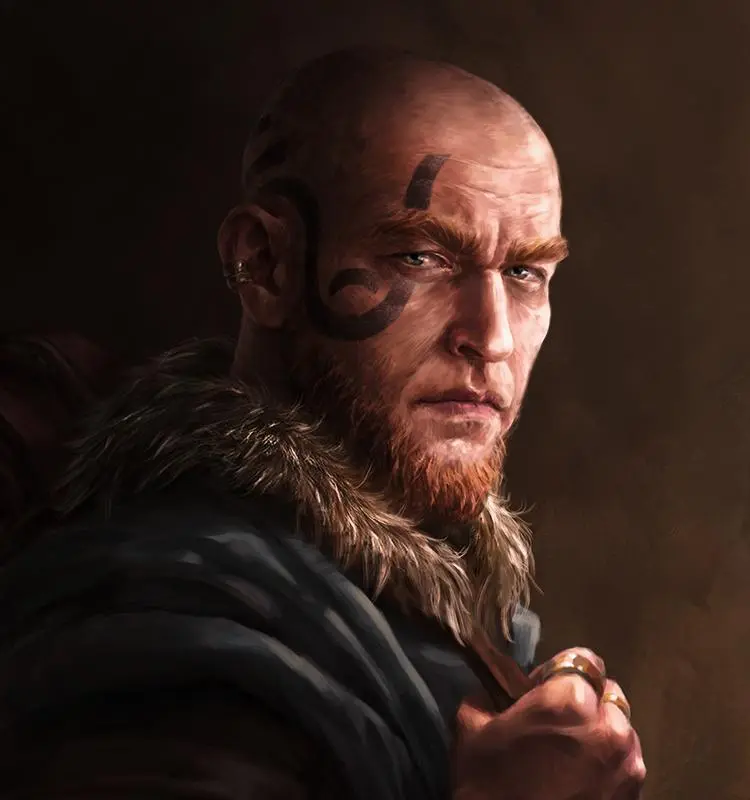
The game features 6 distinct Classes, and each one comes with its own unique Talent Tree. This is where the real magic happens in defining your playstyle! You'll want to explore these trees to see how you can specialize your character, whether you're leaning towards a frontline fighter, a cunning rogue, or something else entirely. The choices you make here will really impact how you tackle the world's dangers.
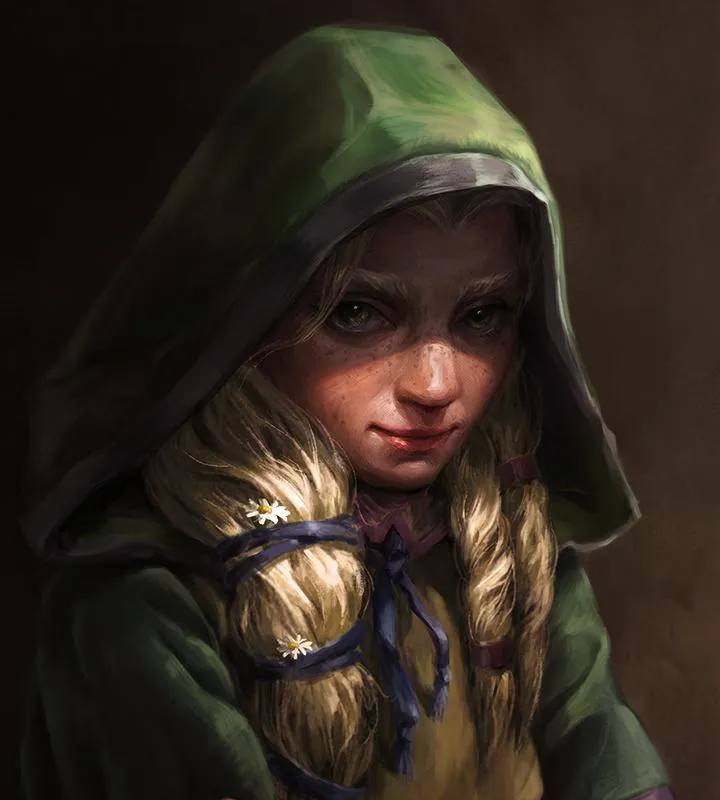
Beyond your class, the world of Mandragora is full of memorable NPCs, and you'll even encounter 7 skilled Artisan Vendors who can join your Caravan. While this doesn't directly tie into initial character creation, it hints at the kind of companions and support systems you'll be building throughout your journey. It's all about crafting your own unique adventure!
So, as you get ready to jump in, keep in mind that your character's identity will be heavily influenced by their chosen class and how you develop their talent tree. Get ready to explore a grim and vivid world, face down terrifying creatures, and make some tough moral decisions along the way!
Similar guides you might like
100% Human-Written. AI Fact-Checked. Community Verified. Learn how AntMag verifies content