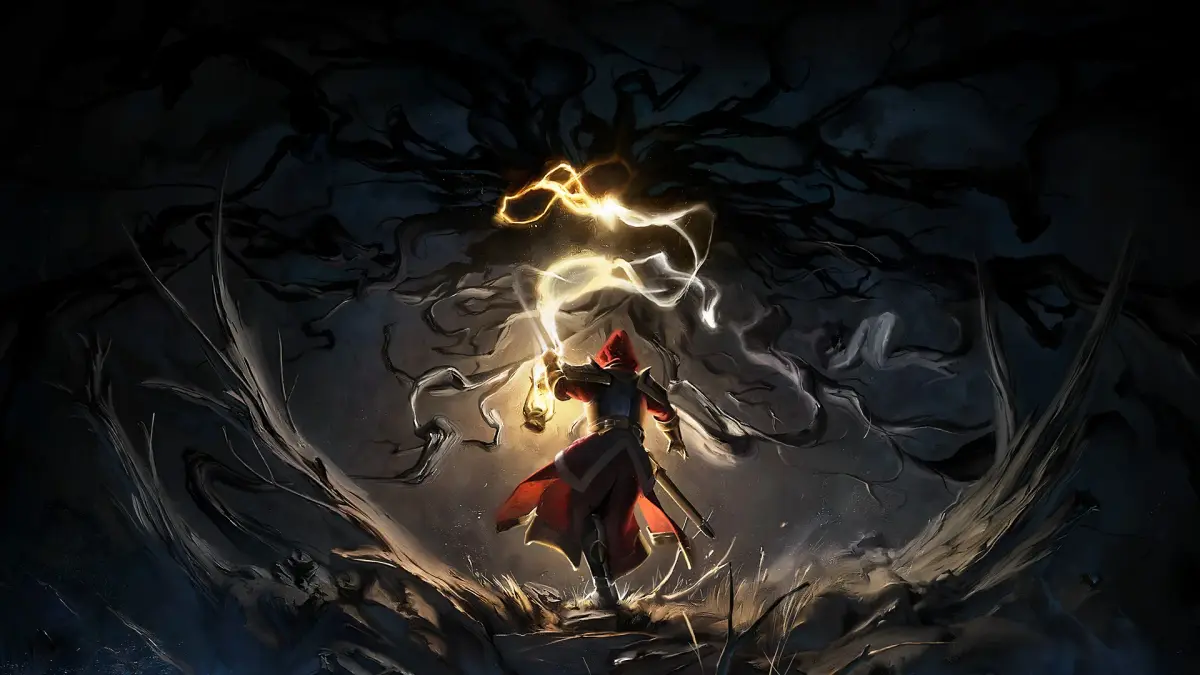
Master Mandragora's User Interface. Learn to read your Health, Stamina, and Mana bars, track weapon durability, and understand contextual prompts.
The Mandragora UI provides vital information at a glance. In the top-left corner, you'll find your Health Bar (red), Stamina Bar (green), and Mana Bar (blue). Below these are your equipped consumable slots. The bottom-right typically displays your current weapon and its durability, along with your active abilities. When interacting with NPCs or objects, contextual prompts will appear. The mini-map, usually in the top-right, shows your immediate surroundings, objectives, and points of interest. Pay close attention to status effects that may appear near your health bar, as these can significantly impact your combat effectiveness. Familiarizing yourself with the UI will allow you to react quickly to threats and manage your resources efficiently.

100% Human-Written. AI Fact-Checked. Community Verified. Learn how AntMag verifies content