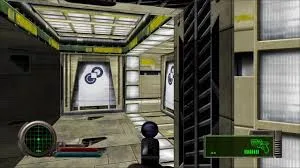
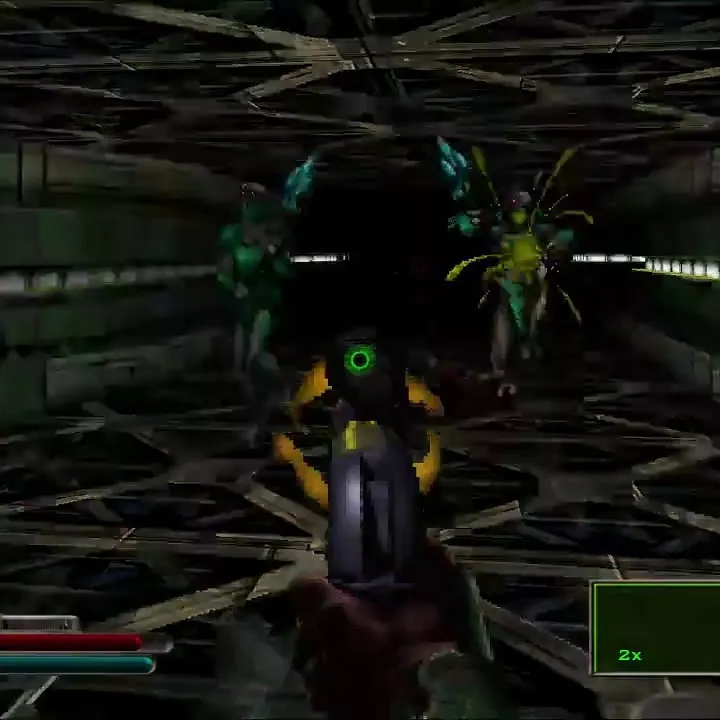
Learn how to install and set up Marathon Infinity on your computer. This guide covers essential steps for getting the game running smoothly, including using Forge for mapmaking.
Hey there! So you're diving into Marathon Infinity and want to get it up and running, maybe even start making your own maps? Awesome! This guide is here to walk you through the basics of getting the game installed and set up, especially if you're looking to jump into mapmaking with Forge. Don't worry, it's not as complicated as it sounds, and we'll take it step-by-step.
Marathon Infinity, like its predecessors, uses a tool called Forge for creating custom levels. If you've got the original game disc, Forge should be right there on it. For those of us who might have picked up the game more recently and maybe didn't get a manual, the game itself includes a few tutorial films within Forge to get you started. This guide aims to expand on that, offering tricks and insights that go a bit beyond the basic tutorials.
We'll cover some cool techniques for mapmaking, like using doors in clever ways to create traps or surprise players, and even how to construct convincing bridges in a 3D space. It's all about making your maps feel alive and challenging!
- Readability: For the best experience when viewing or printing this guide, use a monospaced font like Courier. This ensures that text aligns correctly, making it easier to follow along with any diagrams or examples.
- Permissions: This guide is for personal use. If you want to share it, make sure it's only posted on specific sites listed in the full permissions, and always include the author's credit.
100% Human-Written. AI Fact-Checked. Community Verified. Learn how AntMag verifies content