
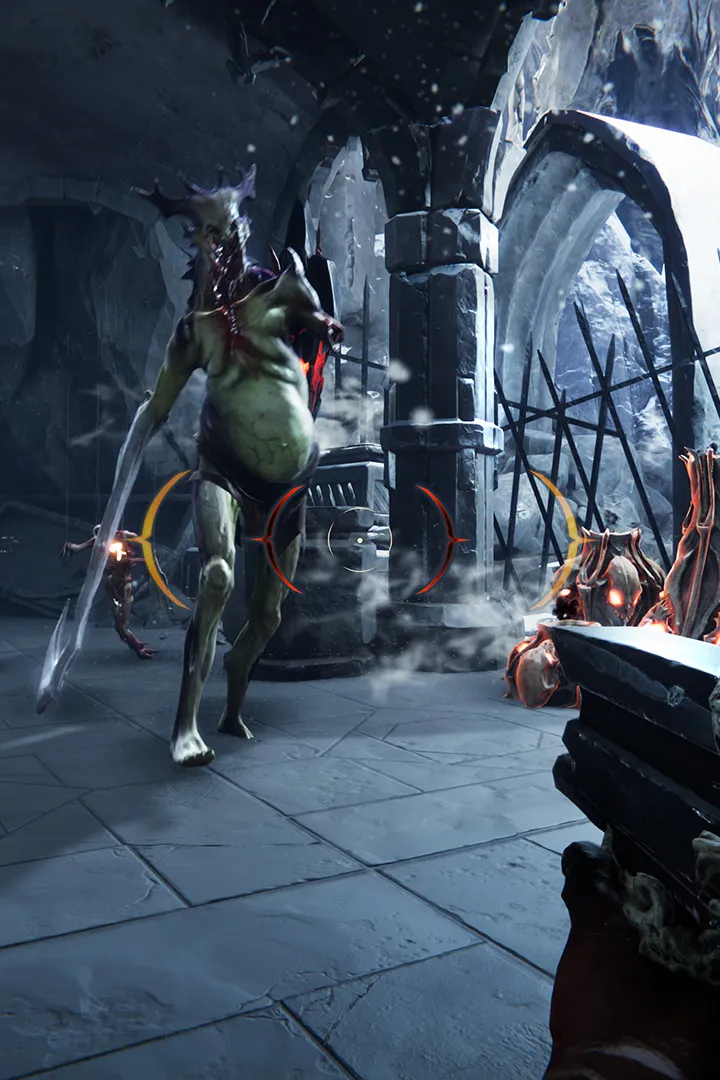
Find solutions to common Metal: Hellsinger problems and get answers to frequently asked questions. Improve your gameplay with our troubleshooting guide.
Q: How do I ensure the best rhythm game experience in Metal: Hellsinger?
A: Calibrate your audio and video settings. Staying on beat is crucial, and out-of-sync visuals or audio will hinder your performance. Access the calibration options in the Options menu and follow the prompts. You can recalibrate anytime if you feel things are off.
Q: How can I improve my situational awareness in Metal: Hellsinger?
A: Adjust your Field of View (FOV) in the Options menu. Increasing the FOV allows you to see more of your surroundings, helping you track enemies and avoid projectiles. It may take some adjustment if you're not used to a wider perspective.
Q: When should I use power-ups in Metal: Hellsinger?
A: Save power-ups like health crystals and combo boosters for when they are most needed. Activate combo boosters just before your combo is about to drop, and use health crystals during challenging waves of enemies, especially towards the end of a fight.
Q: How can I maintain my combo between enemy encounters in Metal: Hellsinger?
A: Utilize Paz, your skull companion. Equip Paz and fire on-beat even when no enemies are present. This will sustain your combo, allowing you to carry it throughout entire levels.
Q: What are the benefits of jumping and dashing in Metal: Hellsinger?
A: Jumping and mid-air dashes increase your agility, allowing you to cover ground quickly and evade enemy projectiles. They are also useful for repositioning yourself to safety when surrounded by enemies.
Q: How do I perform a quick reload in Metal: Hellsinger?
A: Pay attention to the beat indicator when a reload is imminent. Watch for the golden beat marker and press the reload button (X on Xbox Series X) precisely when it aligns with your crosshairs for a fast reload.
Q: When is the best time to use weapon Ultimates in Metal: Hellsinger?
A: Save your Ultimate attacks for critical moments. They take time to charge by slaying enemies, so it's best to unleash them on large waves of foes or during boss fights rather than on easy targets.
Q: How can I restore health effectively in Metal: Hellsinger?
A: While health crystals provide health, performing executions on staggered enemies is a more effective method. Aim at a near-death, staggered enemy and press the Execute button (R3 on consoles) to eliminate them and replenish a significant amount of health. This can even be done from a distance.
Q: Which enemies should I prioritize in Metal: Hellsinger?
A: Focus on eliminating the most dangerous enemies first, such as Behemoths or those that deal high damage. Deal with other threats only if they approach you directly. Be mindful of ranged attackers, but careful positioning can help you avoid their projectiles.
Q: What are Torments in Metal: Hellsinger and how do they help?
A: Torments are optional, smaller missions found in previous levels. Completing them rewards you with Sigils, which provide various benefits and can help make the game less challenging.
100% Human-Written. AI Fact-Checked. Community Verified. Learn how AntMag verifies content