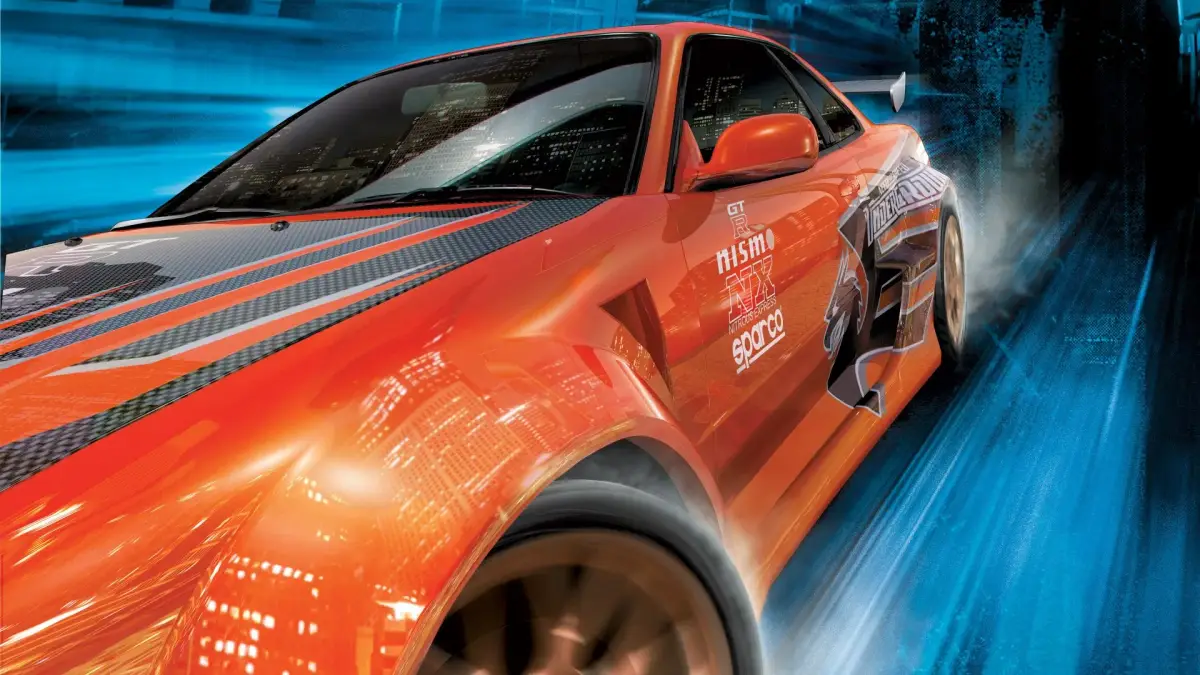
Need for Speed Underground decal list and customization tips. Learn how to change decal colors for better visibility.
Walkthrough
- 1Navigate to the decal selection screen.
- 2On PC, press the 'Z' key to toggle between a white and black decal color.
- 3Perform this color change before selecting your desired decal.
Tips
- White decals on white cars are difficult to see. Toggling the decal color to black before selection resolves this issue.
- The following decals are available in Need for Speed Underground: 5Zigen, ABS, ACT, AEM, Alpine, Apex Springs, A'Pex Integration, Arospeed, Audiobahn, BBS, Bilstein, Borla, Brembo, Clutch Masters, DC Sports, Eibach Springs, ENKEI, Eurolite, Extreme Dimensions, GReddy, Henshin Auto, HKS USA, HP Racing, H&R Springs, Injen, Jackson Racing, JSP America, Kenwood, KONI, KONIG, KVR Performance, KYB America, MOMO, NEUSPEED, NOS (Holley), Nitrous Express, O.Z., PIAA, PLASMA GLOW, Racing Hart Wheels, Scorpion Exhausts, Skunk2 Racing, Sparco, Stillen, Street Glow, Toyo Tires, Turbonetics, TYC, Venom, Yokohama.
100% Human-Written. AI Fact-Checked. Community Verified. Learn how AntMag verifies content