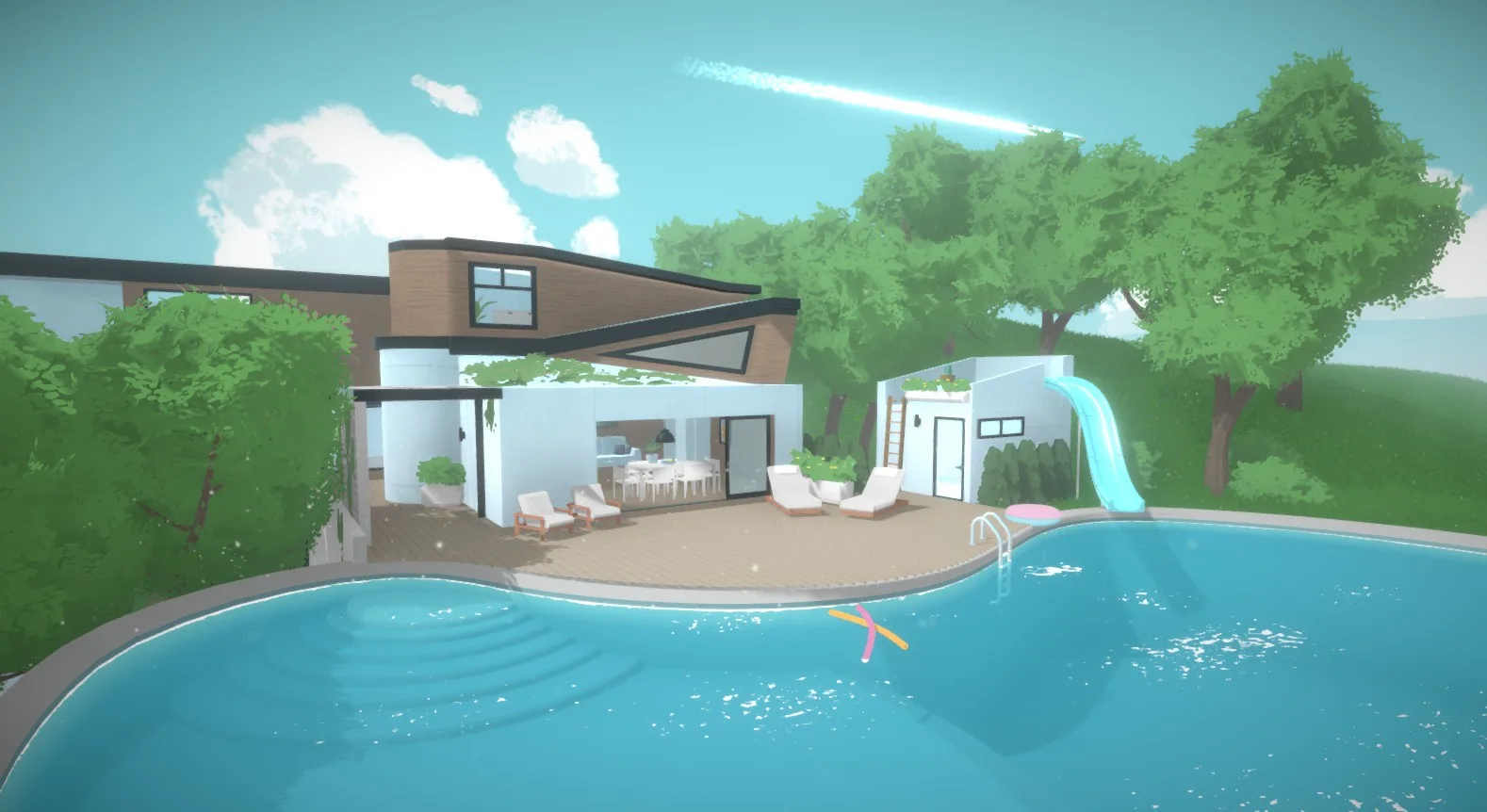
Welcome to Paralives, the life simulation game where you build your dream home and life from the ground up. Dive into a detailed world where you can design every aspect of your Parafolk's existence, from the architecture of their houses to the intricacies of their daily routines. It’s a game for anyone who loves creative building and deep character customization.
This guide is here to help you navigate the ins and outs of creating custom content for Paralives. We'll cover the essentials of adding new items, including how to set up furniture with multiple meshes for complex designs, and how to properly name and translate your creations within the modding tools. Get ready to bring your unique ideas into the game!
Getting Started
Welcome to Paralives! This guide covers the basics of Paramaker, Build Mode, and Live Mode, plus key features like Parafolks, Town, Skills, and more. Start your simulation journey!
Getting Started
Welcome to Paralives! This guide covers the basics of Paramaker, Build Mode, and Live Mode, plus key features like Parafolks, Town, Skills, and more. Start your simulation journey!
Installation & Setup
Get your Paralives game up and running! This guide walks you through the installation and initial setup process so you can start building your dream life.
Installation & Setup
Get your Paralives game up and running! This guide walks you through the installation and initial setup process so you can start building your dream life.

System Requirements (PC & macOS)
Check the estimated PC and macOS system requirements for Paralives. Ensure your hardware is ready for detailed character customization and home building.
While official system requirements for Paralives are still being finalized and may be subject to change as development progresses, we can infer likely specifications based on the genre and the game's visual fidelity. For PC, a mid-range gaming PC is generally recommended for simulation titles of this scope. This would typically include a modern multi-core processor (e.g., Intel Core i5 or AMD Ryzen 5 equivalent or better), at least 8GB of RAM, and a dedicated graphics card (e.g., NVIDIA GeForce GTX 1060 or AMD Radeon RX 580 or equivalent) with at least 4GB of VRAM. Storage space requirements are also a consideration; expect to need a minimum of 20-30GB of free space, potentially more as the game receives updates and additional content. An SSD is highly recommended for faster loading times, a common benefit in simulation games where world and lot loading are frequent.
For macOS, similar specifications are expected. A recent Mac model with a powerful integrated graphics processor or a dedicated GPU would be ideal. This would likely translate to models featuring Apple's M1, M2, or newer chips, or Intel-based Macs with comparable dedicated graphics capabilities. RAM requirements are also anticipated to be around 8GB or more. The operating system version will also be a factor; it's generally advisable to run the latest stable version of macOS for optimal compatibility. As with PC, an SSD is crucial for a smooth experience. It's important to remember that these are educated estimations. always consult the official Paralives store page or website once the game is released or enters early access for the definitive minimum and recommended system requirements. Meeting or exceeding these specifications will ensure a more enjoyable and stable gameplay experience, allowing you to fully appreciate the detailed environments and character customization Paralives is set to offer without performance hitches.
First-Time Launch & Settings
Learn how to launch Paralives for the first time and navigate its essential settings to customize your gameplay experience. Get started with your new life simulation game!
Welcome to Paralives! This guide will walk you through the initial launch of the game and help you set up your preferences for the best experience. We'll cover essential settings to get you started on building your dream life.
What this guide covers:
- Launching Paralives for the first time
- Navigating the main menu
- Adjusting graphics and audio settings
- Understanding gameplay options
- Saving and loading your game
100% Human-Written. AI Fact-Checked. Community Verified. Learn how AntMag verifies content