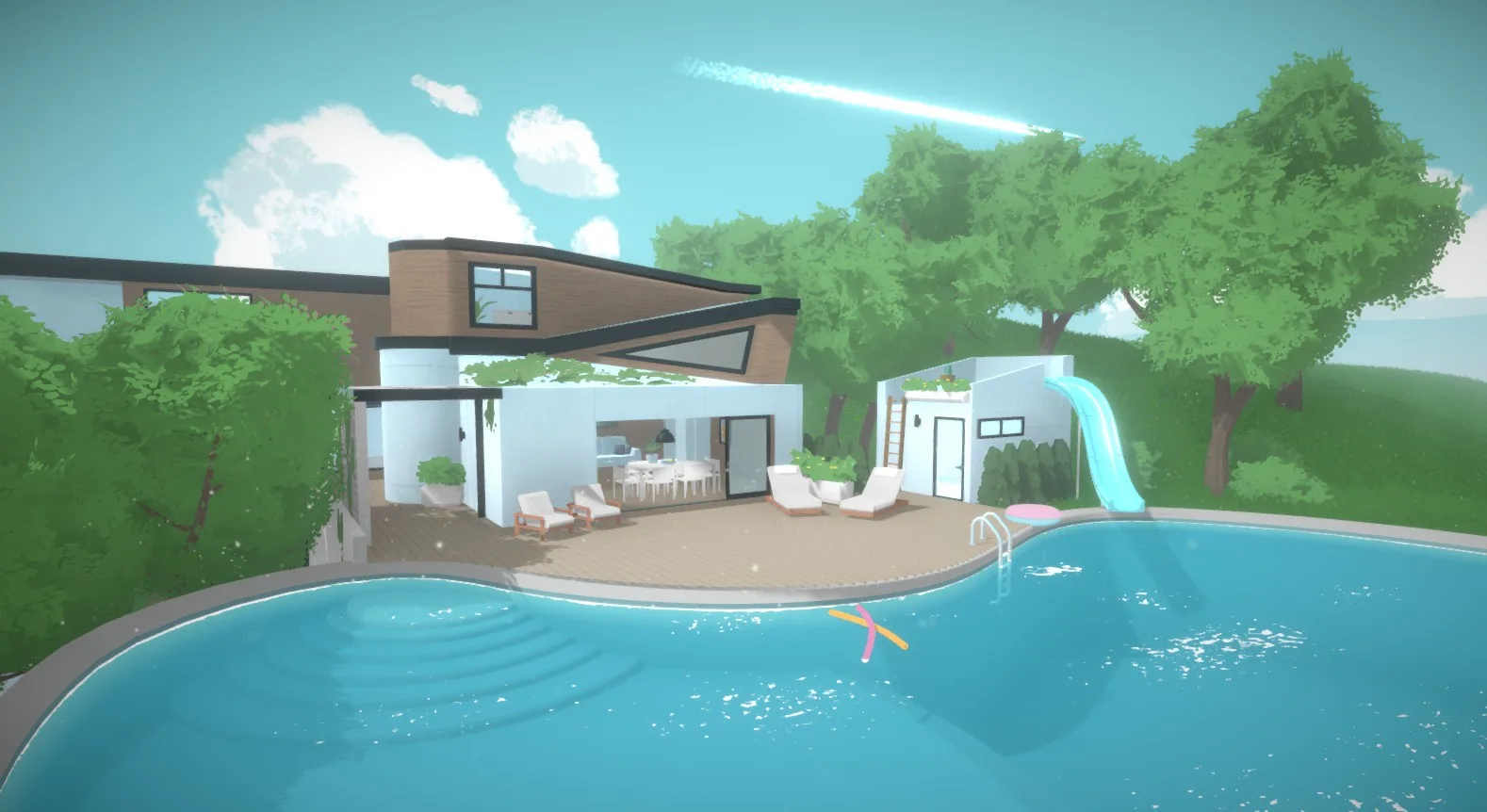
Learn all the essential keyboard shortcuts and hotkeys for Paralives to streamline your gameplay and building experience. Become a master builder and player!
This guide covers the essential keyboard shortcuts and hotkeys for Paralives. Mastering these will help you navigate the game more efficiently, speed up building, and enhance your overall gameplay experience.
| Action | Keybind |
|---|---|
| Move Camera Up | W |
| Move Camera Down | S |
| Move Camera Left | A |
| Move Camera Right | D |
| Rotate Camera Clockwise | E |
| Rotate Camera Counter-Clockwise | Q |
| Zoom In | Mouse Wheel Up / + |
| Zoom Out | Mouse Wheel Down / - |
| Toggle Free Camera | F |
| Toggle Grid | G |
| Toggle Snapping | Shift + G |
| Toggle Collision | C |
| Undo | Ctrl + Z |
| Redo | Ctrl + Y |
| Save Game | Ctrl + S |
| Open Build Mode | B |
| Open Buy Mode | N |
| Open Character Creation | C (in build/buy mode) |
| Select Tool | V |
| Move Tool | M |
| Rotate Tool | R |
| Delete Tool | Delete |
| Duplicate Object | Ctrl + D |
| Open Options Menu | Esc |
| Open Console | ~ |
Utilize these shortcuts to build faster and play more smoothly in Paralives!
100% Human-Written. AI Fact-Checked. Community Verified. Learn how AntMag verifies content