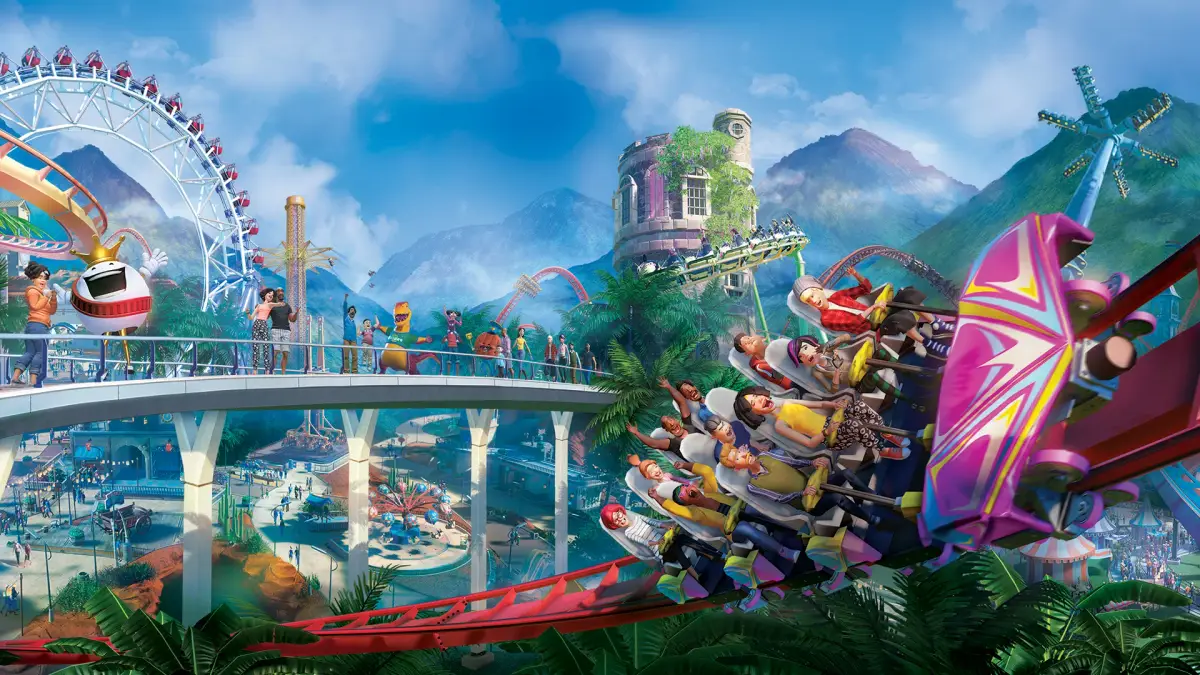
Control Planet Coaster park capacity and manage crowds to keep guests happy and boost profits. Learn strategies for optimizing park flow and avoiding long queu.
Effective crowd management is crucial for maintaining guest happiness, optimizing park flow, and maximizing profits in Planet Coaster. An overcrowded park leads to long queues, frustrated guests, and ultimately, lower park ratings. This detailed guide will walk you through strategies to control park capacity and keep your crowds happy.
Understanding Crowd Dynamics
Before you can manage crowds, you need to understand how they behave. Guests in Planet Coaster are driven by several factors:
- Ride Popularity: Highly rated or new rides will attract more guests, leading to longer queues.
- Facility Needs: Guests will seek out food, drink, restrooms, and souvenir shops. Poor placement or insufficient numbers will cause congestion.
- Pathing: Guests tend to follow the most direct routes. Bottlenecks can form in narrow pathways or at popular intersections.
- Park Rating: A higher park rating attracts more guests, increasing the overall crowd size.
Controlling Park Entry and Exit
The first line of defense against overcrowding is managing who enters your park and when.
- Entrance Gates: While you can't directly limit the number of guests entering through the main park entrance, you can influence their arrival rate. Consider placing additional entrance gates in larger parks to disperse incoming crowds, especially if your park is spread out.
- Ticket Price Adjustment: Navigate to the Park Management tab (accessible via the bottom-left UI icon, then select the "Park" icon). Here, you can adjust your Park Entry Fee. Increasing the fee will deter some guests, effectively reducing the influx. Monitor guest thoughts (visible by clicking on individual guests or checking the Guest Thoughts tab in Park Management) to ensure you don't make it too expensive.
- Park Opening Hours: In sandbox or challenge modes, you can't directly set opening hours. However, in scenario parks, pay attention to the scenario's objectives regarding guest numbers, as this often implies a natural cap or target.
Optimizing Pathing and Layout
The way you design your park's pathways has a significant impact on crowd flow.
- Wider Paths: Always opt for wider paths in high-traffic areas. The standard path width is 4m, but you can increase it to 6m, 8m, or even 10m in busy zones like ride plazas, food courts, and park entrances. Access the Paths menu (shovel icon in the bottom UI) and select the desired width before laying down paths.
- Avoid Dead Ends: Guests dislike dead ends and will often turn around, causing congestion. Design your park with circular routes or multiple exit points from areas.
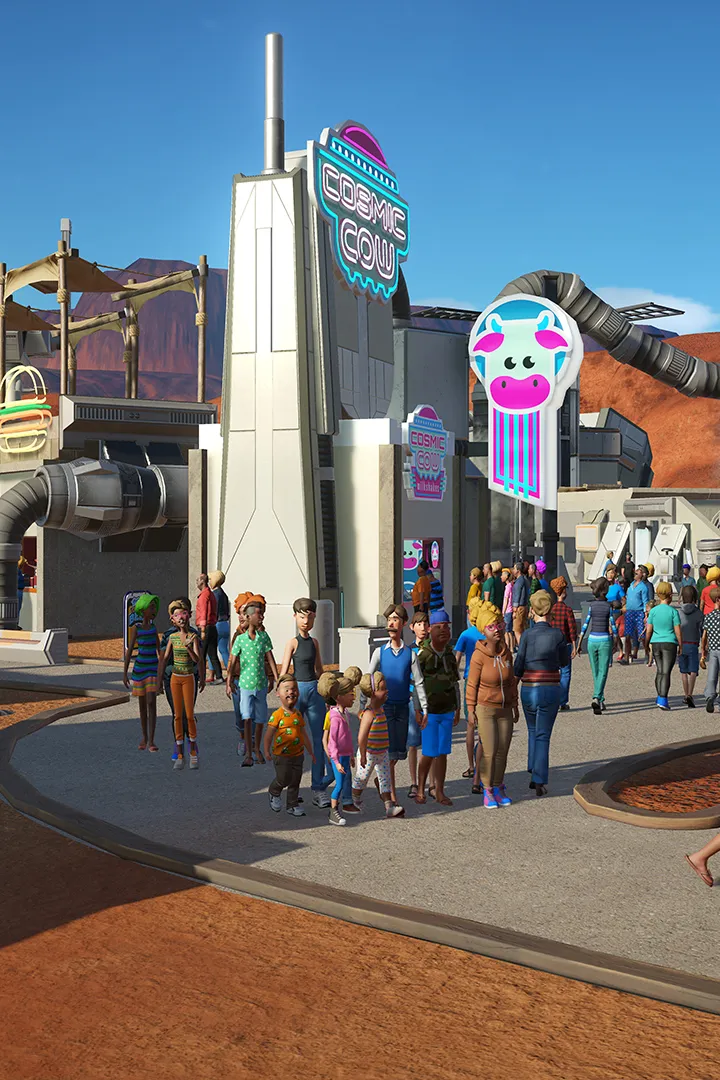
- Strategic Plaza Placement: Create large, open plazas around popular rides, food courts, and restroom facilities. This provides ample space for guests to mill around without blocking pathways.
- One-Way Paths (Advanced): While not explicitly a "one-way" tool, you can use decorative elements and strategic building placement to subtly guide guests. For example, placing a large building or a decorative wall along one side of a path can encourage guests to flow in a particular direction.
Managing Ride Queues
Long queues are a primary source of guest frustration. Implement these strategies to keep them moving.
- Queue Line Length: Design queue lines that are appropriately long for the ride's popularity. A good rule of thumb is to have enough queue space for at least 30-45 minutes of wait time for popular rides. You can extend queues by selecting the ride and clicking the "Edit Queue" option.
- Queue Entertainment: Place Queue TV Screens (found under Scenery -> Entertainment) or hire Entertainers (from the Staff Management tab) near long queues. This distracts guests and reduces their perceived wait time.
- Fast Pass / Priority Pass: For rides with consistently long queues, consider adding a Priority Pass entrance. This allows guests who purchase a Priority Pass (which you can set the price for in the ride's management panel) to bypass a portion of the regular queue. Remember to balance this; too many Priority Pass users can make the regular queue even longer.
- Ride Capacity and Throughput:
- Add More Trains/Cars: For rides like roller coasters, increasing the number of trains or cars (up to the maximum allowed by the ride's block section system) will significantly increase throughput. Access this in the ride's management panel under the "Operations" tab.
- Optimize Dispatch Interval: Adjust the Dispatch Interval for flat rides to ensure they are loading and unloading efficiently. A shorter interval means more rides per hour.
- Staffing: Ensure your ride mechanics are well-trained and numerous enough to prevent breakdowns, which halt ride operations and cause queue backups.
Distributing Guest Needs
Guests will congregate around facilities that meet their needs. Distribute these strategically.
- Food and Drink Stalls: Don't cluster all your food and drink stalls in one area. Spread them throughout the park, especially near popular rides and plazas. Consider several options to cater to different guest preferences.
- Restrooms: Place restrooms frequently and visibly. Guests will get frustrated if they can't find one quickly. Ensure they are well-maintained by hiring enough Janitors.
- Information Kiosks: These not only provide maps but also sell umbrellas during rain and offer guest services. Place them near entrances and major intersections.
- ATMs: Guests need cash for purchases. Distribute ATMs throughout the park to prevent long lines at a single location.
Staffing for Crowd Control
Your staff is essential in managing crowds and maintaining park cleanliness and happiness.
- Janitors: Crucial for keeping paths clean and emptying bins. Insufficient janitors lead to litter, which lowers guest happiness and park rating. Assign them to specific zones for optimal coverage.
- Mechanics: Prevent ride breakdowns that cause queues to stall. Ensure good coverage, especially for high-maintenance rides.
- Security Guards: While not directly managing crowds, security guards prevent vandalism and deal with unruly guests, contributing to overall park order and guest satisfaction.
- Entertainers: As mentioned, entertainers (e.g., Princess Amelie, King Coaster) can boost guest happiness, especially in queues or crowded areas.
Monitoring and Adjustment
Continuously monitor your park's performance and make adjustments as needed.
- Heatmaps: use the Heatmaps overlay (accessible via the bottom-right UI icon, then select the "Heatmaps" tab) to visualize crowd density, guest happiness, and facility usage. The "Crowd Density" heatmap is particularly useful for identifying bottlenecks.
- Guest Thoughts: Regularly check the Guest Thoughts tab in Park Management to understand what your guests are complaining about. Common complaints related to crowds include "Queue is too long," "Path is too crowded," or "Can't find a restroom."
- Park Rating: Keep an eye on your overall Park Rating. A declining rating can be an indicator of underlying crowd management issues.
By implementing these detailed strategies, you'll be well-equipped to manage your park's capacity and ensure a smooth, enjoyable experience for all your Planet Coaster guests.
100% Human-Written. AI Fact-Checked. Community Verified. Learn how AntMag verifies content