
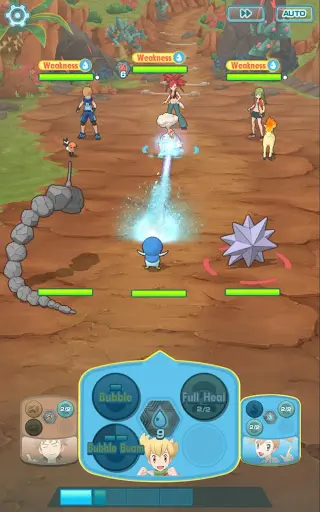
Confused by the menus in Pokémon Masters EX? This guide breaks down the user interface, explaining key screens and buttons so you can focus on battling.
Hey there! So you've jumped into Pokémon Masters EX, awesome! It's a blast, but like any game, it's got its own way of doing things. This guide is here to help you get the hang of the user interface – think of it as your friendly tour guide to all the buttons and menus. We'll make sure you know exactly where to go and what to tap so you can get to the fun stuff: battling!
We'll cover the main screens you'll encounter, from the main menu where you start your adventure, to the team-building screens where you get your sync pairs ready for battle, and even how to navigate the shop and other important areas. Don't worry, it's not as complicated as it looks, and once you've seen it a couple of times, it'll feel like second nature. Let's dive in and make sure you're not lost in the menus!
100% Human-Written. AI Fact-Checked. Community Verified. Learn how AntMag verifies content