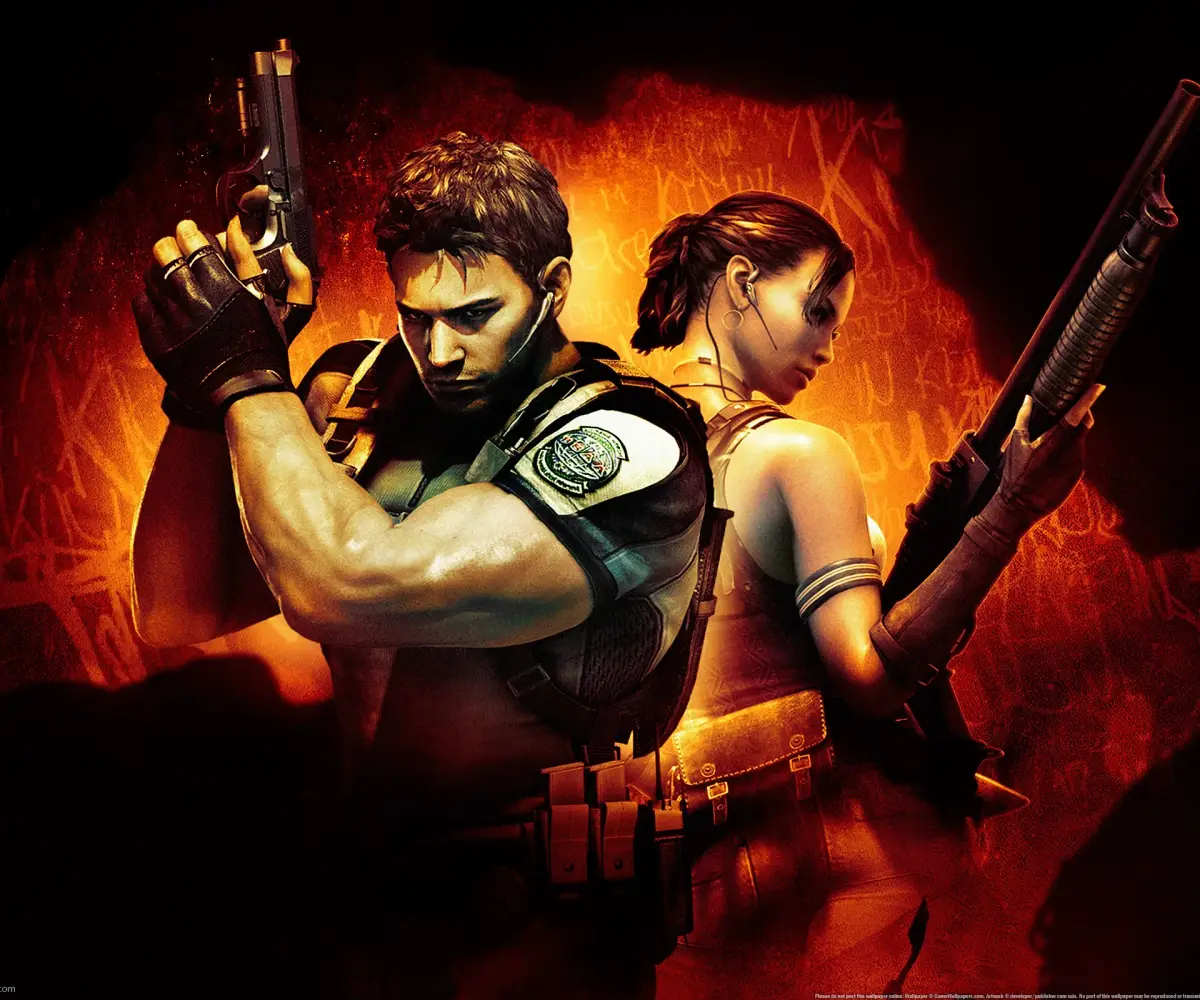
Adjust Resident Evil 5 brightness so BSAA letters are barely visible for optimal aiming and visibility.
Walkthrough
- 1Navigate to the Screen Settings menu.
- 2Locate the Brightness adjustment option.
- 3Adjust the slider until the 'BSAA' letters are barely visible on screen.
Tips
- Setting the brightness too dark will make it difficult to see anything in the game.
- Setting the brightness too light can make aiming more difficult, as your aiming laser may not be as visible.
- The ideal setting ensures the BSAA letters are just on the edge of visibility.
100% Human-Written. AI Fact-Checked. Community Verified. Learn how AntMag verifies content