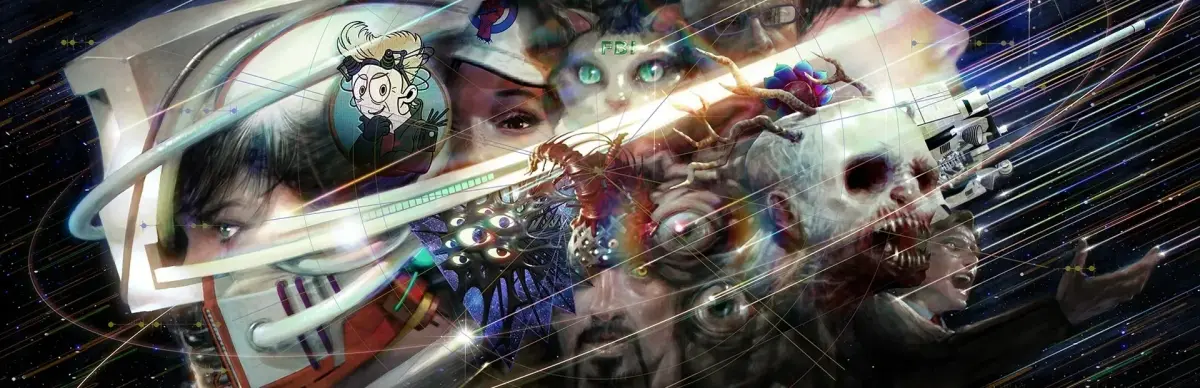
Install Romeo is a Dead Man on PS5 or Xbox Series X|S. Learn how to download, install, and prepare for the Space-Time Pharmacies and DeadGear Cannonball system.
Installing ROMEO IS A DEAD MAN on your PlayStation 5 or Xbox Series S|X is a straightforward process, designed to get you into the action as quickly as possible. For both consoles, the primary method of acquisition and installation will be through their respective digital storefronts: the PlayStation Store for PS5 and the Microsoft Store for Xbox Series S|X. Once you have purchased the game, navigate to your game library. You should see ROMEO IS A DEAD MAN listed there. Select the game and choose the 'Download' or 'Install' option. The console will then automatically download the game files and begin the installation process. It's recommended to have a stable internet connection for a faster download.
If you have purchased a physical edition of the game, the process is slightly different. For PS5, insert the game disc into the console's disc drive. The console will typically recognize the disc and prompt you to install the game. For Xbox Series S|X, insert the disc into the drive. Similar to the PS5, the console will initiate the installation process. In both cases, the console may download additional updates or patches even when using a physical disc, so an internet connection is still beneficial. Ensure you have sufficient free storage space on your console's internal SSD or an approved external storage device before starting the installation. The game's file size will be displayed before you confirm the download or installation.
Once the installation is complete, you can launch ROMEO IS A DEAD MAN from your game library or by selecting its icon on the dashboard. Upon the first launch, you may be presented with initial setup options, such as adjusting display settings or agreeing to terms. Crucially, you will be prompted to select your difficulty level. This walkthrough is based on the Normal (Milk Chocolate) setting, but you can choose any difficulty that suits your playstyle. Understanding the core mechanics, such as the function of Space-Time Pharmacies and the importance of the DeadGear Cannonball enhancement system fueled by Emerald Flowsion, will be key to your success regardless of the platform you play on. Pay attention to any tutorial prompts that appear early in the game to familiarize yourself with the controls and basic gameplay elements.
100% Human-Written. AI Fact-Checked. Community Verified. Learn how AntMag verifies content