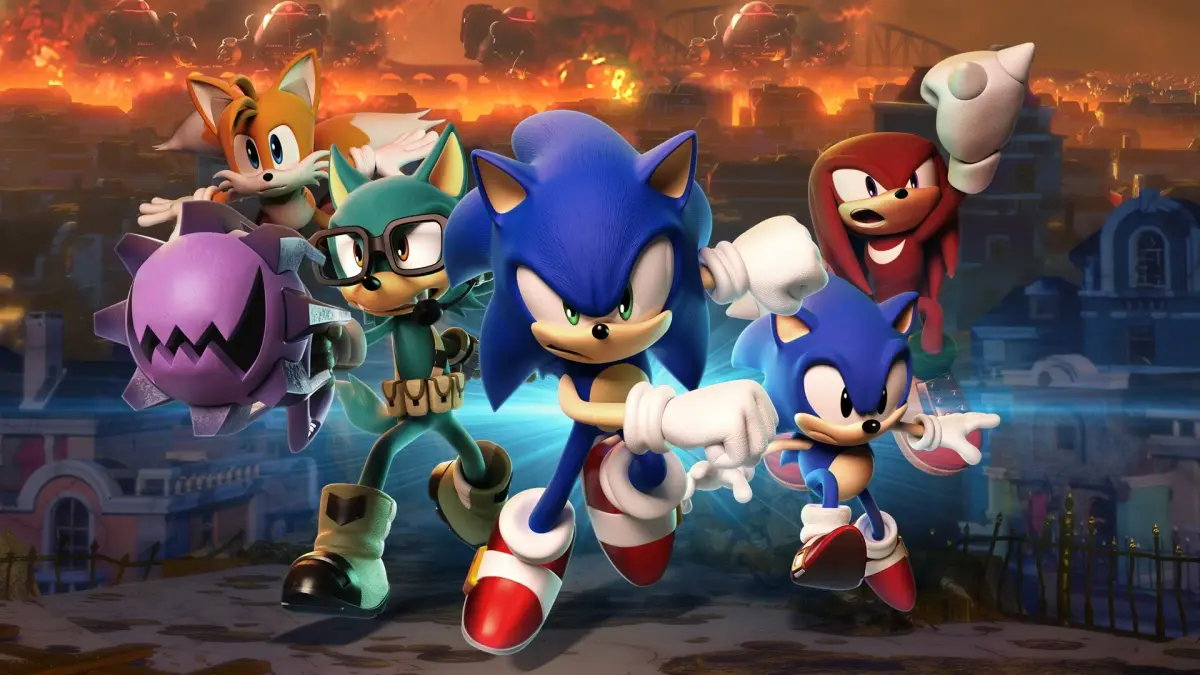
Learn how to create your first Avatar in Sonic Forces after clearing Lost Valley and unlock new customization options.
Walkthrough
- 1After the prerequisites are met, you will be tasked with creating your first Avatar.
- 2Initially, you can only choose your Avatar's Gender, Species, Head Shape, Skin Color, and Body Color.
- 3Once your first Avatar is created, you can change its Skin Color, Eye Color, Body Color, Base Suit Color (for Female Avatars only), Victory Pose, and Avatar Parts in the Fitting Room.
- 4After beating the game and watching the credits, the 'New Avatar' and 'Avatar Collection' options will be added to the Avatar Menu.
- 5These new options allow you to create new Avatars and maintain a collection of up to 15 different Avatars.
Tips
- The initial customization options for your first Avatar are limited.
- More customization options become available after completing the game.
- The 'Avatar Collection' feature allows you to save up to 15 unique Avatars.
100% Human-Written. AI Fact-Checked. Community Verified. Learn how AntMag verifies content