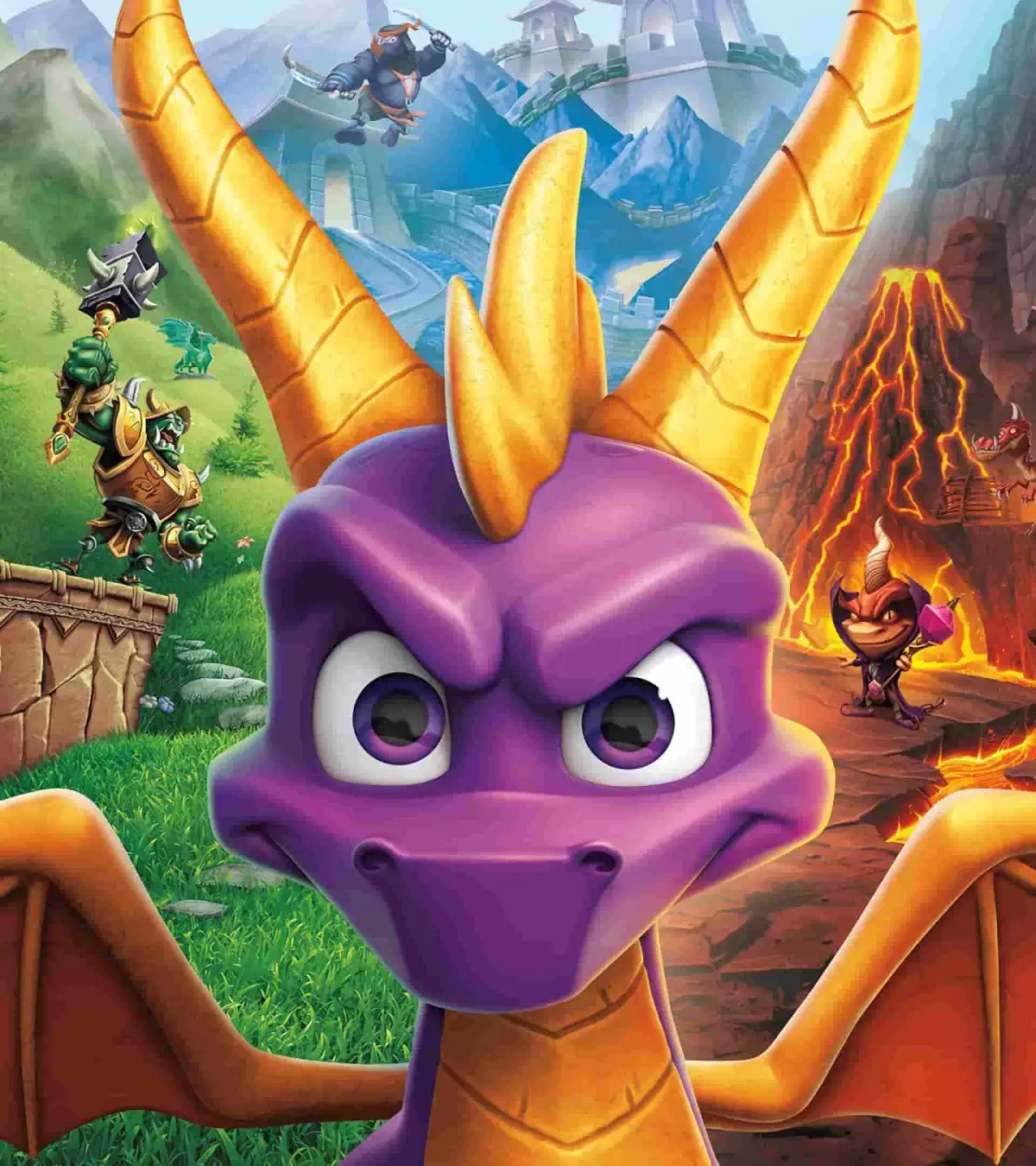
Learn how to set up Spyro Reignited Trilogy, understand the game's story about Gnasty Gnorc and Spyro, and discover the basic PS controller button mappings for gameplay.
This guide covers the initial setup for Spyro Reignited Trilogy, the game's backstory involving Gnasty Gnorc and Spyro, and the basic controller layout for the PlayStation.
Game Setup:
Spyro the Dragon, originally released on PSX in 1998/99, is compatible with PS2 and PS3. It can also be downloaded via PSN for PS3 and PSP. After acquiring the game and setting up your console, the game will display developer credits, ending with Insomniac Games. Spyro will then appear, initiating the title screen. You'll need to select your language, memory card (or choose to play without saving), and then load or create a save file to begin or continue your game.
Story:
In the beginning, five Dragon families lived peacefully until Gnasty Gnorc, a resentful creature, became jealous of their happiness and shiny jewels. Banished to a junkyard he renamed Gnasty's World, Gnasty experimented with magic. He devised a spell to trap all Dragons in crystal and a potion to animate gems into Gnorc soldiers. On a sunny day, Gnasty cast the freeze spell, crystalizing the dragons, and animated gems into his minions, transforming the Dragon Worlds into Gnorc Worlds. However, Spyro, being too small, was unaffected by the spell. Now, Spyro, the only unfrozen Dragon, must journey through six worlds, including Gnasty's industrial world, to free the Dragons and reclaim their stolen treasure. Sparx the Dragonfly accompanies Spyro, and the Dragons he frees offer hints. The adventure culminates in a final confrontation with Gnasty Gnorc.
Controls:
Here are the button mappings for the PlayStation controller:
| Button | Location |
|---|---|
| Left Analog Stick | At the bottom just left of the gap. It's a joystick. |
| Right Analog Stick | At the bottom just right of the gap. It's a joystick. |
| L3 | Push down the Left Analog Stick. |
| R3 | Push down the Right Analog Stick. |
| L1 | Top of the controller, left at the front. |
| R1 | Top of the controller, right at the front. |
| L2 | Top of the controller, left at the back. |
| R2 | Top of the controller, right at the back. |
| Up d-button | The top button on the pad to the left. |
| Down d-button | The bottom button on the pad to the left. |
| Left d-button | The leftern button on the pad to the left. |
| Right d-button | The rightmost button on the pad to the left. |
| Triangle (T) | The top button on the pad to the right. |
| Square ([]) | The leftern button on the pad to the right. |
| Circle (O) | The rightmost button on the pad to the right. |
| X | The bottom button on the pad to the right. |
| SELECT | The leftern button in the mi |
100% Human-Written. AI Fact-Checked. Community Verified. Learn how AntMag verifies content