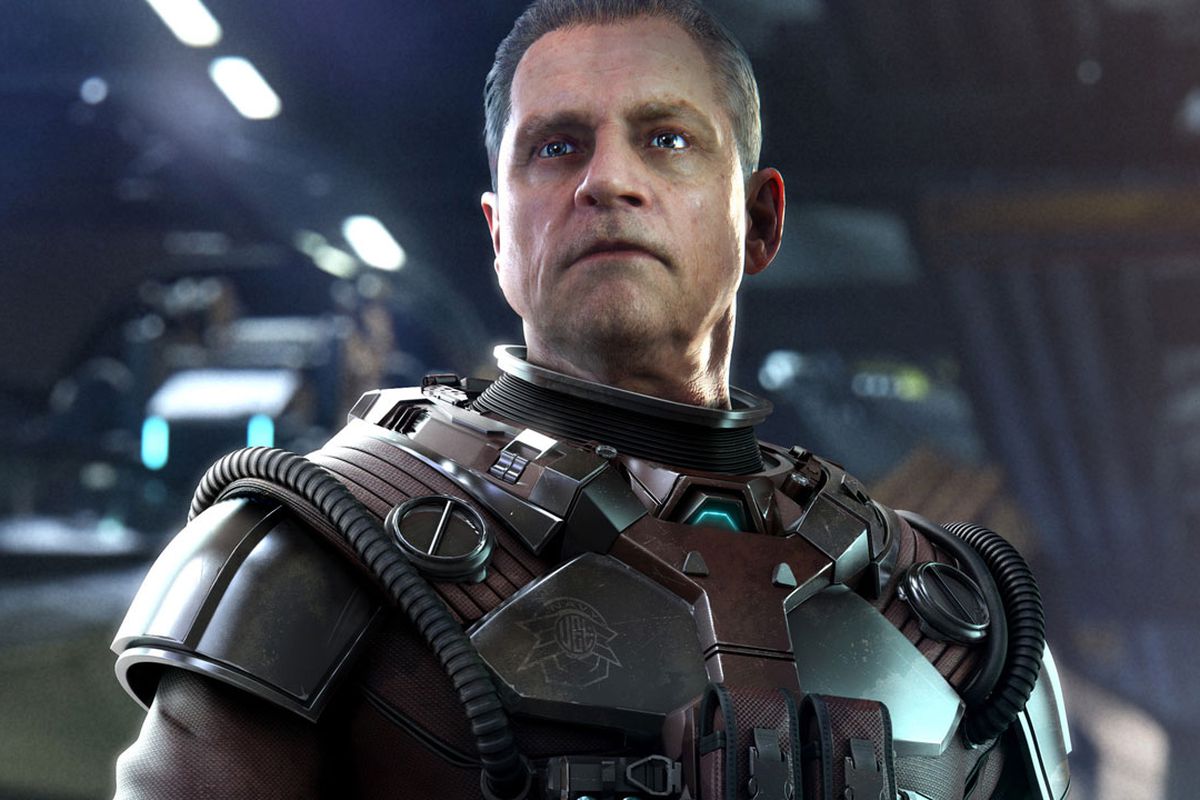
Squadron 42 Luke's Settings default controls: Learn how to move your craft, thrust, fire blasters, and use special features.
Controls:
- Control Stick: Moves your craft.
- A: Thrust.
- B: Fire Blasters.
- L: Cycle through camera views.
- R: Roll / Speeder's right brake.
- Z: Brakes / Speeder's left brake.
- Start: Pause.
- <C: Secondary Weapon.
- >C: Activates special feature (ion cannon for Y-wing, Open/Close S-foils for X-wing).
- Down C: Fire Mode (links and unlinks blaster cannons).
- Up C: Look around (limited use).
- Control Pad: Camera shortcuts (Up-cockpit, Right-close, Left-drop camera, Down-standard).
100% Human-Written. AI Fact-Checked. Community Verified. Learn how AntMag verifies content