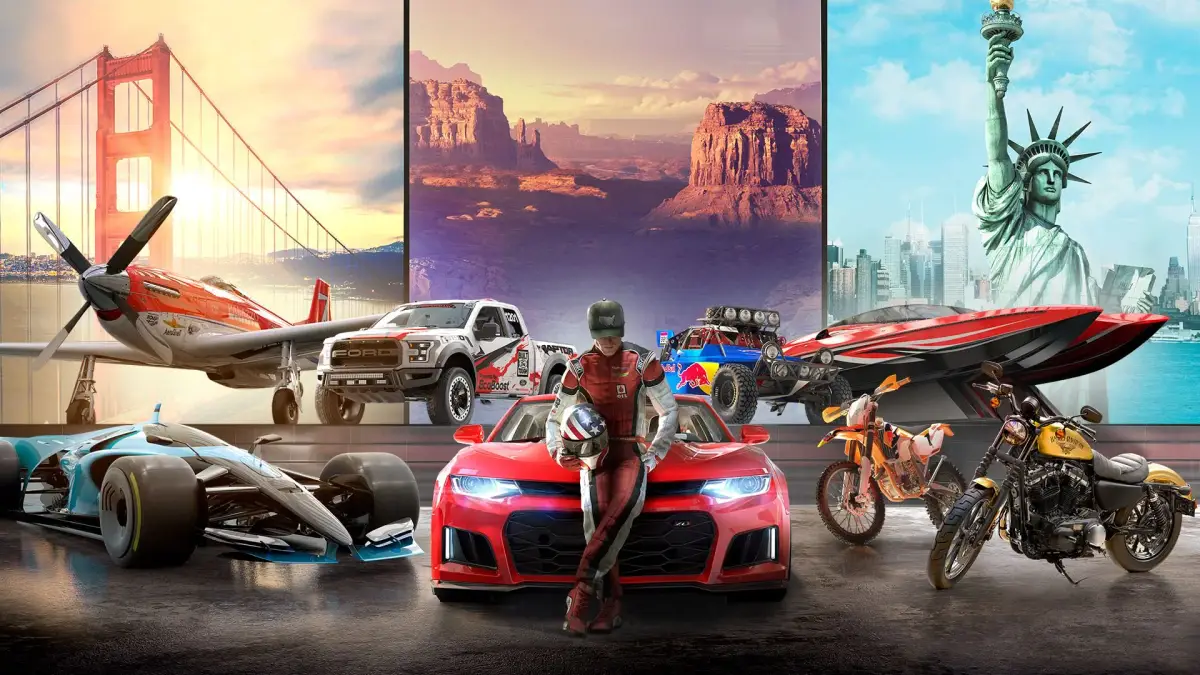
Welcome to The Crew 2, gearhead! This is Ubisoft's massive open-world racer where you can hop between hypercars, rally cars, bikes, and planes. You'll be tackling everything from gritty street races in Los Angeles to daring aerobatics over the Grand Canyon. It's all about building your fame and becoming a motorsport icon across the USA.
This guide is your pit crew for mastering every aspect of the game. We'll cover optimizing your vehicle acquisition, navigating the diverse event types, and getting the most out of customization. Whether you're aiming for a Gold Medal in every event or just want to cruise the open world, we've got the tips to get you there faster.
Getting Started
New to The Crew 2? This guide covers everything you need to know to get started, from basic gameplay and activities to understanding vehicles and customization.
Getting Started
New to The Crew 2? This guide covers everything you need to know to get started, from basic gameplay and activities to understanding vehicles and customization.
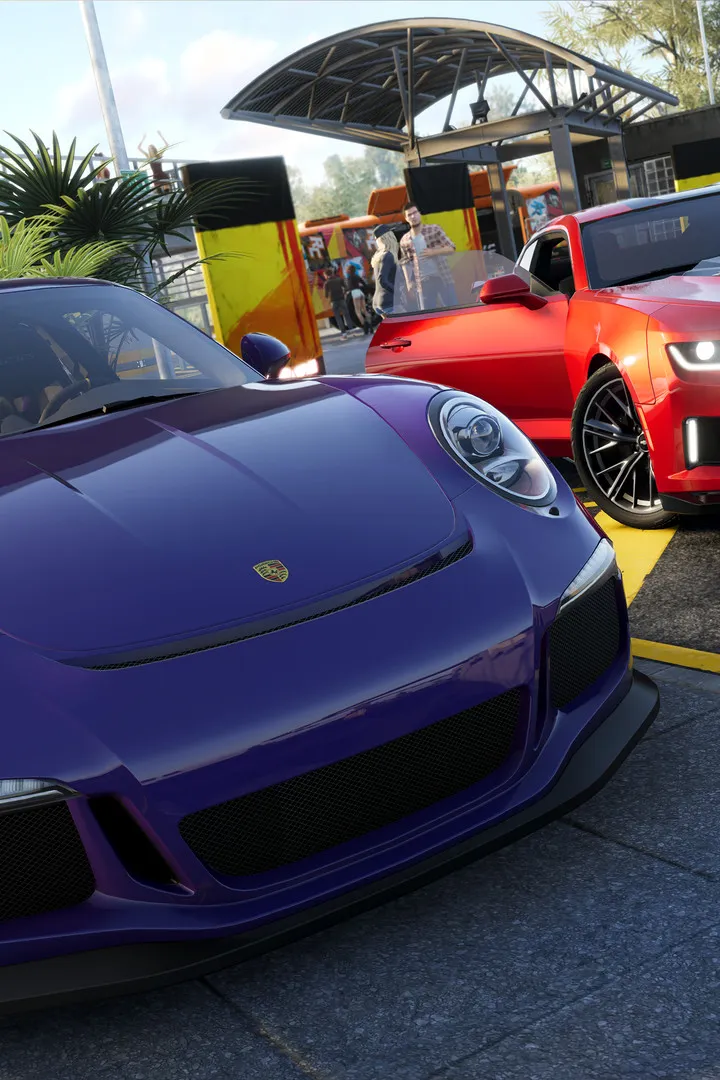
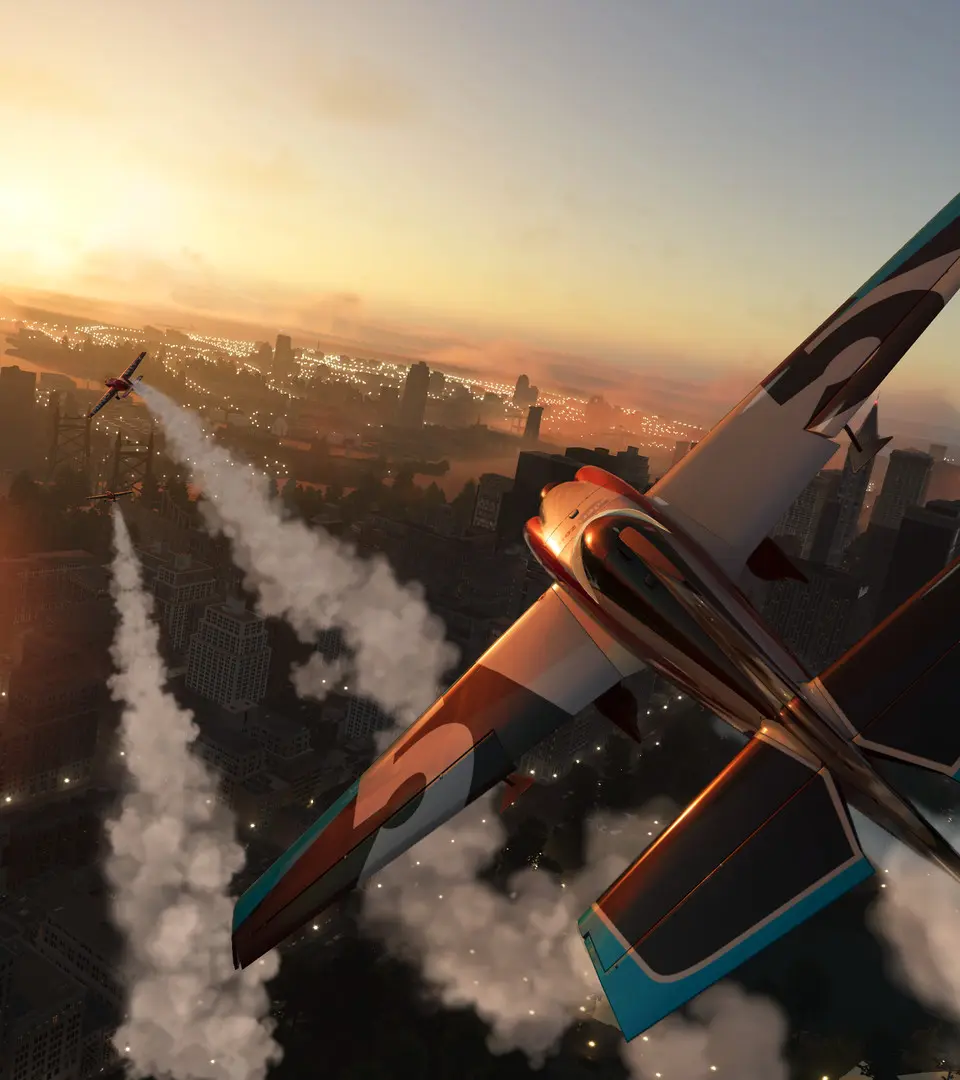
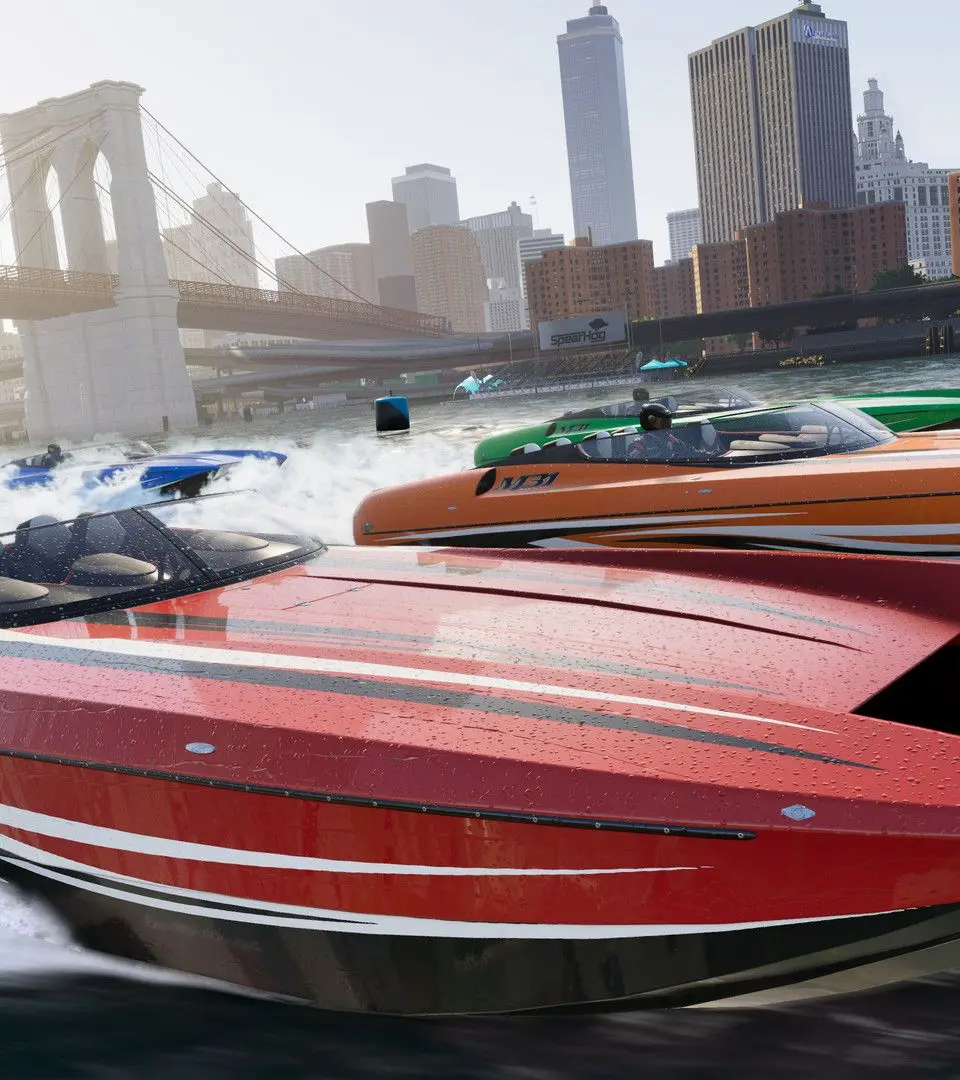
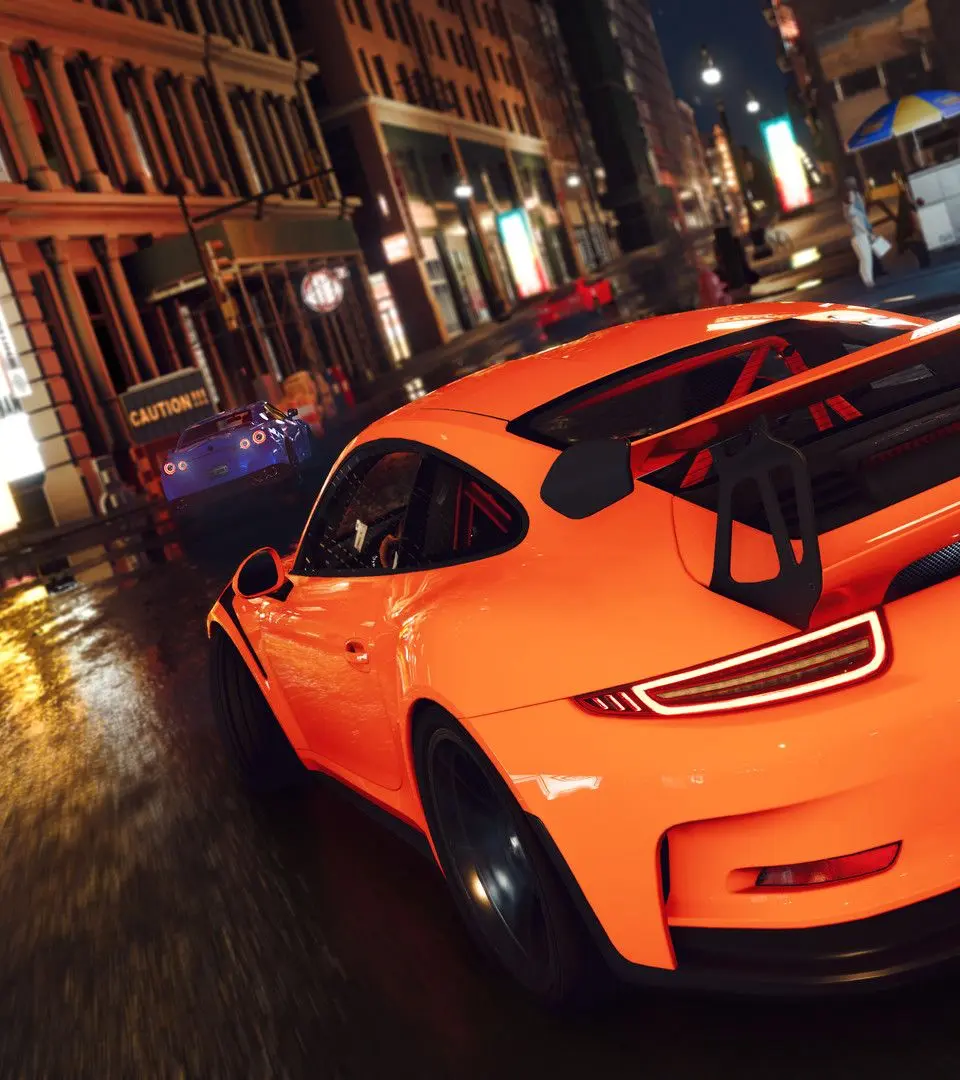
Initial Setup & Character Creation
Get your ride ready! This guide covers the initial setup and character creation process in The Crew 2, helping you get started on your journey to become a legend.
Hey there, future legend! So you've just booted up The Crew 2 and you're ready to hit the streets (or dirt, or water, or sky!). Before you can start tearing up the asphalt and earning fame, we gotta get you set up. This section is all about that initial setup and getting your character looking just right. Think of it as your first pit stop before the real race begins!
First things first, you'll be prompted to create your driver. This is your avatar in the world of The Crew 2, so take a moment to make them yours. You'll have a few options to customize their appearance, from hairstyles and facial features to clothing. Don't stress too much about getting it perfect right away – you can always change your look later on as you progress through the game and unlock more customization options.
Once your driver is looking sharp, you'll get your very first vehicle. This is your trusty steed that will carry you through the early stages of the game. Pay attention to the type of vehicle you receive, as it'll give you a hint about the kind of racing you'll be doing initially. It’s your ticket to entering your first few events and starting to build your reputation.
After you've got your character and your first ride sorted, you'll be introduced to the game's main hub and the initial story progression. This is where you'll learn the ropes, get a feel for the controls, and start understanding the different disciplines of motorsport available. It's a pretty straightforward intro, designed to get you into the action without overwhelming you. Just follow the on-screen prompts, and you'll be cruising in no time!
Understanding the User Interface (UI) — The Crew 2 Guide
New to The Crew 2? Let's break down the in-game UI together, from the minimap and speedo to performance meters and activity icons. Get a grip on your dashboard!
Hey there! So you've just jumped into The Crew 2 and you're probably looking around, wondering what all those little icons, numbers, and meters on your screen actually mean. Don't sweat it! Every game has its own way of showing you what's going on, and The Crew 2 is no different. Think of this as your friendly guide to figuring out your dashboard so you can focus on the driving (or flying, or boating!).
We'll walk through the main bits you'll see while you're cruising around the map, tackling events, or just trying to figure out where to go next. Understanding the UI is key to mastering the game, so let's get you up to speed!
Basic Controls & Vehicle Switching — The Crew 2 Guide
Get the hang of The Crew 2! Learn essential controls for driving, switching vehicles on the fly, and navigating the open world like a pro. Your ultimate guide to mastering the game.
Hey there! So you've jumped into The Crew 2, awesome! This game is all about feeling the speed and switching between different rides to tackle any challenge. Let's break down how to actually control your vehicles and hop between them seamlessly. It's not as complicated as it sounds, and once you get the hang of it, you'll be zipping around the map like a pro.
Think of your controls like this: you've got your basic driving inputs – accelerating, braking, steering – which are pretty standard across most racing games. The real magic in The Crew 2 is how easily you can switch between different vehicle types. Need to go off-road? Switch to a buggy. Hit the water? Grab a boat. Jump into the air? A plane or helicopter is your best bet. This switching mechanic is key to navigating the world and completing a lot of the events.
Mastering these controls and the quick-switch feature will open up the entire world of The Crew 2 to you. You'll be able to explore every nook and cranny, take on any event, and really experience the freedom the game offers. Let's get you comfortable behind the wheel, or the handlebars, or the controls of whatever awesome vehicle you choose!
Similar guides you might like


100% Human-Written. AI Fact-Checked. Community Verified. Learn how AntMag verifies content