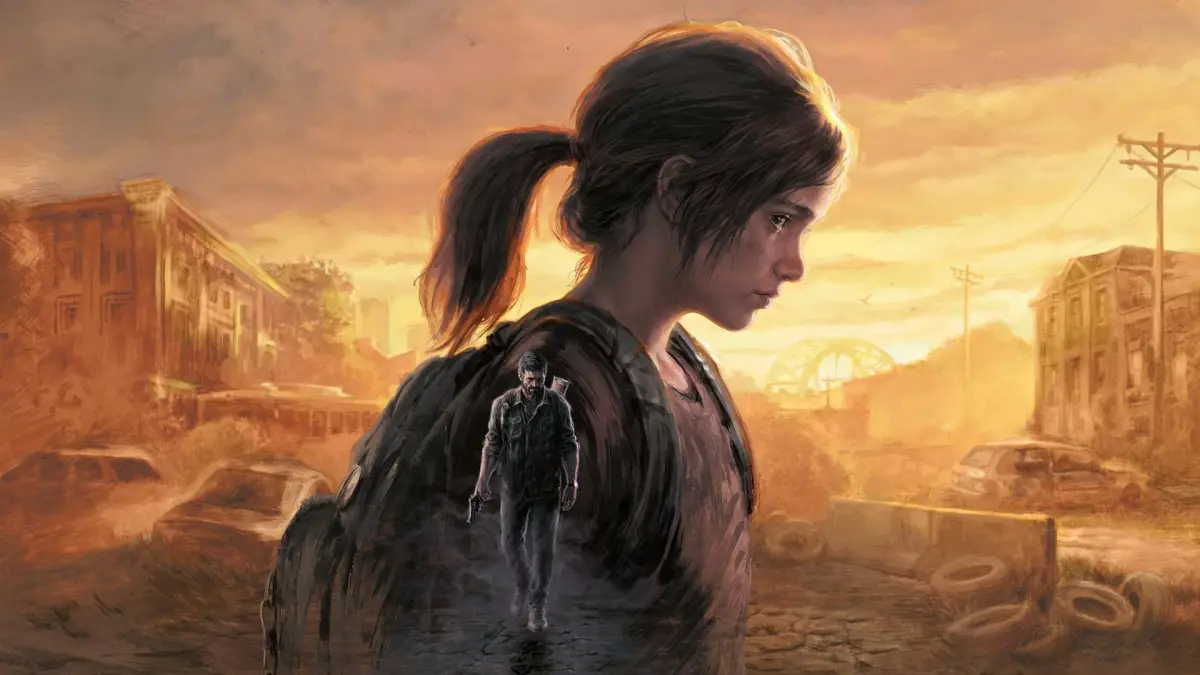
Learn how to use the advanced Photo Mode in The Last of Us Part I. Capture stunning screenshots with detailed controls, filters, and camera options to showcase Joel and Ellie's journey.
The Last of Us Part I features a robust Photo Mode that allows players to capture incredible screenshots of Joel and Ellie's journey. This guide will walk you through its features.
Controls:
- Enter Photo Mode: Press the designated button (refer to in-game controls).
- Camera Movement: Use the analog sticks to move the camera freely.
- Focus: Adjust the focus distance and depth of field to highlight specific elements.
- Filters: Apply various visual filters to alter the mood and style of your shots.
- Character Poses: Select from a range of character poses for dynamic screenshots.
- Hide UI: Toggle the game's user interface on and off for clean images.
- Save Screenshot: Use your platform's screenshot function to save your creations.
Tips for Great Photos
- Experiment with different camera angles and lighting.
- Utilize character poses to tell a story within your image.
- Pay attention to the environment and background details.
- Use filters sparingly to enhance, not overpower, the scene.
- Consider the emotional tone of the moment you are capturing.
100% Human-Written. AI Fact-Checked. Community Verified. Learn how AntMag verifies content