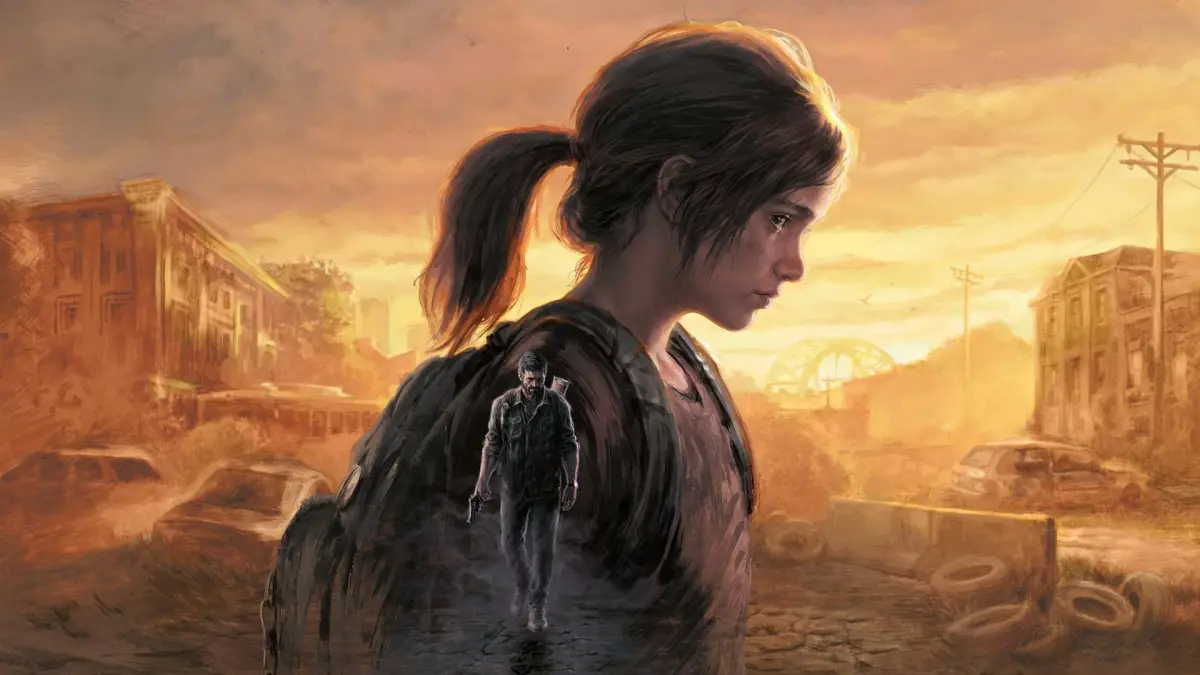
Discover and fix common bugs and glitches encountered in The Last of Us Part I. Learn about potential issues and solutions to ensure a smooth gameplay experience.
This section is dedicated to identifying and resolving common bugs and glitches that players may encounter while playing The Last of Us Part I. While the game is a polished remake, occasional technical issues can arise. Below is a list of known problems and potential workarounds to help you navigate these challenges.
Common Bugs & Glitches:
- Graphical Glitches: Occasional texture pop-in or minor visual anomalies may occur. These are typically resolved by restarting the game or reloading a checkpoint.
- AI Issues: While significantly improved with AI from Part II, rare instances of companions or enemies behaving unexpectedly might happen. These are usually minor and don't impact progression.
- Audio Desync: In very rare cases, audio may become desynchronized with the visuals. Restarting the game is the most effective solution.
- Performance Stutters: On PC, players might experience occasional frame drops, especially in demanding areas. Ensuring your system meets the recommended specifications and updating graphics drivers can help mitigate this.
- Collectible Tracking: While uncommon, there have been isolated reports of collectibles not registering correctly. Double-checking areas or reloading a save before the area can sometimes resolve this.
Tips for Avoiding Bugs
- Keep your game and system software updated to the latest versions.
- Ensure your hardware meets or exceeds the game's recommended specifications, especially for PC.
- Save frequently, particularly before entering new areas or engaging in significant combat.
- If you encounter a persistent bug, consider searching online forums or communities for specific solutions related to your issue.
100% Human-Written. AI Fact-Checked. Community Verified. Learn how AntMag verifies content