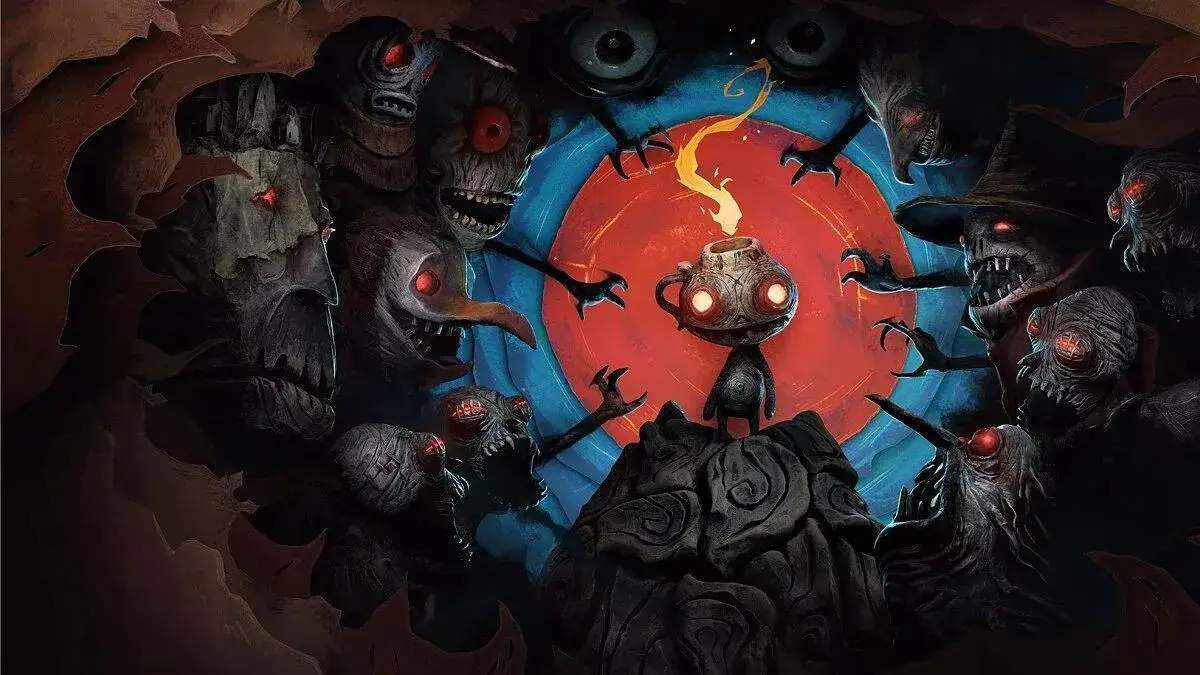
Learn how to play The Midnight Walk in Part 2. This guide covers game objectives, finding clues, photographing robots, and identifying the Master of Mischief before midnight.
Walkthrough
- 1Start the Game: Upon launching the game, you'll see introductory screens about the Master of Mischief's plan. Then, you'll be taken to the Club Member Sign-In screen. If it's your first time playing, select 'New Member' and press Enter. Type your name to sign in, which will immediately start your first round. As a new player, you will receive gameplay advice the first time you encounter something new; these messages will cease as you play more. When loading a saved game, select your name from the list on the Club Member Sign-In screen.
- 2Game Objectives: You begin in the center of the school. As you explore, robots on paintbrushes will appear and chase you; one of them contains the Master of Mischief. Your primary goal is to determine which robot he is hiding in before the clock strikes midnight. Each round starts at 9:00 PM and lasts 9 minutes, with 20 game minutes passing every real-world minute (1 game minute every 3 seconds). You can only accuse one robot, so you must gather clues. The Master of Mischief has hidden short reading assignments throughout the school. Successfully reading these and answering their questions will provide clues about the characteristics of the robot he is in. These clues are not visible on the main screen; you must use your camera to photograph the robots and examine them for these characteristics.
- 3Winning the Round: To win, you must find clues, photograph the robots, and match the clues to the robots to identify the Master of Mischief. Once you are certain, you can catch him.
Tips
- Use the [TAB] key to open the Notes screen on the main navigation screen.
- Use the [SPACEBAR] to activate your camera and take a photograph of a robot.
- The Up Arrow allows you to jump, enter doors, stairs, or approach a machine.
- Use Left + Up or Right + Up to jump and flip left or right, respectively.
- The Left and Right Arrows move your character left or right on the main screen.
- [F1] opens the Help menu, [F2] opens the File Menu, and [F3] opens the Options menu.
100% Human-Written. AI Fact-Checked. Community Verified. Learn how AntMag verifies content