Learn how to install mods for The Witcher 3: Wild Hunt. This guide covers placing mods in the 'mods' folder and using tools like Script Merger for compatibility.
Witcher 3 Modding
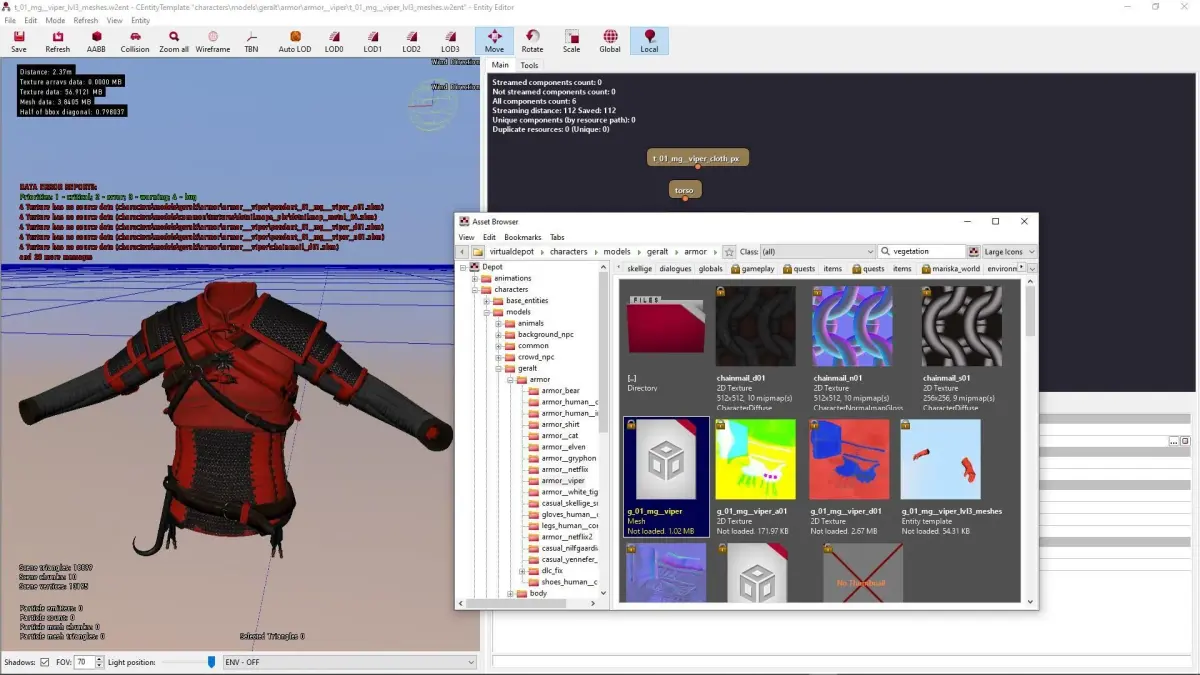
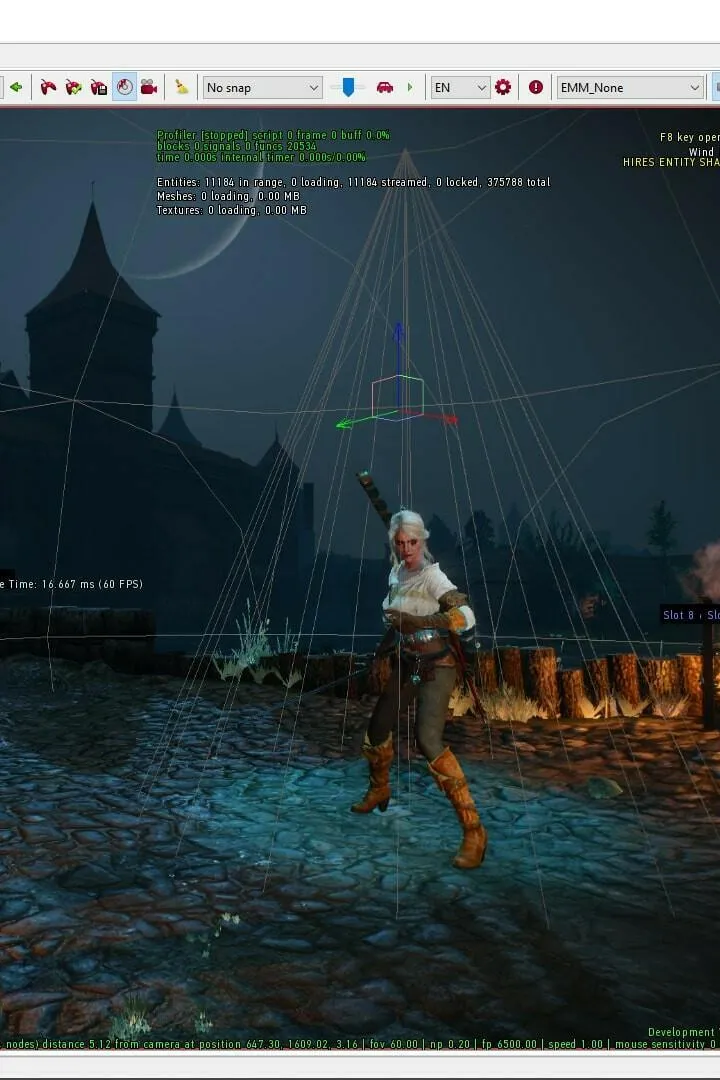
So, you're looking to spice up your adventures in The Witcher 3: Wild Hunt, huh? Modding is a fantastic way to do just that. While CDPR doesn't officially support modded games, the community has made it pretty accessible, especially with tools like MODkit. Think of it like the REDkit for The Witcher 2, but with a lot more community-driven features being added all the time.
Installing Mods
Most mods are pretty straightforward. You'll usually just drop them into the "mods" folder located in your main Witcher 3 game directory. However, some mods might ask you to do a little extra legwork:
- You might need to add keybinds to your
input.settingsfile, which you can find in"My Documents\The Witcher 3\". - Sometimes, you'll need to add or modify a menu by placing files in
"\bin\config\r4game\user_config_matrix\pc\". - And, well, other things! Always check the specific mod's instructions.
Because of some limitations with how The Witcher 3 handles mods, you'll likely run into conflicts if you try to use multiple mods at once. Don't sweat it, though! A super handy tool called Script Merger is your best friend here. It helps you merge mods that might otherwise clash. It's usually a breeze, but occasionally you might need to put on your thinking cap for a bit.
Unpacking The Game
If you need to get at the game's internal files, like those all-important XML files, you'll want to use MODkit. There's a great guide on Uncooking The Witcher 3 that walks you through it.
Script Modding
The game's scripts, written in Witcher Script, are the brains behind everything – how Geralt moves and fights, how stamina works, how your Signs function, you name it. Modifying these can change core game mechanics.
Adding/Modding Menus
Menus are super important for easily tweaking mods. They're defined in XML and use .w3strings files for text. The game reads these values through scripts to change how things behave.
Adding/Modding Keybinds
Your keybinds are how you tell the game what to do. They're set up in input.settings, managed via the input.xml menu, and the actual actions they trigger are defined in the game's scripts.
Modding XML Data
A huge chunk of the game's data lives in XML files. This is where you'll find details like item prices, loot tables, the cost of skills, weapon and armor stats, and so much more. If you want to tweak the economy or character progression, this is your go-to.
Modding Models/Textures
Want to change how Geralt or his gear looks? Swapping out models and textures is one of the simplest ways to give the game a fresh coat of paint.
Modding the UI
The Witcher 3 uses Scaleform GFx for its user interface, which is based on Flash. The UI's data is stored in .redswf files, and embedded Action Script handles a lot of its functionality.
Adding Additional Content
While it's trickier than just tweaking existing content, adding entirely new things to the game is possible! With community tools, you can even create your own DLC-style additions.
100% Human-Written. AI Fact-Checked. Community Verified. Learn how AntMag verifies content