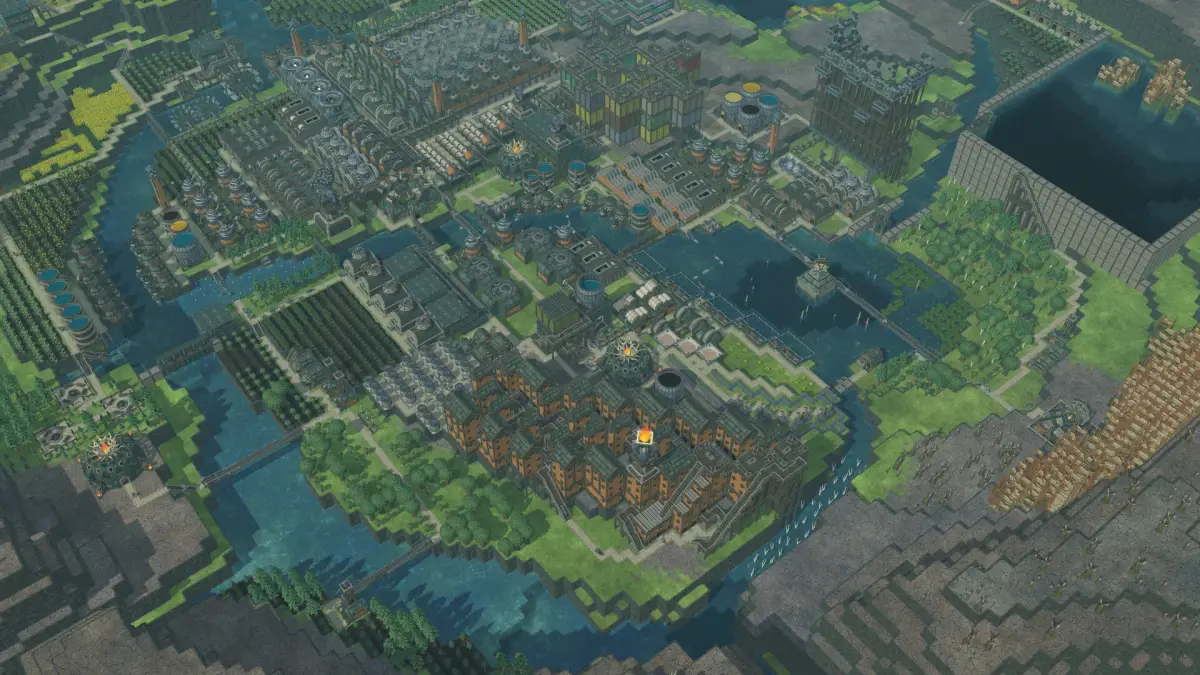
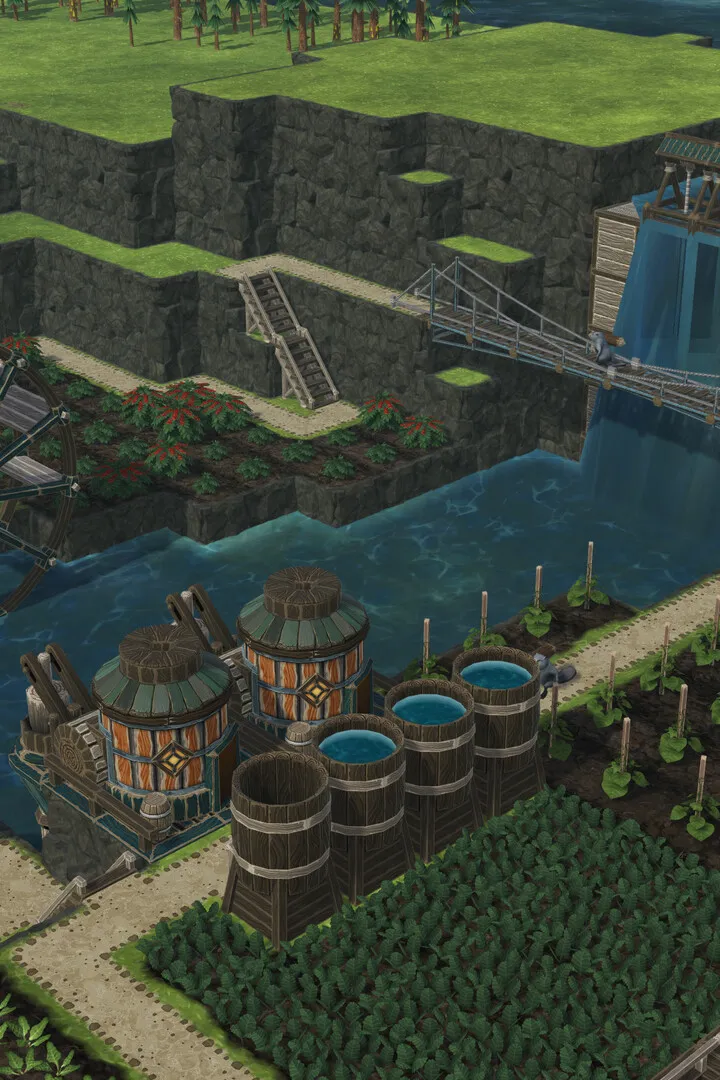
A detailed overview of Timberborn's user interface, including resource panels, build menus, and notifications.
The Timberborn UI provides all the information you need to manage your colony. At the bottom of the screen, you'll find your resource panel, showing current stocks of logs, planks, food, and water. The top-left displays your population, well-being, and current day/cycle. The build menu is located on the right, categorized for easy navigation. Pay close attention to the notification bar at the top, which alerts you to important events like droughts or low resources. Familiarizing yourself with these elements will significantly improve your gameplay efficiency.
100% Human-Written. AI Fact-Checked. Community Verified. Learn how AntMag verifies content