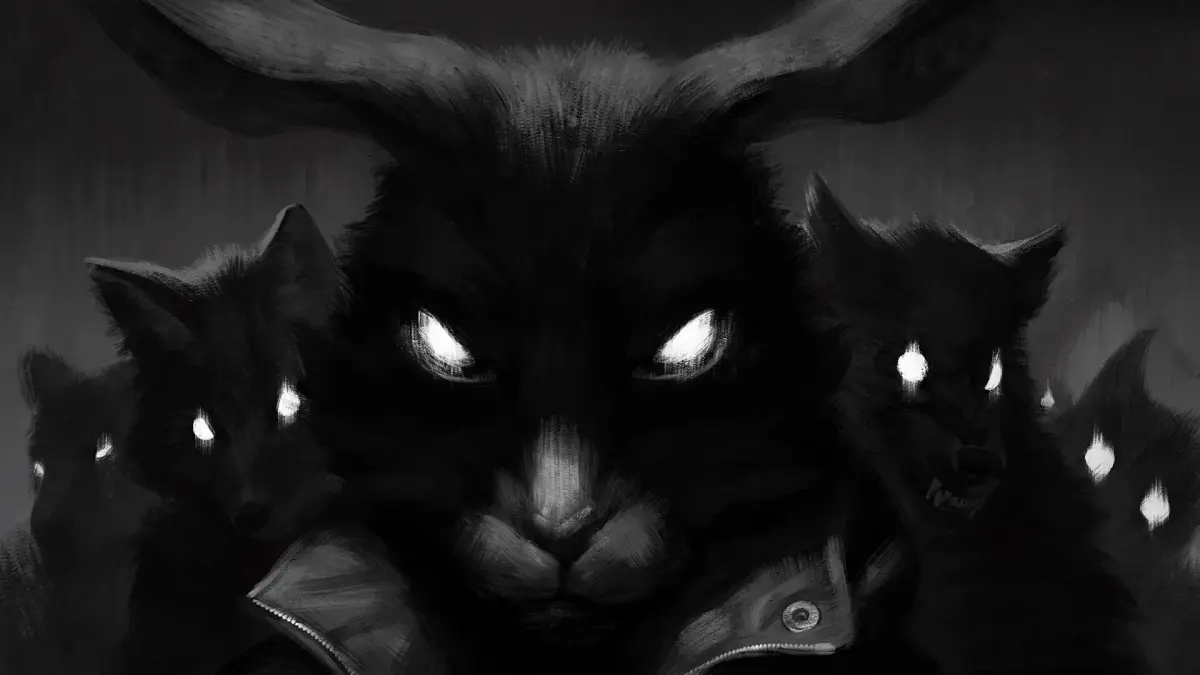
Learn the controls for Tiny Bunny! This guide covers all the buttons and actions you'll need to navigate the spooky world and make choices as Anton Petrov.
Tiny Bunny Controls
Hey there! So you're diving into the world of Tiny Bunny, huh? It's a wild ride, and knowing your way around the controls will make it a lot smoother. Think of me as your buddy, here to walk you through it without any of that stuffy lecture talk.
Tiny Bunny is a visual novel, which means most of your interaction will be through making choices and clicking through the story. But there are a few key things to keep in mind:
Navigation and Interaction
- Clicking: This is your bread and butter. You'll click to advance dialogue, interact with objects, and make your choices. Keep an eye on your cursor; it'll usually change when you can click on something.
- Choices: This is where the story really branches out! When presented with a choice, you'll typically click on the option you want Anton Petrov to take. Think carefully, because these decisions can really change things down the line.
Important Notes
- Saving: Make sure to save your game regularly! Visual novels can sometimes have unexpected turns, and you don't want to lose progress. Look for the save option in the game's menu.
- Atmosphere: While there aren't complex button combos, the game relies heavily on atmosphere. Pay attention to the visuals and sound – they're part of the experience and can sometimes hint at what's coming.
That's pretty much it for the core controls! It's more about paying attention and making the right calls than complex maneuvers. Have fun exploring the mysteries of the village, and try not to get too spooked!
100% Human-Written. AI Fact-Checked. Community Verified. Learn how AntMag verifies content