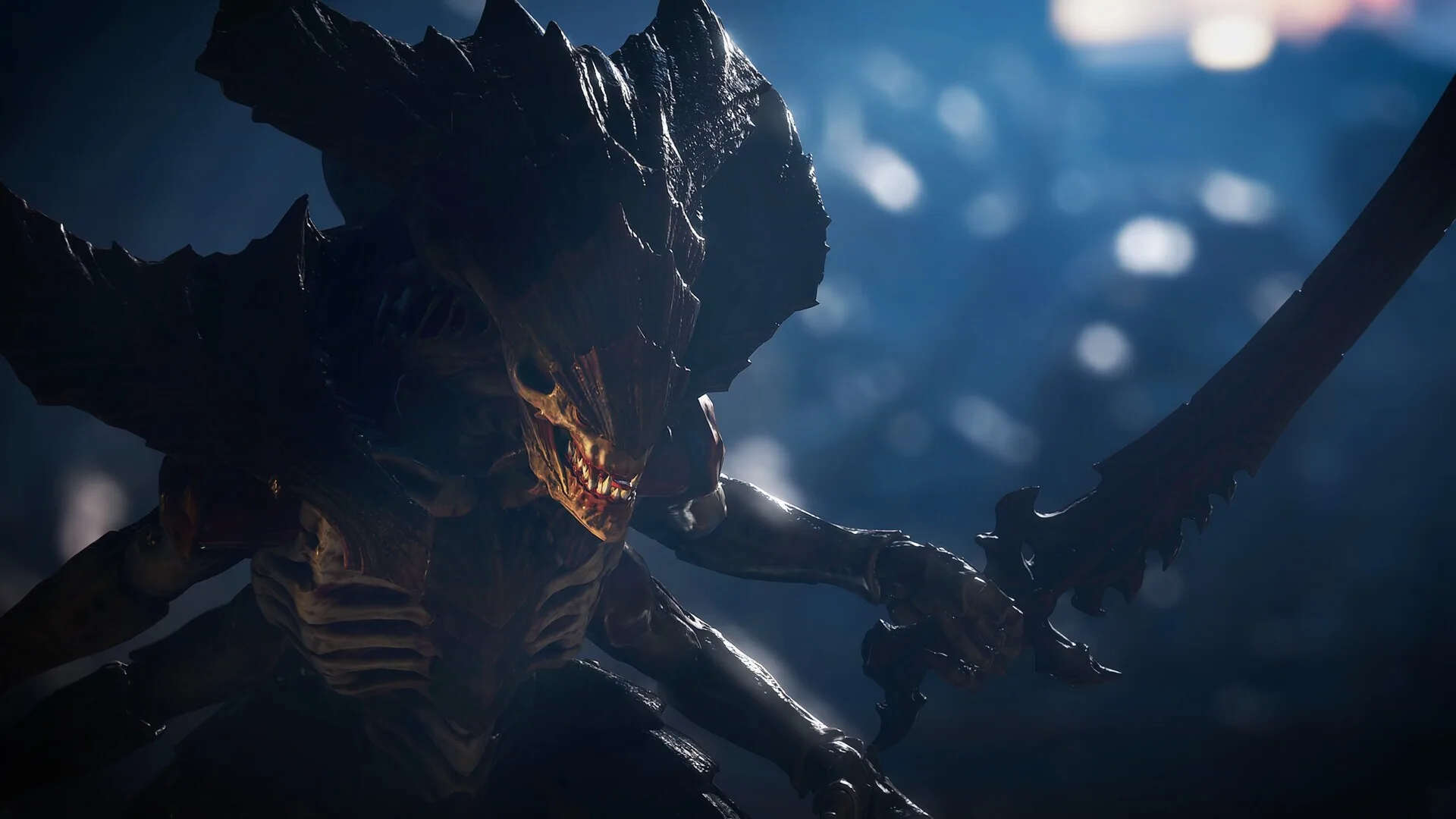
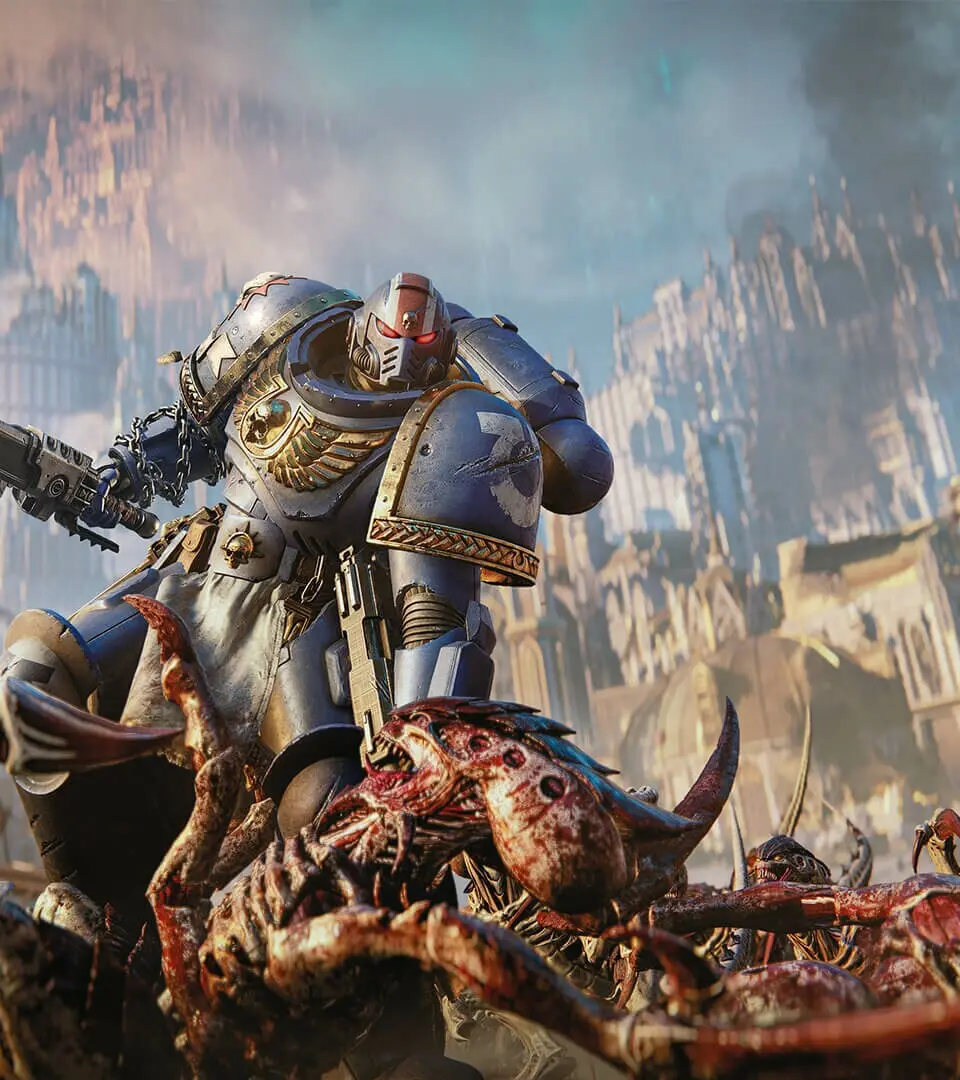
Personalize your Space Marine in Warhammer 40,000: Space Marine II with extensive armor and weapon customization options, creating your unique warrior for the .
Forge your ultimate warrior of the Imperium by delving into the extensive customization options available in Warhammer 40,000: Space Marine II. From the iconic armor of your Space Marine to the devastating weaponry you wield, every choice allows you to tailor your combat experience and express your allegiance to the Emperor.
Armor Customization
Your Power Armour is more than just protection; it's a symbol of your Chapter and your personal prowess. Access the Armoury from the main menu to begin shaping your appearance.
Unlocking New Armor Pieces
- Campaign Progression: Many unique helmet designs, pauldrons, greaves, and chest plates are unlocked by completing specific missions within the single-player campaign. Keep an eye on mission debriefs for notifications of new gear.
- In-Game Challenges: Special commendations and achievements will reward you with exclusive armor components. For example, achieving a certain number of headshots with a bolter might unlock the "Iron Halo" Helmet.
- Inquisitorial Seals: These rare collectibles are hidden throughout campaign levels and can be exchanged at the Armoury for powerful, lore-rich armor sets. Look for glowing, ethereal objects in hard-to-reach areas.
Applying Armor Components
Navigate to the Armoury section of the main menu. Select "Power Armour" and then choose the specific slot you wish to customize (Helmet, Pauldrons, Chest, Greaves, Gauntlets). Cycle through your unlocked options, previewing how each piece looks on your Space Marine.
Weapon Customization
Equip yourself for any battlefield with a vast array of iconic Space Marine weaponry. While the core functionality of weapons remains consistent, visual customization allows for a personal touch.
Weapon Skins and Emblems
- Mission Rewards: Completing certain missions or achieving specific combat milestones will award you with unique weapon skins. For instance, mastering the use of the Bolter might unlock the "Crimson Tide" Bolter Skin.
- In-Game Currency: Earned through gameplay, this currency can be spent in the Armoury's "Armaments" section to purchase several cosmetic weapon skins and Chapter-specific emblems.
- Multiplayer Achievements: Excelling in multiplayer matches can unlock exclusive weapon charms and decals, such as the "Imperial Aquila Charm".
Applying Weapon Customizations
In the Armoury, select "Armaments". Choose the weapon you wish to customize from your loadout. You will see options to apply unlocked skins and emblems. Ensure you equip your preferred weapon before heading into battle.
Color Schemes and Chapter Insignia
The colors of your armor are a vital part of your Chapter's identity. Personalize your Space Marine's color scheme and proudly display your Chapter's insignia.
Unlocking Color Palettes
- Story Milestones: Reaching significant points in the narrative will unlock new primary, secondary, and tertiary color palettes.
- Foundry Modules: These rare items, discovered in campaign missions, can be used to unlock advanced color schemes and metallic finishes.
- Codex Entries: Discovering and reading all lore entries related to specific Chapters in the Codex can sometimes unlock their associated color schemes.
Applying Color Schemes and Insignia
Within the Armoury, navigate to "Paint". Here you can select and apply your unlocked color palettes to different sections of your armor. Under "Insignia", you can choose from several Chapter symbols and decals to adorn your pauldrons and chest plate.
Veteran Loadouts
As you progress, you will unlock the ability to create and save multiple loadouts. This allows you to quickly switch between different weapon and armor configurations tailored to specific mission types or enemy threats.
Creating and Saving Loadouts
In the Armoury, select "Loadouts". You can create up to five distinct loadouts. Assign your preferred primary and secondary weapons, grenades, and active abilities to each loadout. You can then name each loadout, for example, "Assault Specialist" or "Heavy Ordnance", for easy identification.
100% Human-Written. AI Fact-Checked. Community Verified. Learn how AntMag verifies content