
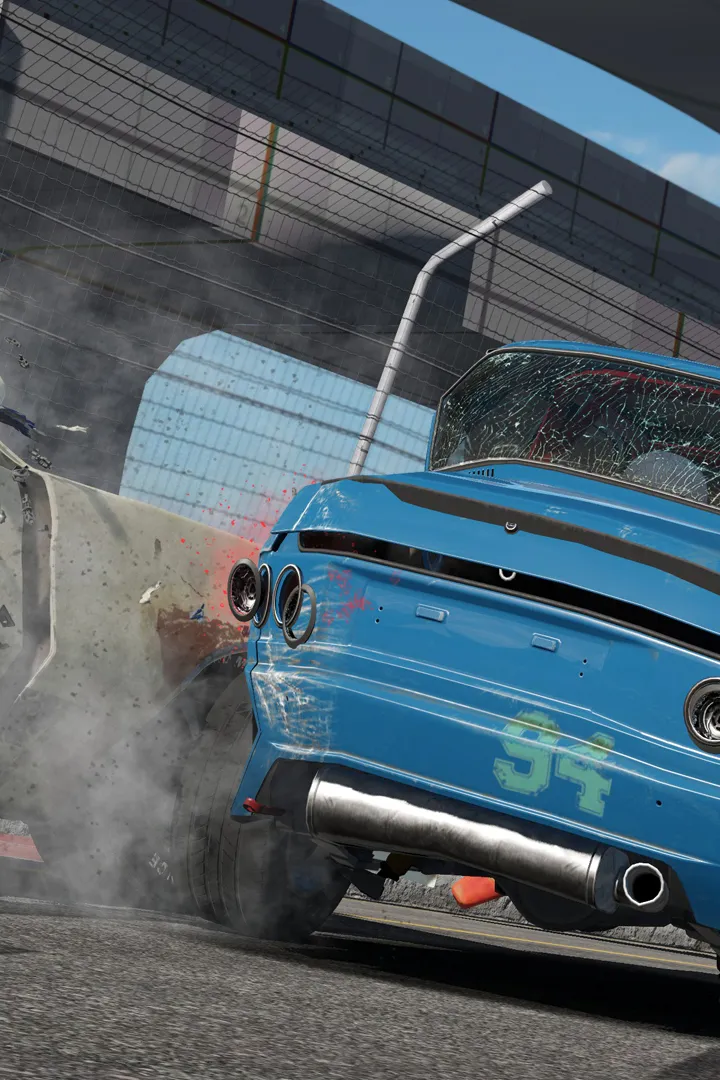
Fine-tune your Wreckfest experience by understanding the impact of different difficulty settings, from casual derbies to hardcore racing legend challenges.
Wreckfest offers a surprising depth of customization when it comes to difficulty, allowing players to fine-tune their experience from a casual demolition derby enthusiast to a hardcore racing legend. Understanding these settings and their impact is crucial for both new drivers looking to get their tires dirty and seasoned veterans aiming for ultimate glory and those elusive "You are a Legend" trophies.
Accessing Difficulty Settings
You can adjust most difficulty settings at any time from the main menu by navigating to Options > Gameplay > Difficulty. Some specific AI settings can also be tweaked before starting individual events in Career Mode or Custom Events.
Key Difficulty Parameters and Their Effects
Here's a breakdown of the most impactful settings you'll encounter:
- AI Difficulty: This is arguably the most significant setting.
- Easy: Opponents are less aggressive, make more mistakes, and have slower lap times. Ideal for new players or those focusing on demolition. Winning races, even with a basic vehicle like the Speedbird, is relatively straightforward.
- Normal: A balanced experience. AI drivers are more competitive but still offer opportunities for strategic overtakes and wrecking. This is a good starting point after completing the "Gotta Start Somewhere…" Regional Qualifiers.
- Hard: AI becomes highly skilled and aggressive. They will actively block, ram, and maintain near-perfect lines. Expect intense battles, especially in events like the Dirt Devil Stadium. Winning here often requires fully upgraded vehicles and precise driving.
- Expert: The ultimate challenge. AI drivers are relentless, almost flawless, and will exploit any weakness. Achieving "Legend" status in Career Mode on this difficulty is a true test of skill and car mastery. You'll need top-tier vehicles like the Hammerhead RS with maxed-out performance and armor upgrades.
- Opponent Vehicle Damage: This directly affects how quickly AI cars take damage and become wrecked.
- Light: AI vehicles are very resilient. You'll need sustained attacks to disable them. Good for longer races where survival is key.
- Normal: A balanced damage model. Strategic hits to weak points (e.g., rear of the Rammer) will yield results.
- Heavy: AI cars are much more fragile. Even minor collisions can cause significant damage, leading to more frequent wrecks. This setting is fantastic for demolition-focused events and quickly racking up "Influencer" fan points through spectacular takedowns.
- Realistic: Damage is brutal and unforgiving for both you and the AI. A single well-placed hit can cripple a vehicle. This setting dramatically increases the strategic element of avoiding damage while inflicting it.
- Player Vehicle Damage: This mirrors the opponent damage setting but applies to your own car.
- Light/Normal/Heavy/Realistic: Choose based on your preference for challenge. For achieving "You are a Legend" by winning all trophies, mastering races with at least Normal player damage is recommended to prepare for later career stages.
- Driving Aids: These settings directly impact your control and the game's physics.
- Traction Control: Assists in preventing wheel spin. Turning it off allows for more aggressive cornering and power slides but requires more precise throttle control.
- Stability Control: Helps keep your car stable during high-speed maneuvers and impacts. Disabling it offers more freedom but makes your vehicle prone to spinning out.
- ABS (Anti-lock Braking System): Prevents your wheels from locking up during heavy braking. Turning it off allows for more aggressive braking but risks flat-spotting tires and losing control.
- Impact: While driving aids can make early career events easier, turning them off gradually improves your raw driving skill. For "Veteran" and "Legend" career milestones, mastering driving without aids will give you a competitive edge against Expert AI.
Strategic Difficulty Adjustments for Career Progression
Your journey from "Gotta Start Somewhere…" to "Legend" will benefit from smart difficulty management:
- Early Career (Rookie Year): Start with Normal AI Difficulty and Normal Player/Opponent Damage. Keep all driving aids on. Focus on learning track layouts and basic vehicle handling. This will help you earn enough fans to unlock the first gate and achieve "Influencer" status without too much frustration.
- Mid-Career (Veteran Year): As you gain experience and upgrade your vehicles (e.g., the RoadSlayer GT with a Stage 3 engine), consider bumping AI to Hard and perhaps increasing Opponent Vehicle Damage to Heavy for more exciting wrecks. Experiment with turning off one driving aid at a time to refine your control.
- Late Career (Legend Status): To truly conquer the career and earn the "Legend" trophy, you'll need to master Expert AI Difficulty. This often means running with Realistic Player/Opponent Damage and minimal to no driving aids. Focus on optimizing your vehicle builds for specific events and perfecting your race lines. Don't be afraid to restart events if you take too much damage early on.
Remember, Wreckfest is about fun. Adjust the difficulty to find your sweet spot, whether you're aiming for every trophy or just want to cause some glorious vehicular mayhem!
100% Human-Written. AI Fact-Checked. Community Verified. Learn how AntMag verifies content