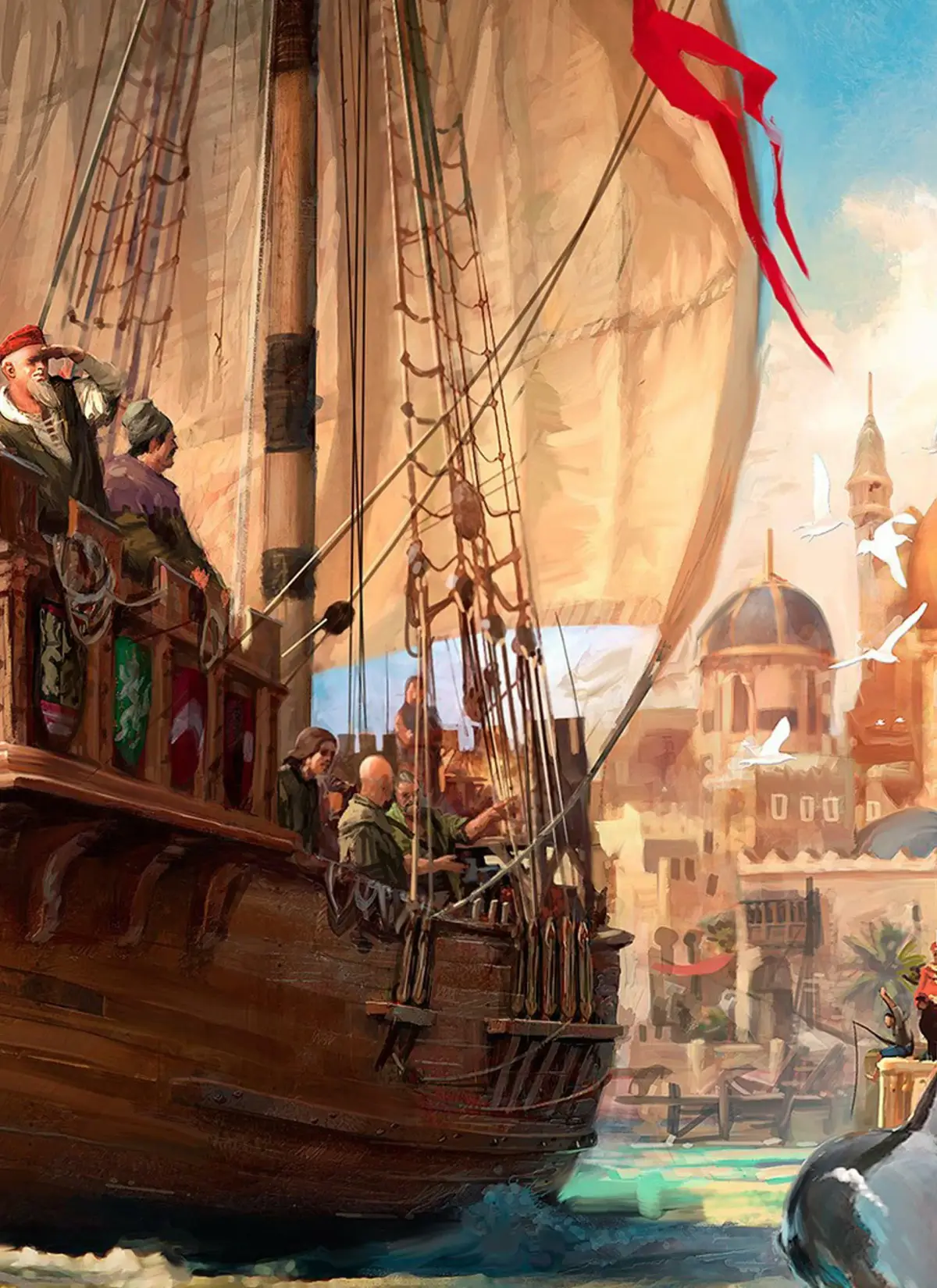
Learn how to play Anno 1404 on the Wii! This guide covers Wii Remote and Nunchuk controls, plus how to use a second Wiimote for co-op.
Alright, so you've got Anno 1404 and you're playing on the Wii. No worries, it's pretty straightforward! You can use just the Wii Remote, or the Remote with the Nunchuk. Honestly, the Nunchuk doesn't add anything new, so I usually just stick with the Wii Remote by itself. It handles everything you need.
Wii Remote Controls:
- Point: This is your main cursor. Use it to move around the map, especially when you're grabbing and scrolling.
- A Button: This is your 'select' button in menus. It's also how you'll grab the map to move it (when you're not trying to select a building), examine buildings you're hovering over, and build stuff when you're in build mode. Plus, it scrolls through text and lets you select soldiers or change their numbers in military mode. Oh, and it's how you move your ship when you're captaining it!
- B Button: This is your 'cancel' button in menus. It's also how you open the build menu if you're hovering over empty space, and you can even duplicate a building if you're hovering over an existing one.
- D-pad Up: Quick access to tooltips – super handy for checking what things do.
- D-pad Left/Right: These let you cycle through your warehouses.
- D-pad Down: Switches you into Military Mode.
- + Button: Zoom In.
- - Button: Zoom Out. Keep holding it, and you'll eventually open up the full map view.
- 1 Button: Opens the Map.
- 2 Button: Opens the Main Menu.
Nunchuk Controller:
- Control Stick: Just scrolls the map around.
- Z Button: Zooms In.
- C Button: Zooms Out, eventually opening the map view like the '-' button on the Wii Remote.
Now, here's a neat trick: you can use a second Wiimote for a limited
100% Human-Written. AI Fact-Checked. Community Verified. Learn how AntMag verifies content