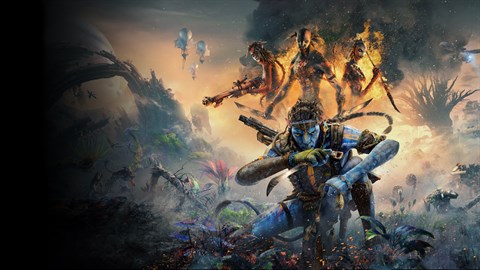

Guide to Avatar: Frontiers of Pandora - From the Ashes HUD and minimap. Understand health, stamina, energy, ammo, enemy indicators, and icons for navigation in.
Navigating the visually rich and often chaotic battlefields of Pandora in Avatar: Frontiers of Pandora - From the Ashes requires a keen understanding of your Heads-Up Display (HUD) and minimap. These elements are your primary sources of information, guiding you through combat, exploration, and objective completion. The HUD, positioned at the periphery of your screen, provides critical real-time data. Your health bar, depicted as a green segment, depletes with incoming damage. Adjacent to it is your Stamina bar, essential for sprinting, dodging, and performing certain combat maneuvers. For Na'vi players, the Energy bar, crucial for using special abilities like the Arrow Volley, is also prominently displayed. Ammunition counts for your equipped weapons, such as the Rifle or Longbow, are typically found in a corner, ensuring you're never caught off guard. Enemy health bars will appear above their heads when targeted, often with a distinct color indicating their threat level or armor status. Objective markers and quest updates will also flash on the HUD, directing your attention to key locations or tasks. The minimap, usually located in a corner of the screen, offers a tactical overview of your immediate surroundings. It displays your current position, the terrain, and importantly, the locations of allies, enemies (often indicated by red dots), and interactive elements like crafting stations or quest givers. Understanding the different icons on the minimap is paramount; a flashing exclamation mark might denote an important NPC, while a small building icon could sify a safe zone or a vendor. Pay close attention to the minimap's directional indicators, especially when navigating dense foliage or during fast-paced chases through areas like the Whispering Falls.
100% Human-Written. AI Fact-Checked. Community Verified. Learn how AntMag verifies content