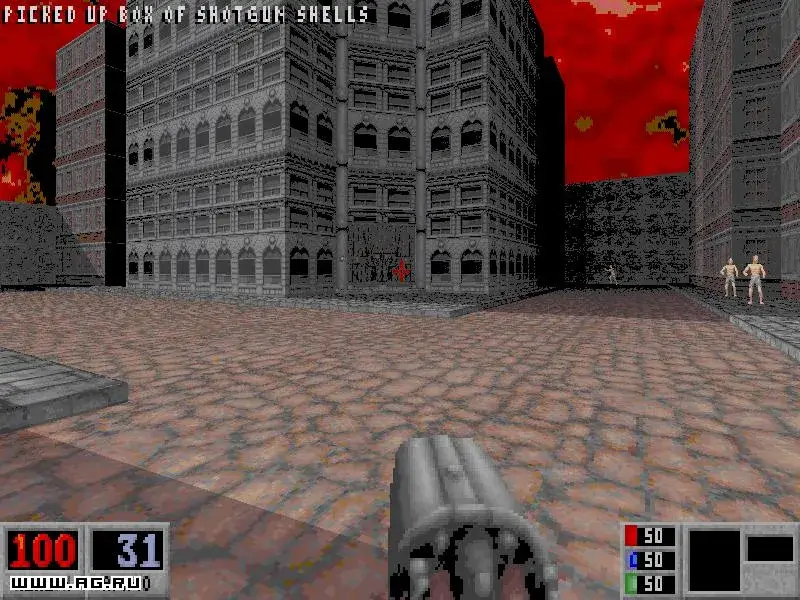
Learn the default keyboard controls for Blood, including movement, firing weapons, using items, and opening doors.
Controls:
- Movement:
- Up Arrow: Move up
- Down Arrow: Backstep
- Left Arrow: Turn left
- Right Arrow: Turn right
- Shift + Arrow: Run in direction of arrow key
- Alt + Arrow: Strafe in direction of arrow key
- Caps Lock: Auto-run
- Backspace: 180 degree turn
- Combat:
- Control: Fire currently equipped weapon (Primary Fire)
- X: Fire currently equipped weapon (Alternate Fire)
- A: Jump
- Z: Crouch
- Interaction:
- Spacebar: Use items or open doors
- Enter: Use current inventory item
- Inventory & Weapons:
- [ or ]: Select Inventory Item
- ; or ': Previous weapon or next weapon
- Scroll Lock: Holster weapon
- Camera & View:
- Keypad 5: Center vertical view
- Home: Aim up
- End: Aim down
- Page Up: Look Up
- Page Down: Look Down
- Game Menu:
- Tab: 2D map modes
- Pause: Pause game
- ESC: Display Main Menu
Tips
- Experiment with Shift+Arrow for faster movement across open areas.
- Alt+Arrow allows for precise sideways movement while maintaining your facing direction.
- Remember that the Spacebar is context-sensitive for both using items and interacting with doors.
100% Human-Written. AI Fact-Checked. Community Verified. Learn how AntMag verifies content