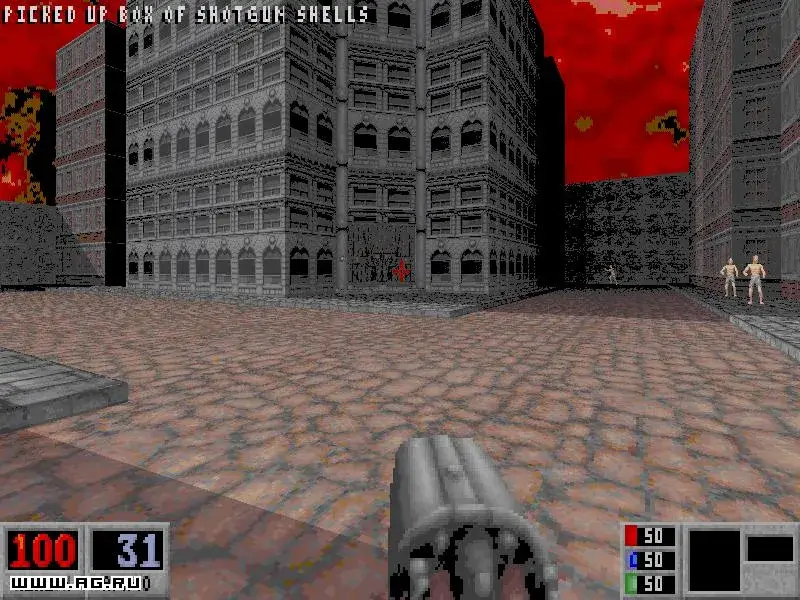
Learn Blood function key controls: F1 for Help, F2 to Save, F3 to Load, F6 for Quick Save, F9 for Quick Load, and F10 to Quit.
Walkthrough
- 1Press F1 to access Help and the Game Story.
- 2Press F2 to Save your current game progress.
- 3Press F3 to Load a previously saved game.
- 4Press F4 to adjust Sound and Music Settings.
- 5Press F5 to change the Screen Resolution.
- 6Press F6 for a Quick save of your game.
- 7Press F7 to toggle Chase View.
- 8Press F8 to toggle messages on or off.
- 9Press F9 for a Quick Load of your game.
- 10Press F10 to Quit the game and return to DOS.
- 11Press F11 to adjust Brightness.
- 12Press F12 to take a PCX screenshot.
Tips
- Use F6 and F9 for frequent saving and loading to avoid losing progress.
- F12 is useful for capturing memorable moments in Blood.
100% Human-Written. AI Fact-Checked. Community Verified. Learn how AntMag verifies content