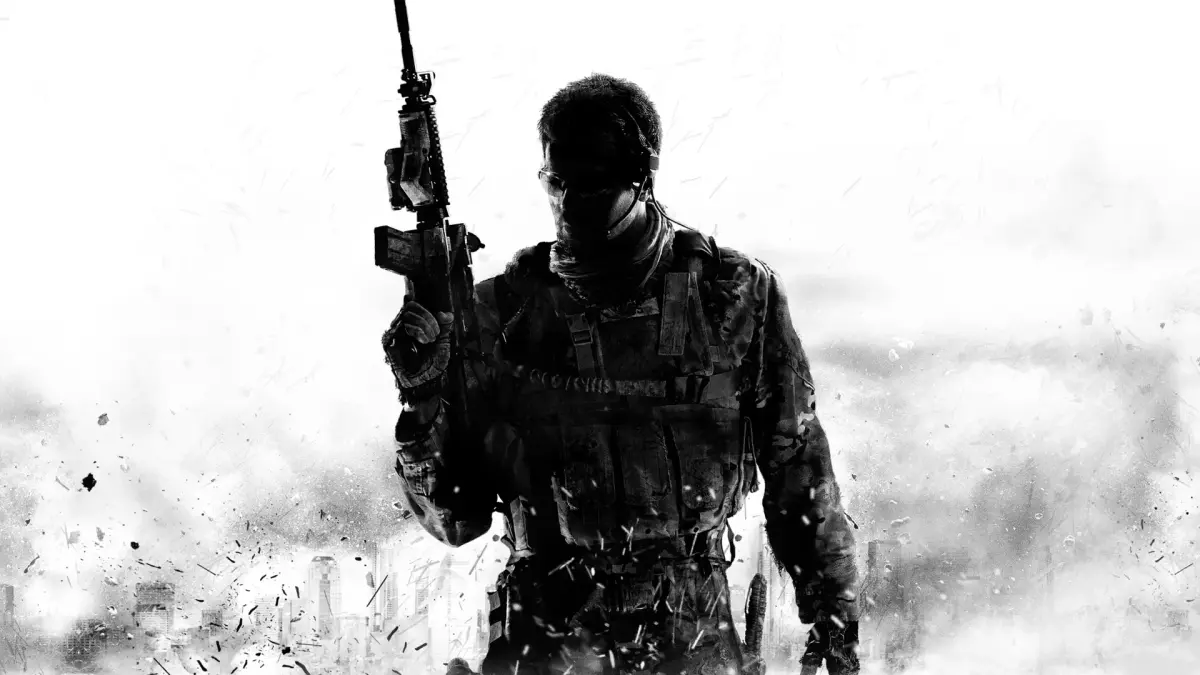
Learn how to use Tactical Stance in MW3! It's a game-changer for close-quarters combat, bridging the gap between hip-firing and ADS for faster reactions and better accuracy.
Alright, let's talk about a cool new move in Modern Warfare 3 called Tactical Stance. Think of it as your secret weapon when things get up close and personal, or if you just like to push the action. It's basically a sweet spot between just spraying bullets wildly (hip-firing) and taking the time to aim down your sights (ADS). This stance gives you more accurate shots than regular hip-fire, and you can move around a bit quicker than when you're fully ADS. The best part? Your damage output stays strong, meaning you can down enemies faster and react on the fly. It's a really smart addition for those aggressive plays!
So, how do you actually pull this off? It’s pretty straightforward. You'll need to dive into your Settings, then head over to Gameplay Settings. Look for an option called Tactical ADS Activation. Here, you can set up how you want to trigger this stance. Common options include binding it to pressing ADS + Melee at the same time, or even Double-Tapping ADS. To get out of Tactical Stance, just press the same button combo again. You'll know it's active because your weapon will noticeably tilt to the side. It's super handy for those tight situations where every second counts.
Just remember, Tactical Stance really shines when you're up close with enemies. For those longer-range engagements, sticking with your normal stance and aiming down sights is still your best bet for accuracy.
100% Human-Written. AI Fact-Checked. Community Verified. Learn how AntMag verifies content